Tracking & analytics Know what made the phone ring.
Tracking is just counting, done properly. It is what turns an advertising invoice into a cost per customer you can check against your own books — and what stops you paying to find more of whatever the report happened to be counting.
Consent wired before the tags, personal details hashed before they leave · Our learnings, never your data · Every account, every time
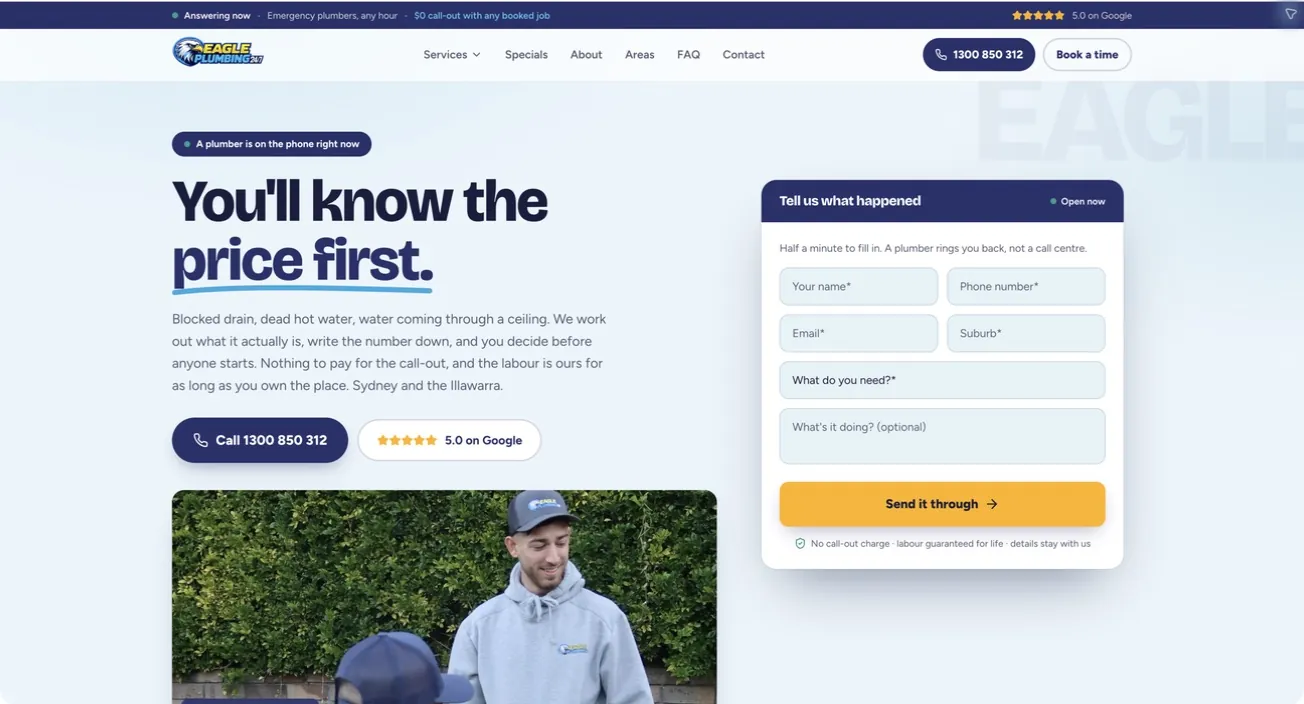
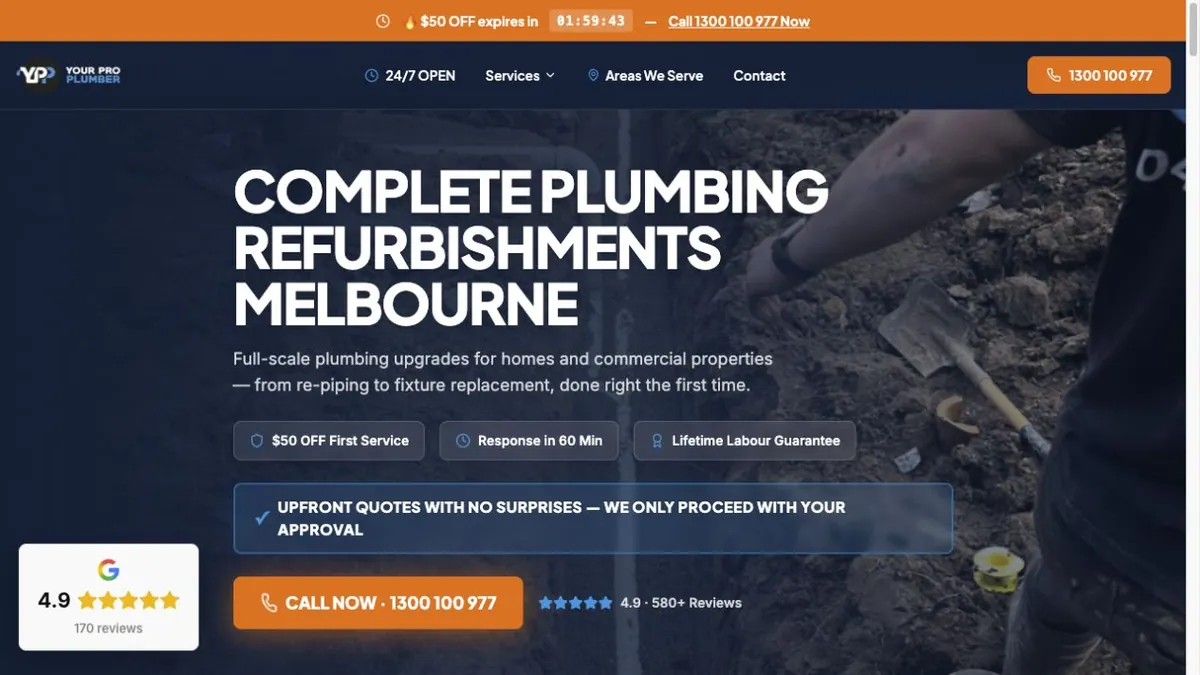
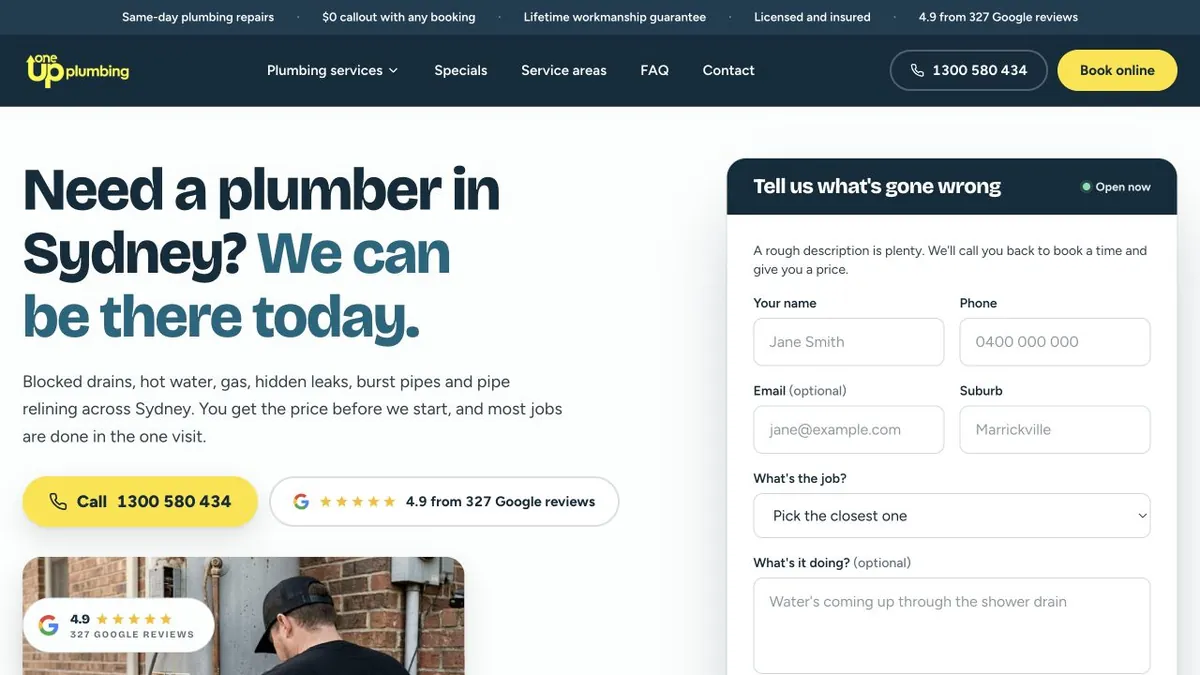
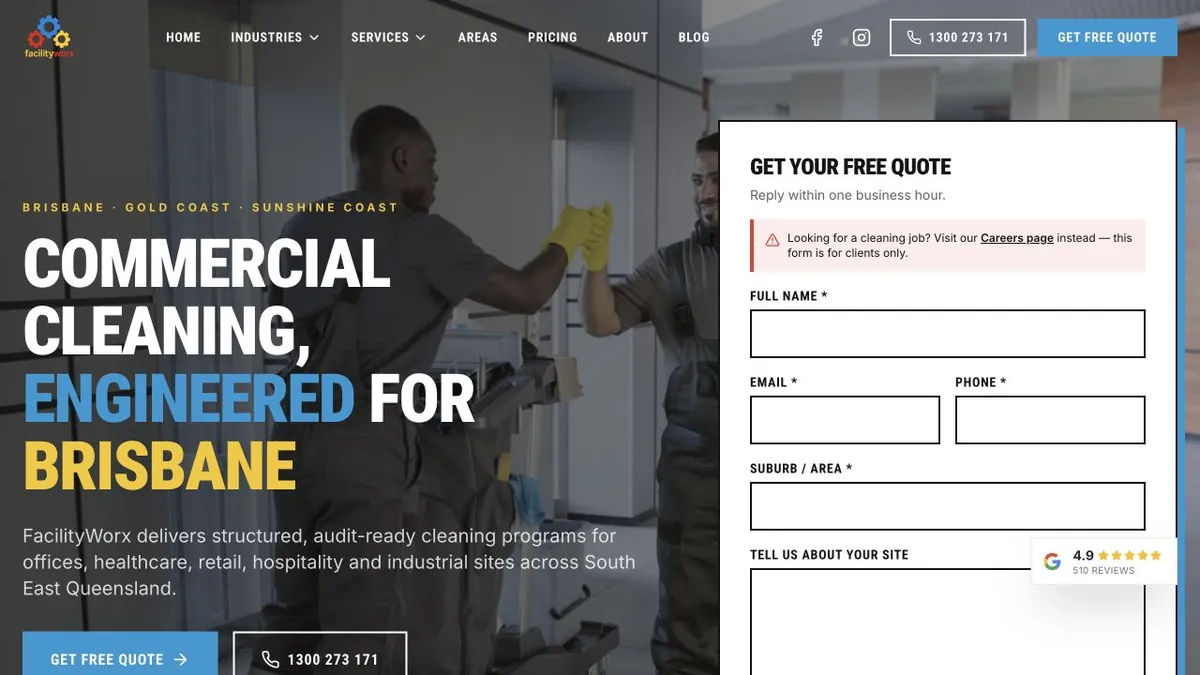
Accounts whose published results depend on this measurement.
These studies are acquisition outcomes, not tracking case studies. They are included because every cost-per-enquiry and booked-job claim below would be unusable without the call, form and attribution layer described on this page.
Most reports
are lying to you.
Not on purpose. These seven are what we open almost every account and find, and none of them look like a problem from the outside — the numbers are all there, they are just measuring the wrong thing.
Somebody set every page load to count as a lead
Whoever installed it put the conversion tag on all pages instead of the thank-you page. The report says four hundred leads. The phone rang eleven times. Nobody notices until someone adds it up by hand.
Nobody ever set the phone calls up
For most service businesses the phone is the sale. If nobody made calls a tracked conversion, the bidding decides everything on form fills alone and your money stays invisible.
Two people installed the same tag
One went into the website's code, one into the tag manager, and the two of them never spoke. Two of everything. Spend looks efficient right up until the bank statement disagrees.
A newsletter signup weighs the same as a job
Somebody dropped every conversion into one column and never put values on them. The bidding then chases whichever one is cheapest to get, which is never the customer you wanted.
Nobody can say who installed what
Five to fifteen tracking scripts accumulate on a typical business site over the years, added by different people, with no naming, no notes and no way to test them.
Half the browsers never report back
Ad blockers, Apple's App Tracking Transparency and the phase-out of third-party cookies all cut into browser-side tracking. Server-side measurement is no longer an optional extra.
Nobody wired the consent up
Tags fire before anyone has agreed to anything, or the consent banner silently blocks the tags you paid for. Both are common, and we find both in the first hour.
How many of these seven are live on your site right now?
We trace every signal end to end — tags, events, conversion actions, the lot — and hand you the list of what is miscounting.
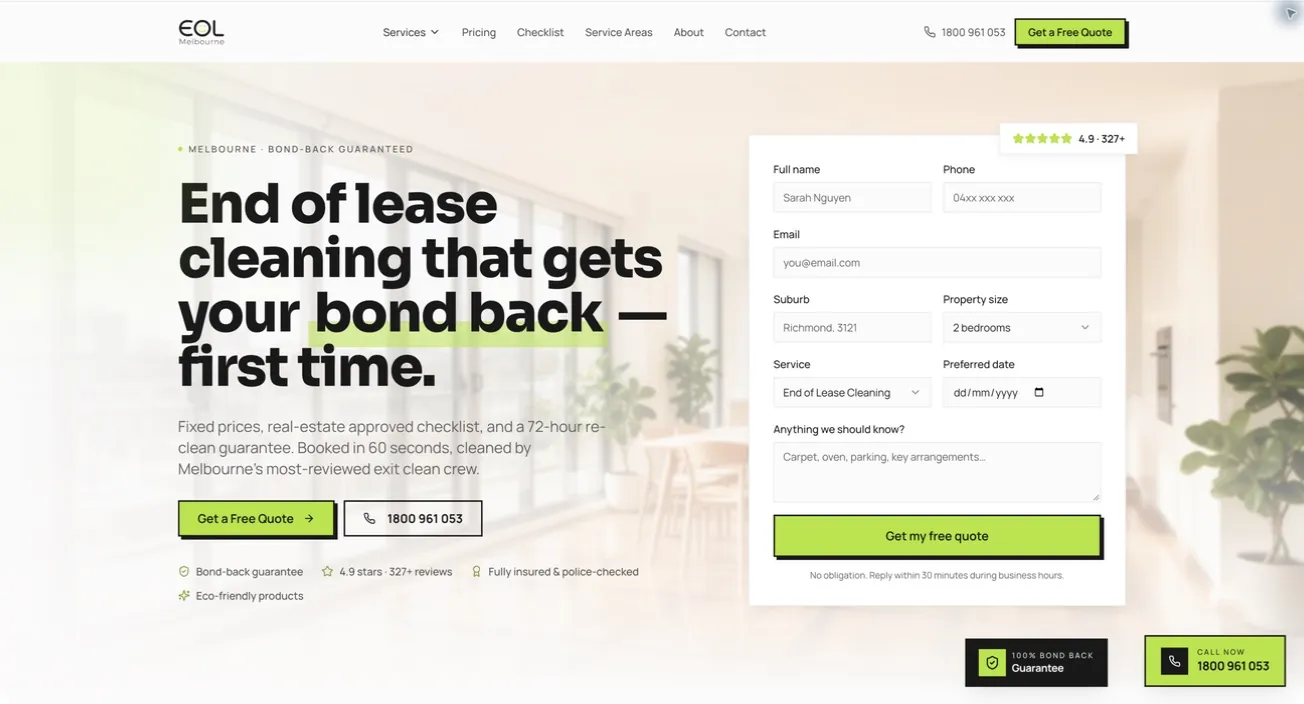
Pink Flamingo · 41-day period
A$20.43
Cost per job booked
138 jobs from A$2,819.92 of ad spend — counted on booked jobs, not form loads
Pink Flamingo · Search
21.20%
Clicks that became jobs
A conversion rate is only meaningful once the conversion is the real thing
Cleanetic Perth · 15-day period
53
Jobs, brand-new account
A$24.92 cost per job · no conversion history at launch to learn from
Figures are from live client accounts and are dated in each case study. They are what those campaigns did, in those markets, at those budgets — not a forecast for yours. We can quote a cost per job at all because the tracking was built to count jobs.
Five tools.
One job.
They sound like five separate products. They are four steps of one sentence: somebody did something, it was labelled, it was sent on, and now you have a number.
01
First click
A stranger taps an ad. Nobody has met them and nothing has been sold.
02
First visit
They read one page, do nothing, and leave. Most people do.
03
They come back
Days later, by name, by a second ad, or straight from a saved tab.
04
They get in touch
A phone tap, a quote form or a booking — the moment worth measuring.
05
You quote
The enquiry becomes a real conversation with a price attached to it.
06
Booked job
Traced all the way back to the click that started it, with what it cost.
Somebody does something on your site
They tap the phone number, submit the quote form, book a time or place an order. That is the moment worth measuring. Everything else on this page exists to get that moment recorded honestly.
The tag manager notices and labels it
One container sits on your site and watches for the handful of actions that matter to your business. It gives each one a name, and attaches what it is worth and where the visitor came from.
We send it on twice — from the browser and from the server
The same event travels to the platforms by two different roads, carrying a shared reference so they merge it rather than count it twice. If a browser is blocked, the server copy still arrives.
The ad platforms learn, and you get a number
Google and Meta bid toward the people who behave like your real customers, and you get a cost per job you can check against your own books rather than a cost per click.
And here is what each one actually does.
- Google Tag ManagerRead the pageOne container on your site that holds every tracking tag, so nothing else has to be written into your website's code.Best forEvery business. It is the foundation the other four sit on, and it is free to use.Watch outA container nobody manages is worse than none — duplicate tags, tags nobody can explain, and no record of who added what.
- Google Analytics 4Read the pageWhere the behaviour lives: how people found you, what they did, where they gave up, and which channel was involved in the sale.Best forUnderstanding the journey, and feeding Google's bidding with conversions it can trust.Watch outOut of the box it measures almost nothing you care about. The default install is not a setup.
- Meta PixelRead the pageThe browser-side half of Facebook and Instagram measurement. It tells Meta who converted so Meta can find more people like them.Best forAny business advertising on Facebook or Instagram, and for building audiences to follow up with.Watch outOn its own it is losing ground to ad blockers and iOS. It needs the server-side half beside it.
- Meta Conversion APIRead the pageThe server-side half. Your own server reports the sale to Meta directly, so no browser has to cooperate for the event to arrive.Best forAnyone spending real money on Meta, and anyone whose reported results stopped matching their invoices.Watch outPair it with the Pixel and give them a shared reference, or Meta counts the same sale twice.
- LinkedIn Insight TagRead the pageThe only tag that tells you the kind of company visiting — industry, size, seniority and job function, in aggregate.Best forBusinesses selling to other businesses, where one enquiry can be worth a year of trade work.Watch outIt is worth little to a consumer business, and it needs enough traffic before the reports will show anything.
Not every business needs all five.
What each one answers, what it needs from you before it will answer it, and what it costs you to leave it out. Read across a row rather than down a column.
Google Tag Manager
What it answersNothing on its own. It is the container the other four live in, and the reason none of them has to be written into your website's code.
What it needs firstOne piece of code on the site, and a naming habit somebody actually keeps.
What skipping it costsEvery new tag becomes a developer ticket, and within two years nobody can say who installed what or why.
Google Analytics 4
What it answersHow people found you, what they did, where they gave up, and which channels were involved in the sale rather than only the last one.
What it needs firstConversions defined per action with values attached. The default install measures almost nothing you care about.
What skipping it costsYou have traffic reports and no way to say which of that traffic produced a paying customer.
Meta Pixel
What it answersWho converted, so Facebook and Instagram can go looking for more people who behave like them.
What it needs firstA tag on the site firing the same handful of actions you agreed count as customers — not every page load.
What skipping it costsYou are paying Meta to guess, and the audiences you follow up with are built out of nothing.
Meta Conversion API
What it answersThe same question the Pixel does, reported from your own server, for the growing share of visitors whose browser will not report it.
What it needs firstA server-side connection, and a shared reference with the Pixel so one sale never arrives as two.
What skipping it costsReported results drift further from your invoices every year, and the bidding optimises on a partial picture of your customers.
LinkedIn Insight Tag
What it answersThe kind of company on your site — industry, size, seniority and function, in aggregate rather than by name.
What it needs firstEnough traffic for the reports to show anything, and a B2B sale worth the effort of reading them.
What skipping it costsFor a business selling to other businesses, the only signal about who is actually looking. For a consumer business, very little.

The first two rows apply to every business on this site. The last three depend entirely on where you advertise — and if you are not on that platform, installing its tag buys you nothing but another script to explain.


Which of the five do you actually need?
It comes down to where you advertise and what you already have installed. We will tell you which ones to skip as readily as which to build.
Ten things happen on a tracking build. Here they are, in order.
Almost none of this is installing anything. Most of it is agreeing what a customer is, proving the number is real, and writing it down so the next person can read it.
Agree what counts as a customer
Before we touch a single tag we sit down with you and write the list: a booked job, a quote request, a phone call over a minute, an order. If it is not on that list, we do not count it as one.

Put a value on each of them
A booked job and a newsletter signup are not the same event, so we do not give them the same weight. We take the values from your own average job size, not from a benchmark.

Audit what is already there
We open every tag currently on your site and note what it fires on, whether it duplicates another one, and what it costs your page speed. You keep that list in plain English whether or not you hire us.
Design the data before installing anything
We write down the names, the values and the details that travel with each event before we install anything. Doing it the other way round is how businesses end up with three different names for the same enquiry.
Build it in one container
We put everything in one tag manager, with folders, a naming convention and a note on why each tag exists. Adding a new platform later becomes an afternoon rather than a developer ticket.
Wire consent first, not last
We build the banner and the tags together, so the tags respect the choice a visitor makes and your marketing does not quietly break the moment somebody clicks decline.
Send it twice, count it once
Browser and server both report the same sale, sharing a reference so the platforms merge them. You get the coverage of the server without the double-counting of running two systems.
Test every tag before it goes live
We use preview mode, the platform's own debug view, and a real test enquiry pushed all the way through. Two of us sign it off. Nobody publishes on the strength of one person's confidence.
Reconcile the numbers against your books
The report and your invoices have to agree. Where they do not, we treat that gap as the job — and it is far more often a measurement problem than an advertising one.
Write it down and hand it over
We write down what we installed, what fires when, what each number means and who to call. Documentation is part of the work, not a favour, and it is what stops this becoming a black box.
Step six is the one most agencies leave until last, and it is the reason their clients' tags stop firing after a consent banner goes in. It is easier to build them together than to unpick them later.
What the first six weeks look like.
- Week 0
The audit and the first call
Thirty to forty-five minutes on what you sell and what a customer is worth. Then we open what you have and write down every tag that is missing, duplicated or lying.
- Week 1
The measurement plan
We give you one page, in your language: what counts as a customer, what each one is worth, and which platform needs to know about it. You sign it off before we install anything.
- Weeks 1–2
The build
We build the container, the events, the values, consent, server-side and the reports — all in preview. We never publish half-finished, and a second person reads it before it goes anywhere.
- Go live
The proving run
We push real test enquiries through every path — form, phone tap, booking, order — and watch each one arrive in each platform. If one does not land, it does not launch.
- Weeks 3–6
Reconciliation
We check the first month of reported conversions against what actually happened in your business. This is where we find the last quiet gaps, and there are usually one or two.
- From there
Rhythm
We check the tracking as part of every reporting cycle and re-test it whenever your site changes. A website redesign breaks measurement more reliably than anything else we see.
Nothing is published live while it is half-built. That is a rule we hold ourselves to, not a favour — a half-published container is how an account ends up counting the same sale twice.
Eight things you can check without being technical.
This is the easiest work on the site to be sold badly, because most buyers cannot inspect it. So here is the standard, and the question that tests each part of it.
The list of what counts as a customer exists on paper first
A booked job, a quote request, a phone call over a certain length, an order. You and whoever builds it write that list down and agree it before anybody touches a tag, because everything after it gets judged by it.
Ask thisAsk to see the measurement plan. One page, in your language, signed off by you rather than by a developer.
Every conversion carries a value
A booked job and a newsletter signup are not the same event, so they do not get the same weight. Values come from your own average job size, never from a benchmark.
Ask thisAsk what a quote request is worth in your account. If the answer is blank, the bidding is chasing whichever result is cheapest to collect.
Somebody wires consent with the tags, not after them
Whoever builds the banner builds the tracking alongside it, so tags respect the choice a visitor makes and your marketing does not quietly break the moment somebody declines.
Ask thisClick decline on your own banner, then send yourself a test enquiry and see what still happens. Both answers matter.
The build sends the same sale twice and counts it once
Browser and server both report it, sharing a reference so the platforms merge the two. You get the coverage of the server without the double counting of running two systems.
Ask thisAsk what stops one job arriving as two. There is a specific answer, and it is not the word yes.
Someone proved every path with a real enquiry before launch
Form, phone tap, booking and order — a person pushes each one all the way through and watches it arrive in each platform. If one does not land, it does not launch.
Ask thisAsk which paths were tested, and who watched each one arrive. Two people, not one.
Someone reconciles the numbers against your own books
The report and your invoices have to agree. Where they do not, somebody has to go and find out why — and it is far more often a measurement problem than an advertising one.
Ask thisAsk how last month's reported conversions compared with the jobs you actually did. A gap is normal; no answer is not.
Nothing personal leaves your business
What we take from an account is the learning, never your customer data. That is the same promise this firm makes everywhere else, and it is a constraint on the build rather than a policy page.
Ask thisAsk what actually leaves your business and in what form. The answer should be short and you should understand all of it.
They write it down and hand it to you
What they installed, what fires when, what each number means and who to call. Documentation is part of the work, not a favour, and it is what stops this becoming a black box.
Ask thisAsk for the documentation. If it lives in one person's head, that is a dependency you are paying for rather than a service.
Put those eight questions to us.
We will answer them about your setup rather than in general, and you keep the answers whether or not you hire us.
Tracking is a whole gate, not a step inside one.
Compound is how our team works on any account — six gates every change passes through. Measurement is the second of them, and no money moves until it is closed.
Meter
If it can't be measured, it doesn't get bought.
This whole page is that stage. Before you spend a dollar we agree with you what a customer is, wire it so calls, forms, bookings and orders each count as themselves, and prove it by pushing a real enquiry end to end.
Ledger
Every change we make becomes a record you can open.
Tracking work is invisible by nature, which is exactly why we write it down. We date every tag, every event and every change in a record you can read — so “we fixed the tracking” is a list you can open, not a sentence in an email.
Six ways a working setup stops working.
Tracking does not fail loudly. It fails quietly, keeps reporting, and nobody notices for a quarter. These are the six we see most, and the specific thing that stops each one.
The website changed and nobody re-tested
A redesign breaks measurement more reliably than anything else we see. The form still works, the page after it moved, and the conversions stop without an error appearing anywhere.
Prevented byWe re-test the tracking as part of every reporting cycle and whenever the site changes — pushing a real enquiry through each path, not eyeballing a tag in a list.
The same tag installed twice, a year apart
One written into the website's code, one added in the tag manager, by two people who never met. Two of everything, and the spend looks efficient right up until the bank statement disagrees.
Prevented byWe list every tag already on the site before we build anything new, and from then on the container is the only place we let a tag live.
Consent quietly switched the marketing off
A banner installed by somebody else can block the tags that were paid for, or fire them before anyone agreed to anything. Both are common and neither announces itself.
Prevented byWe build the banner and the tags together, and we test the decline path as carefully as the accept path before launch.
The plan was written after the install
Tags added one at a time as they were needed produce three different names for the same enquiry. No report can be trusted after that, and untangling it costs more than the original build.
Prevented byWe design the names, the values and the details that travel with each event, and you sign them off, before we install anything. Doing it second is the mistake.
Everything was marked important
A newsletter signup weighing the same as a booked job means automated bidding chases whichever one is cheapest to get — forever, and very efficiently.
Prevented byWe only put the actions on the agreed list into the column the bidding reads, and we give each one a value taken from your own average job size.
Only one person understood it
A measurement setup that lives in somebody's head fails the first week they are on leave, and it holds you to whoever built it.
Prevented byWe date every tag, event and change in a record you can open, and we write the handover document as the build happens rather than at the end.
Numbers we can
stand behind.
Every figure below exists because somebody built the measurement underneath it to count the real thing. Each tile links to the full breakdown, including the spend behind it.
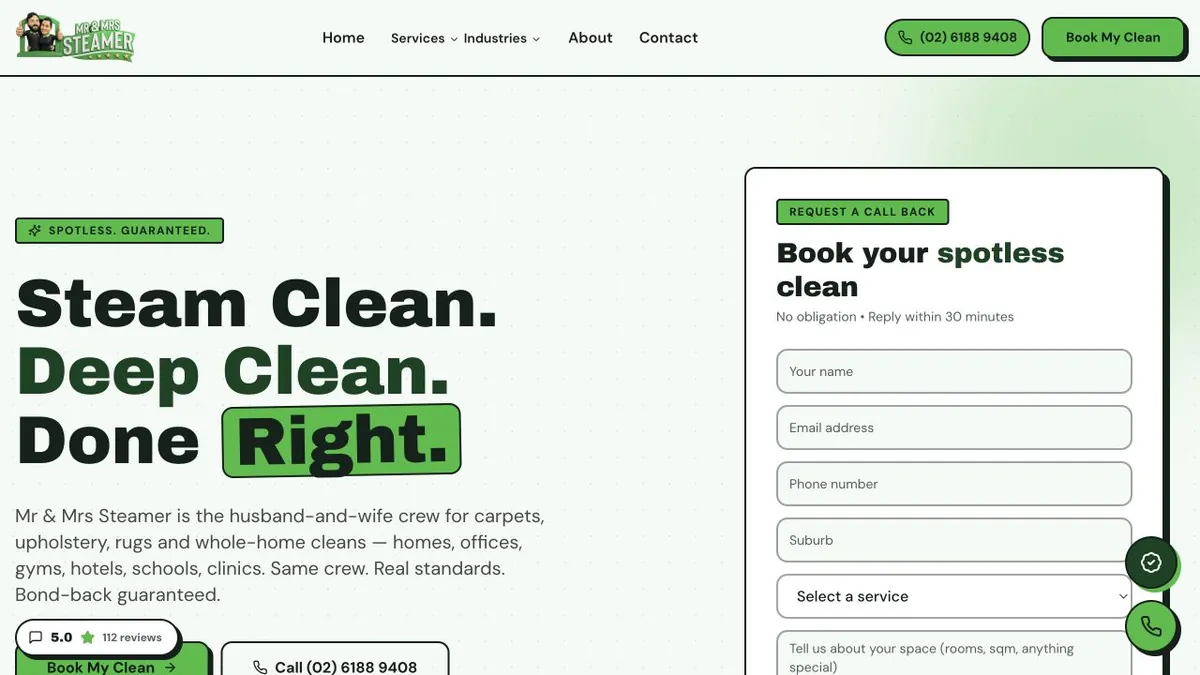
- End-of-lease cleaning · MelbourneA$20.43cost per job booked138 jobs in 41 days from A$2,819.92 of ad spend · counted on booked jobs, not form loadsPink Flamingo
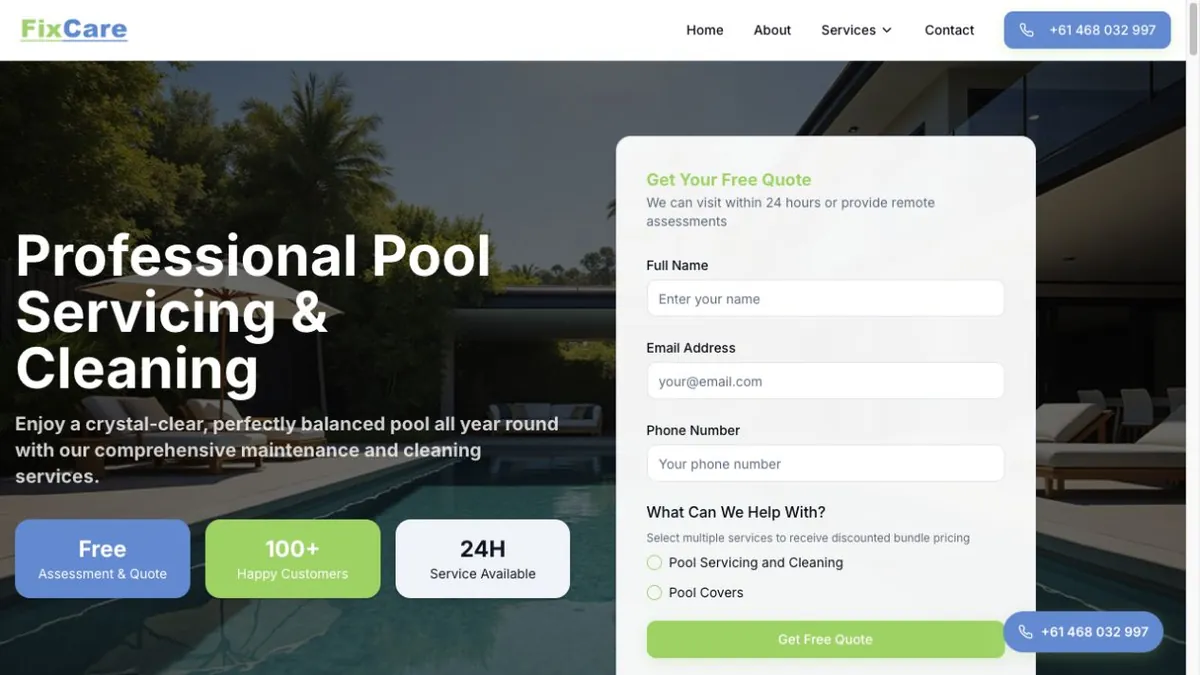
- Carpet cleaning · Perth20.08% of clicks became jobs53 jobs in the first 15 days · brand-new account with no conversion history at launchCleanetic
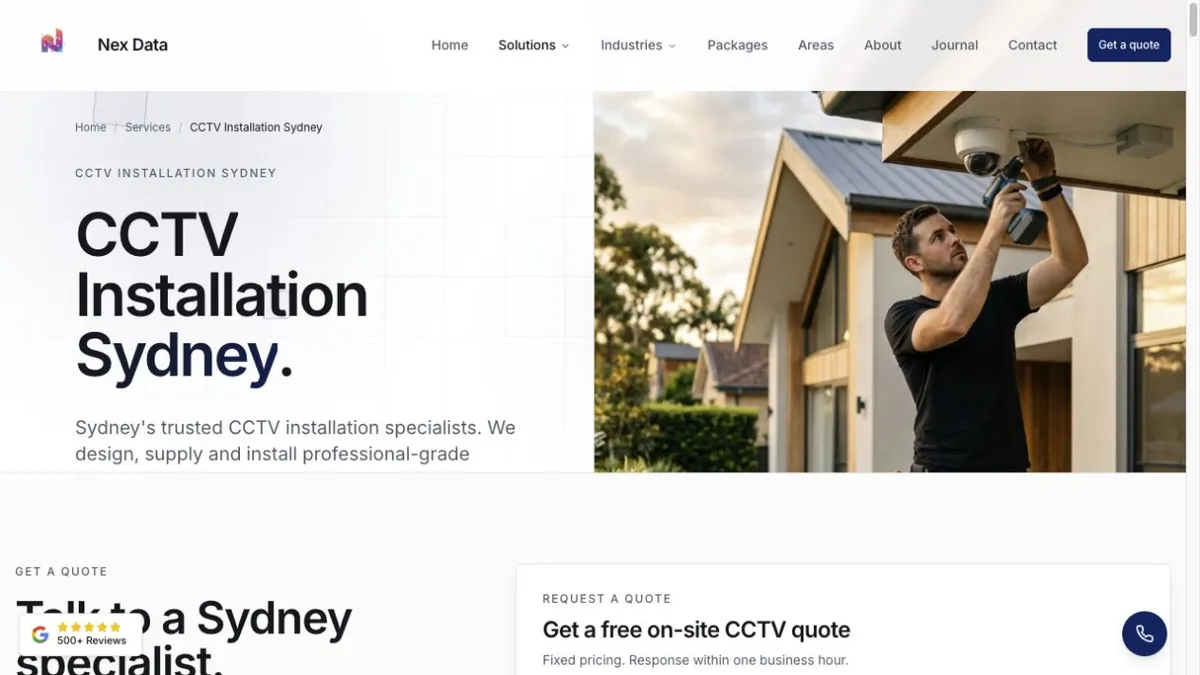
- Security install · New South Wales39qualified leads in 15 daysCommercial and residential counted separately · same-day lead alertsNexData
- Trades · Sydney36jobs booked in 24 daysFirst quotes by day 3 · job type attached to every enquirySydney Fence Painting
- Solar · Meta · Australia189qualified leads in four weeks18,858 people reached · every lead routed to a rep by CRM rather than by inboxSolarMan
None of those figures exist without measurement — a cost per lead is only a tracked conversion divided by spend. Work out what your own cost per lead should be and you have the number the tracking has to be able to prove.
What a study can publish is decided by what was instrumented before it ran. The Central Coast property maintenance account reports 276 enquiries and 22 tracked phone calls against 1,588 clicks — the calls are in that sentence because somebody wired them up, not because they were estimated afterwards. The calls that go unanswered are the harder half: they cost the same to buy, they still register as conversions, and putting a yearly figure on them usually changes what the reporting is asked to do.
Still deciding?
You probably need two of these five, not all of them.
Which of these do you need?
Find your situation on the left. The answer is on the right, and it is never “all five”.
- You have never set any of this up.
Start with the tag manager. It is free, it is the container everything else lives in, and installing it first saves you doing the other four twice.
Google Tag Manager- Your reports look great and the phone is quiet.
That is almost always a conversion counting every page load. Analytics is where it is diagnosed and where it is fixed.
Google Analytics 4- You advertise on Facebook or Instagram.
The Pixel is the minimum. It is how Meta learns who your buyers are, and without it you are paying the platform to guess.
Meta Pixel- Meta reports fewer sales than you actually made.
The browser is being blocked. The Conversion API reports from your server instead, so the events arrive regardless of what the browser allows.
Meta Conversion API- You sell to other businesses, not consumers.
The Insight Tag is the only one that tells you the kind of company on your site. For a long B2B sales cycle that is the difference between a list and a pipeline.
LinkedIn Insight Tag- You genuinely have no idea what is installed.
Take the free tracking audit. We open what is there, test every path, and hand you the list of what is missing, duplicated or wrong — yours either way.
Book the audit
Measurement is the floor the rest of it stands on.
These are the pages either side of this one — what the tracking measures, and what it makes possible once the numbers are honest.
- Improve lead qualityThe next step once measurement is honest: feeding your sales team's verdict on each lead back into the platforms that bought it.
- What the measurement is in service ofThe whole thing this measures. Tracking is what turns a lead-generation campaign from a spend into a cost per customer.
- The account these conversions steerThe channel most affected by this page. Automated bidding is only as good as the conversions you let it see.
- Facebook advertisingWhere the Pixel and the Conversion API both do their work, and where the browser-side gap shows up first.
- LinkedIn advertisingThe channel the Insight Tag feeds, for B2B sales that take months rather than minutes.
- Website design and landing pagesWhere the click lands, and the single most common thing that quietly breaks a working tracking setup.
- Measurement, trade by tradeA removalist and a mortgage broker count a conversion at completely different points. Each page names where.
- App install trackingIf you run a mobile app as well: why the store console, the ad platform and your own database never report the same number of installs.
Tracking, answered.
Cost, timing, contracts, who owns the data, privacy and consent, and what happens when the numbers still do not add up.
The first call is free and there is no deck.
Ask us about your trackingIt depends on how much is already there and how many places your enquiries come from. A single-site business with a form and a phone number is a much smaller job than a store with a checkout, a booking system and a CRM behind it. For clients we run advertising for, the build is part of the engagement rather than a separate invoice. As a standalone project it is quoted as a fixed price once we have seen what is installed, and the audit that produces that number is free.
A straightforward build — tag manager, analytics, one ad platform, calls and forms — is usually live inside two weeks, including the week we spend agreeing what counts as a customer before touching anything. Server-side measurement, an online store, or a CRM that has to report back on whether a lead turned into money will take longer. Nothing goes live half-finished: we would rather spend three days proving each path works than publish on the same afternoon and find out from your bank statement.
No long-term lock-in. A tracking build can be a one-off project — you keep the setup and the documentation whether or not we ever work together again. Where it sits inside an ongoing marketing engagement we ask for enough runway to be fair to the work, because a month is not long enough to prove a measurement change. The terms are put in front of you in plain English before anything is signed.
You do. Your analytics property, your tag manager container, your ad accounts' conversion settings and every piece of data in them stay in your name, in your own accounts, and you keep them if we part ways. That is different to how we handle the advertising accounts themselves, where the build is proprietary methodology — measurement is yours outright. We are added as a user, not as the owner.
We tell you, and we keep going until it does. Measurement is the one area where a wrong answer is worse than no answer, so we reconcile the first month of reported conversions against what actually happened in your business. Where the two disagree, the gap is the job. If the honest conclusion is that a platform simply cannot see part of your funnel — some phone-only businesses are genuinely like this — we will say so and change how the number is produced rather than dress up a figure we do not believe.
We report on a fixed cadence, good news or bad, in the language you use about your own business rather than platform jargon. Every report says what you spent, what it produced, what we changed and why, and what we are doing next. You also get access to see live performance and spend for yourself at any time, and the documentation for what every number on the page means. No dashboard tour, no vanity metrics.
Because automated bidding buys whatever you tell it to buy. Google and Meta both decide what to bid on each click using the conversions you report back to them, so if somebody has set a page load to count as a lead, the system will go and find you more page loads. Getting the measurement right is not an administrative task that happens alongside the advertising — it is the instruction the advertising follows. It is also the only way to answer the question that actually matters, which is what one paying customer costs you.
Yes, and for most trade and service businesses it is the single most valuable thing on the list. We track a tap on the phone number on a mobile as its own event. Where you need the call itself tied back to the campaign and keyword that caused it, we set up call tracking numbers and count a call that runs long enough to be a real enquiry as a conversion with a value on it. Until somebody does that, the bidding is deciding everything on form fills alone.
We build consent at the same time as the tags, not bolted on afterwards, so the tags respect what a visitor actually agreed to. Where we send personal details to a platform for matching, we hash them before they leave — the platform receives a scrambled value it can match, never the raw email or phone number. And the same promise we make everywhere else applies here: our learnings, never your data. What travels between the accounts we run is de-identified structure, the rules and patterns that work. Nothing that belongs to your customers leaves your account.
They broke the browser-only half of it. Apple's App Tracking Transparency, ad blockers and the phase-out of third-party cookies all reduce what a tag running in someone's browser can report back, and the widely reported gap on Meta sits somewhere around a third of events — though the honest answer is that the real figure is specific to your traffic and is something we measure on your account rather than assume. The fix is not to give up on measurement; it is to stop relying on the browser alone and report the same event from your own server as well.
Almost nobody does. Everybody needs the tag manager, because it is the container the rest sit in. Everybody advertising needs analytics configured around their own conversions rather than the defaults. After that it follows your channels: the Pixel and the Conversion API if you advertise on Facebook or Instagram, the Insight Tag if you sell to other businesses. If you sell to consumers, LinkedIn's tag will not earn its place. We would rather tell you that than install it.
Yes, and it is the most common way this work starts. We audit what is there first — every tag, what it fires on, what duplicates what — and we do not switch off anything that is working while we fix what is not. Most of the time the container does not need replacing, it needs naming, documenting and pruning. Occasionally it is genuinely faster to rebuild, and if that is the case we will show you why rather than assert it.
Two failures we find on almost every audit are written up in full: the tag that fires on page load and inflates everything downstream, and what happens to your reported return once GST is in the wrong column. If the numbers you are handed have never quite matched the jobs you booked, the five questions that expose a report nobody can defend is the place to start. For why this work is the first thing we do rather than the last, why measurement comes before spend puts it at the head of the chain everything else hangs off.
Get the audit
We open what is installed, push a real enquiry through every path, and hand you the list of what is missing, duplicated or wrong. Yours to action, with us or without us.
No pitch deck. No upsell. A real conversation and a written list of gaps.