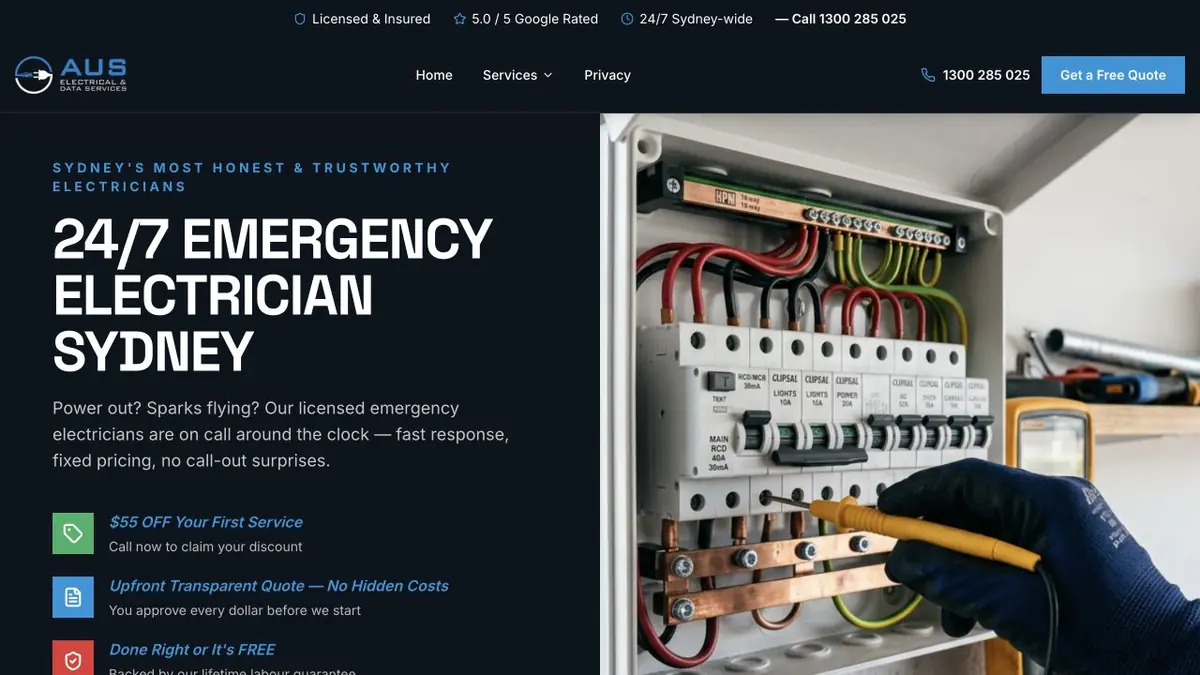
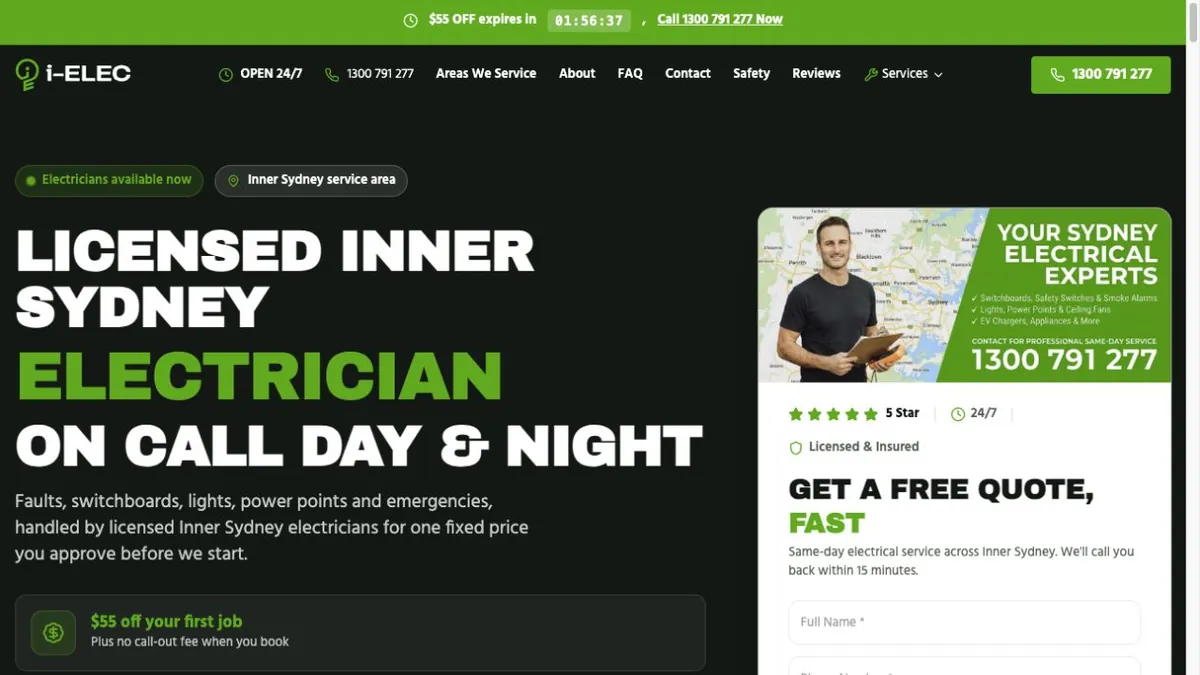
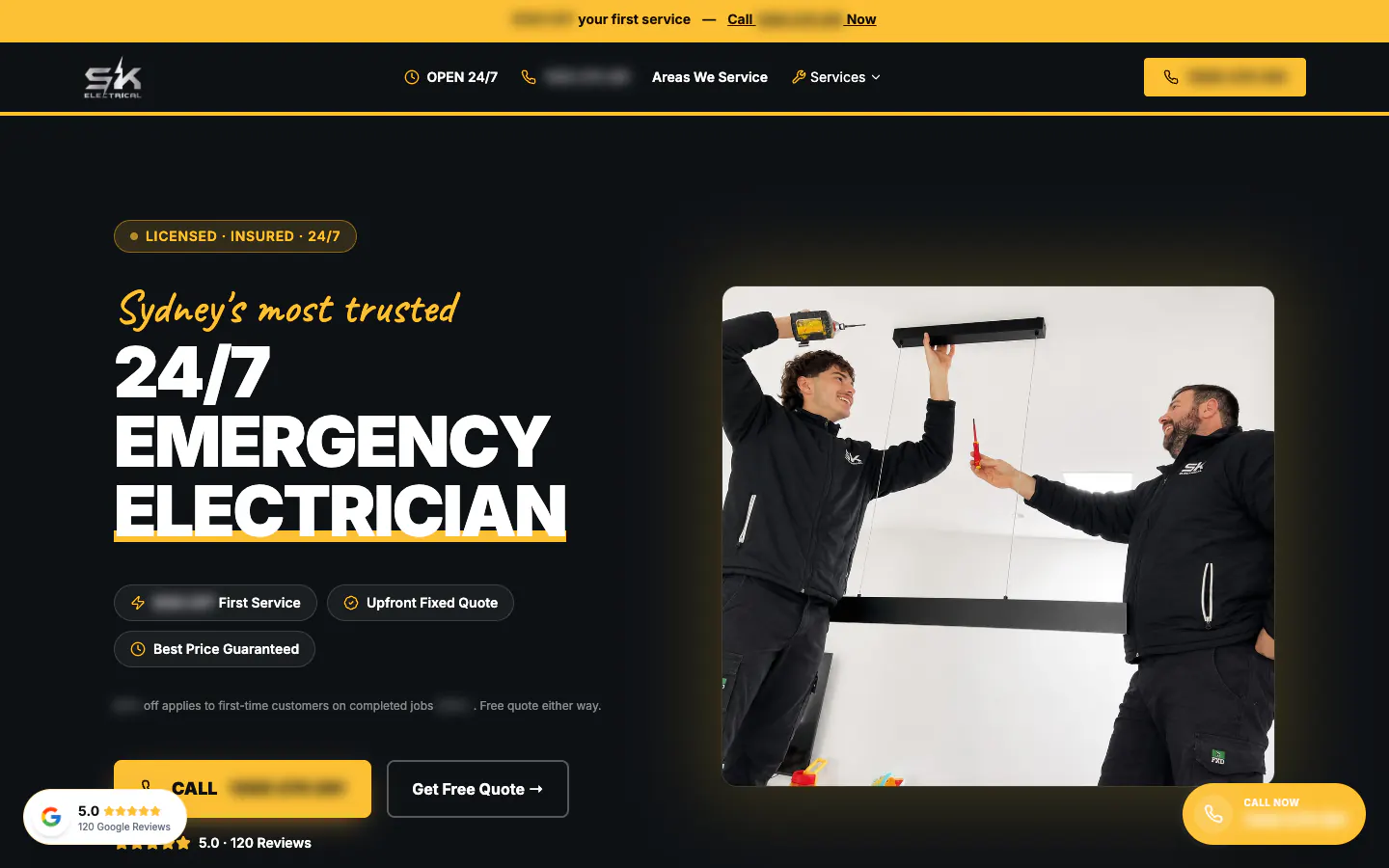
We built a problem picker, a problem finder and an interactive house of the electrics. We also added a Level 2 menu, home page band and guide.
The business
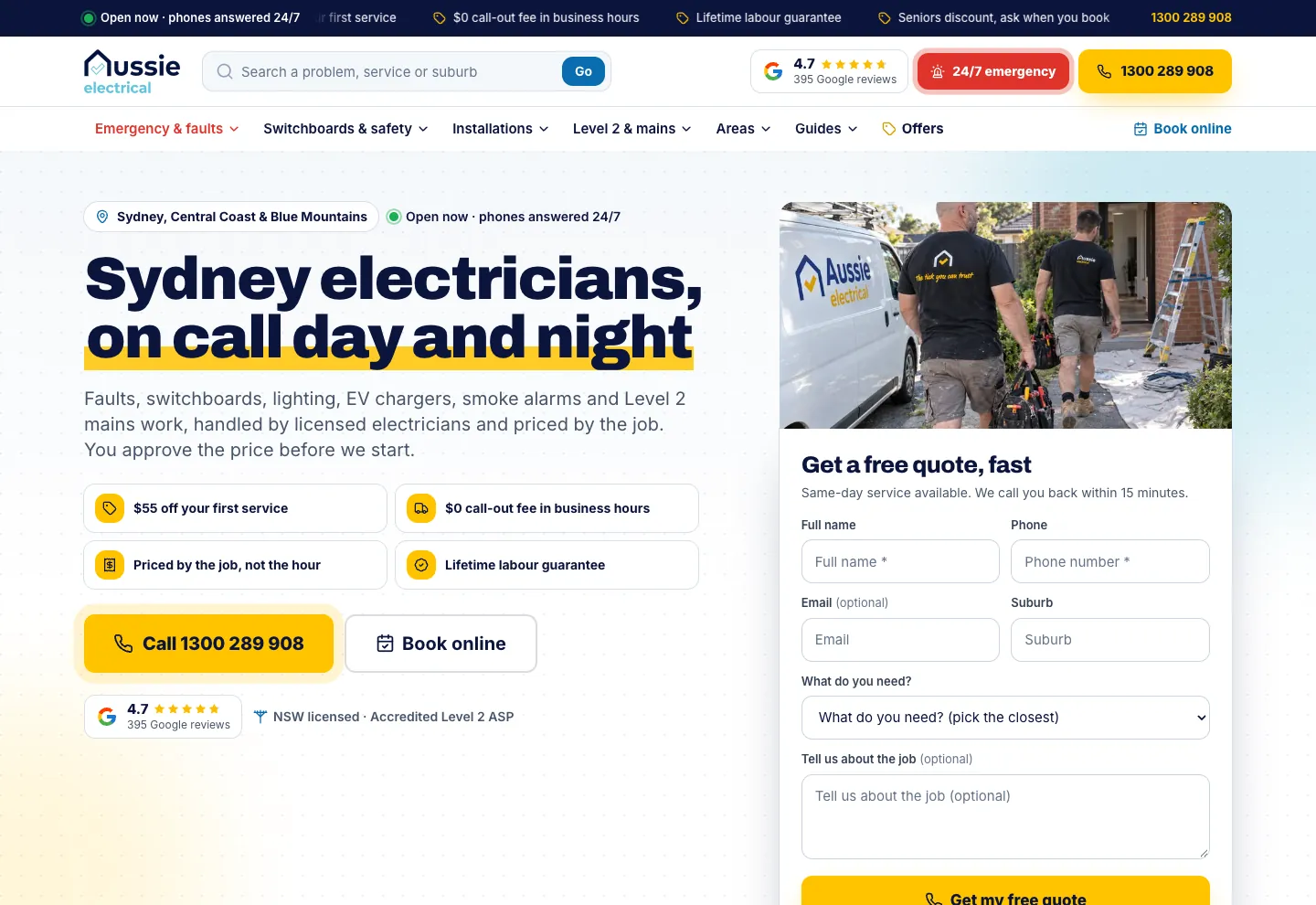
Aussie Electrical is the electrical business of the Aussie Home Services group, alongside Aussie Plumbing and Aussie Drains. Its licensed electricians work across Sydney, the Central Coast and the Blue Mountains, and it is an accredited Level 2 Service Provider, so it can work on the supply to a home as well as the wiring inside it: the service mains, the point of attachment, the meter and main fuse, and the defect notices the electricity network sends. Phones are answered around the clock, and every job is priced by the job and approved before work starts.
The brief
People rarely search for an electrician in general. They search for a safety switch that keeps tripping, a burning smell from a power point, a fuse box replacement or a defect notice from the network. Each of those needed a page about exactly that, whether the visitor knew the name of the service or only what the power was doing.
The brief was to rebuild the site into one that answers almost any electrical question in the service area, gives the Level 2 side of the business the room it deserves, and works as the landing ground for the Google Ads, with the call, the booking and the quote form in the same place on every page.
A search box and four service menus
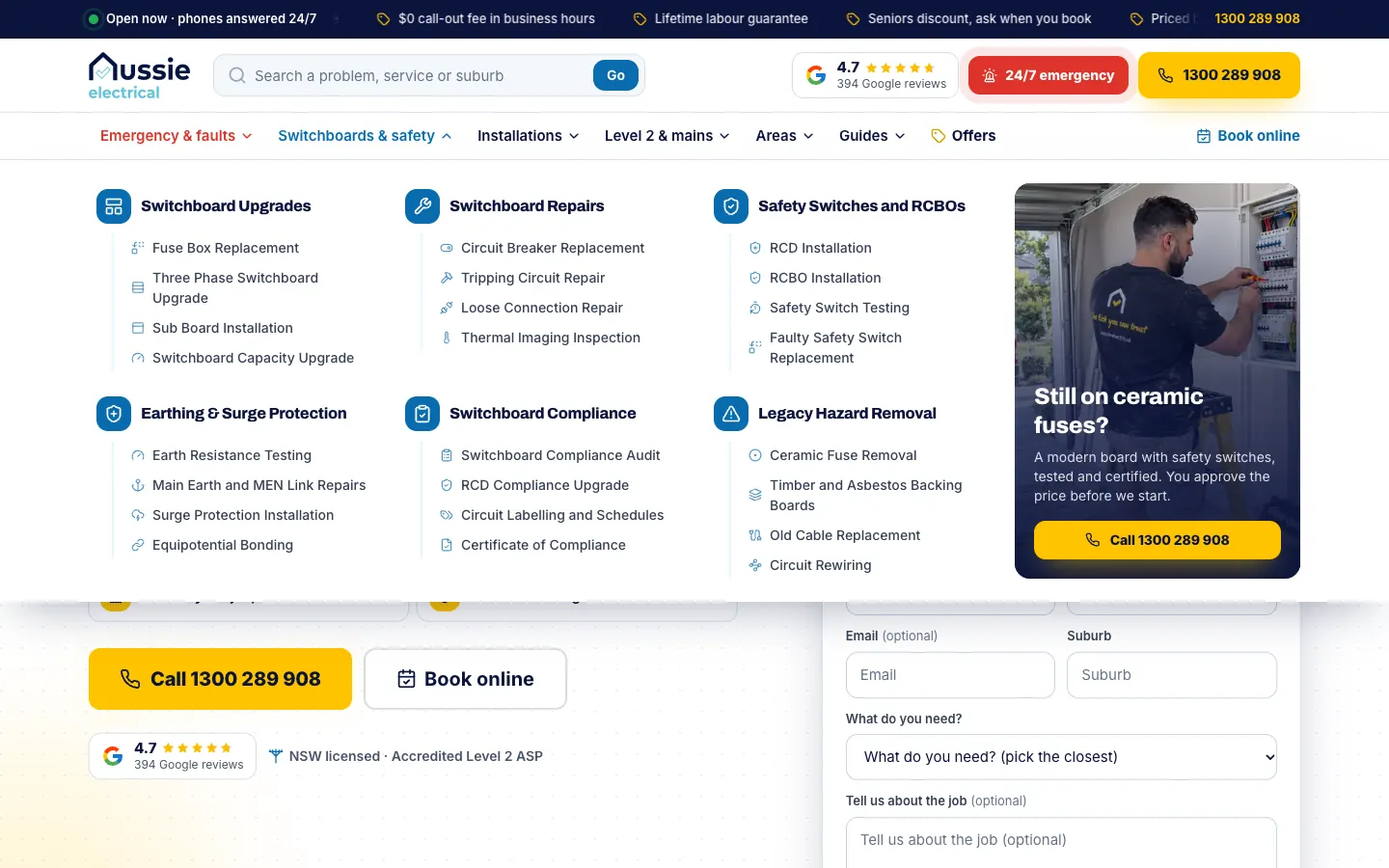
The header carries a search box for a problem, a service or a suburb, the Google rating, a red 24/7 emergency button and the call button, under a ticker of current offers. Below it sit four service menus: emergencies and faults, switchboards and safety, installations, and Level 2 and mains, then areas, guides and offers. Each menu opens on its main services with the specific jobs underneath. Switchboards and safety, for example, opens on six groups, from upgrades and repairs to safety switches, earthing and surge protection, compliance and old hazards, beside a card with a call button.
Start from what the power is doing
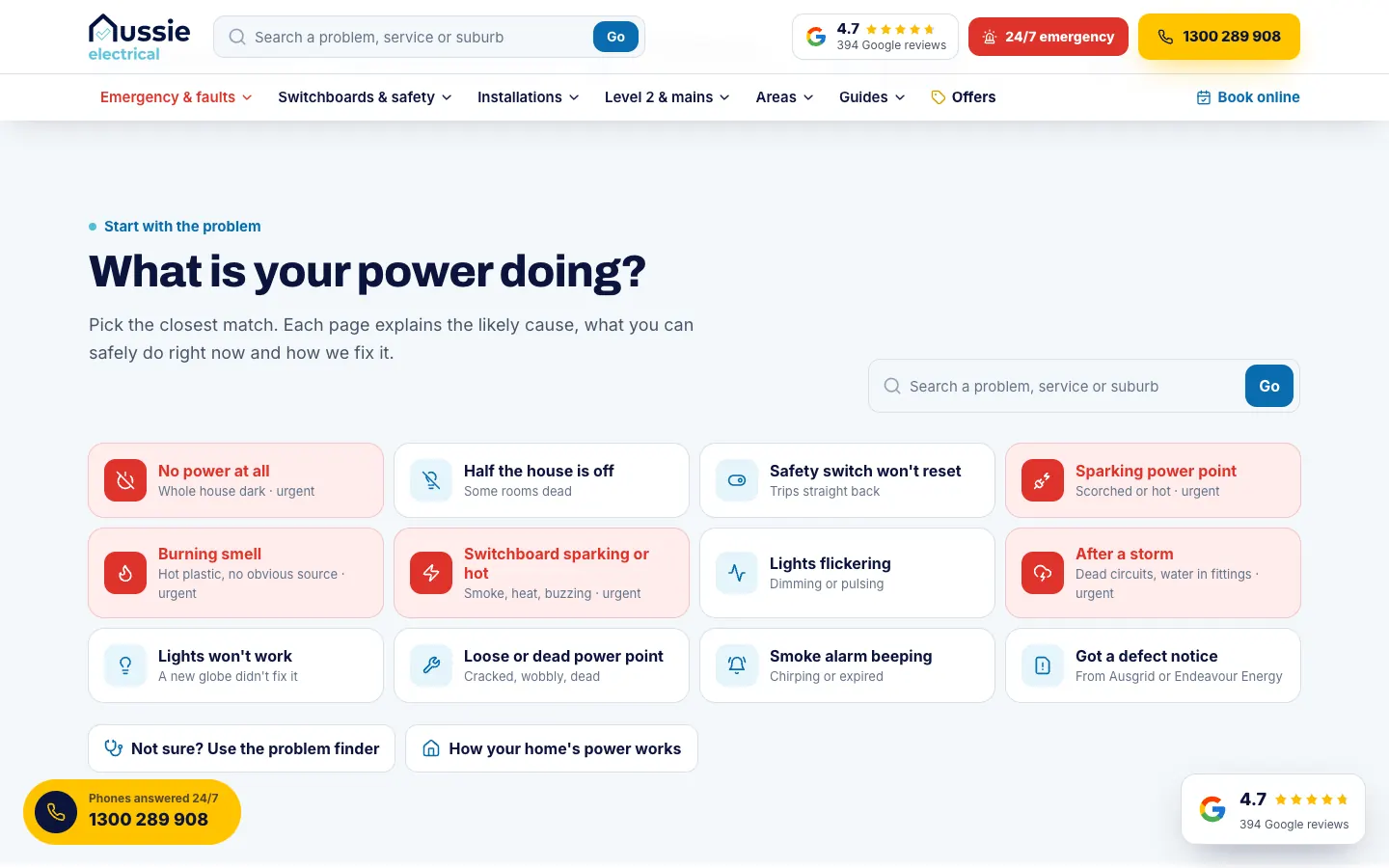
The second section of the home page asks what the power is doing and offers twelve answers, from no power at all to a smoke alarm that keeps beeping. The five that should not wait, such as a sparking power point or a hot switchboard, are shown in red. Each answer leads to a page that explains the likely cause, what is safe to do right now and how the fault is fixed.
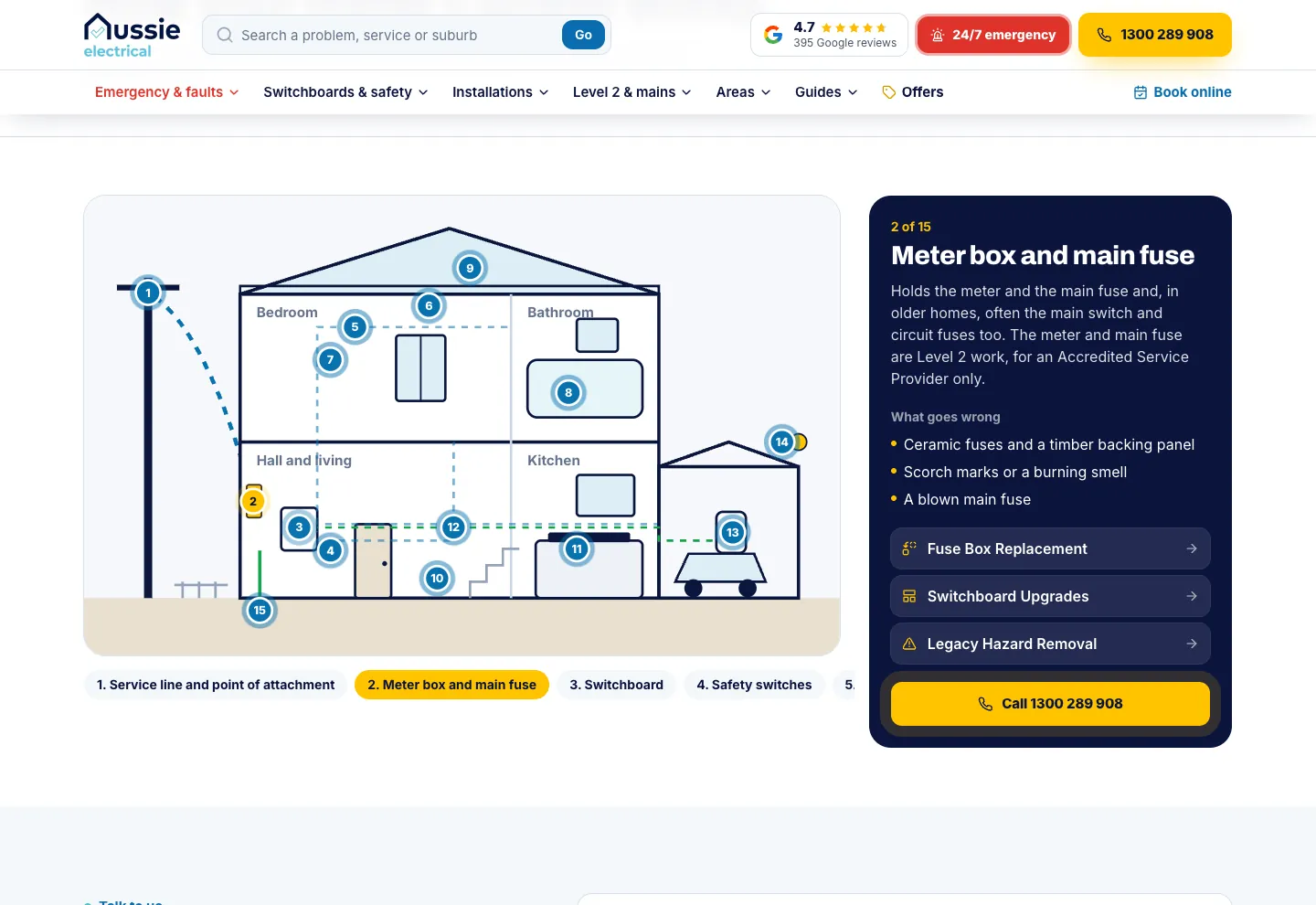
Two tools help a visitor who is still unsure. The problem finder asks a few questions and returns the likely cause, the safe next step and the right page to read. An interactive house follows the power through 15 numbered points, from the service line and meter box to the switchboard and safety switches, and explains what goes wrong at each one.
Level 2 gets its own front door
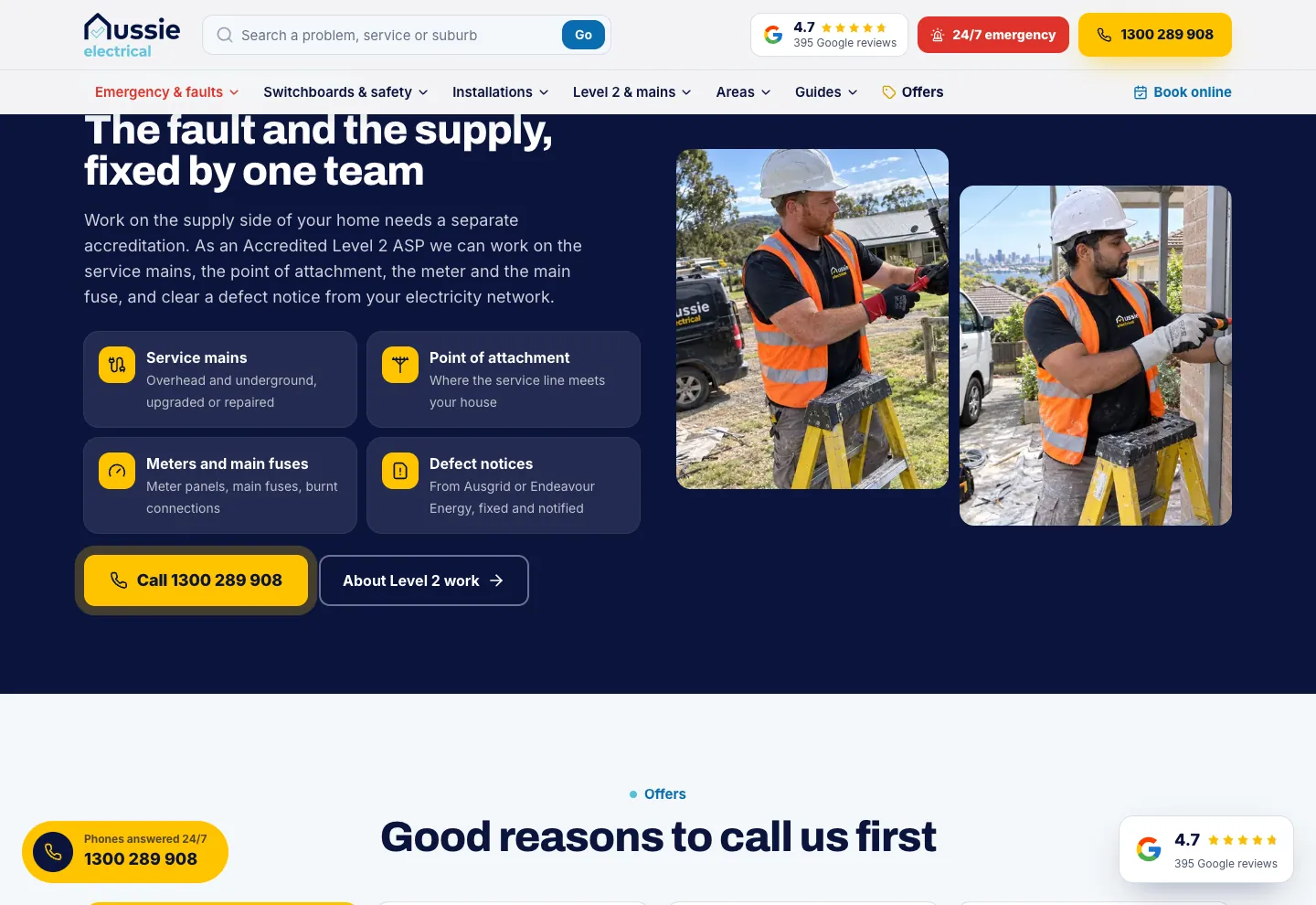
Level 2 work has its own menu, and a band on the home page explains the difference between a fault inside the home and the supply to it, with the service mains, the point of attachment, meters and main fuses, and defect notices each named. A guide explains what a Level 2 electrician is and when a homeowner needs one.
111 service pages
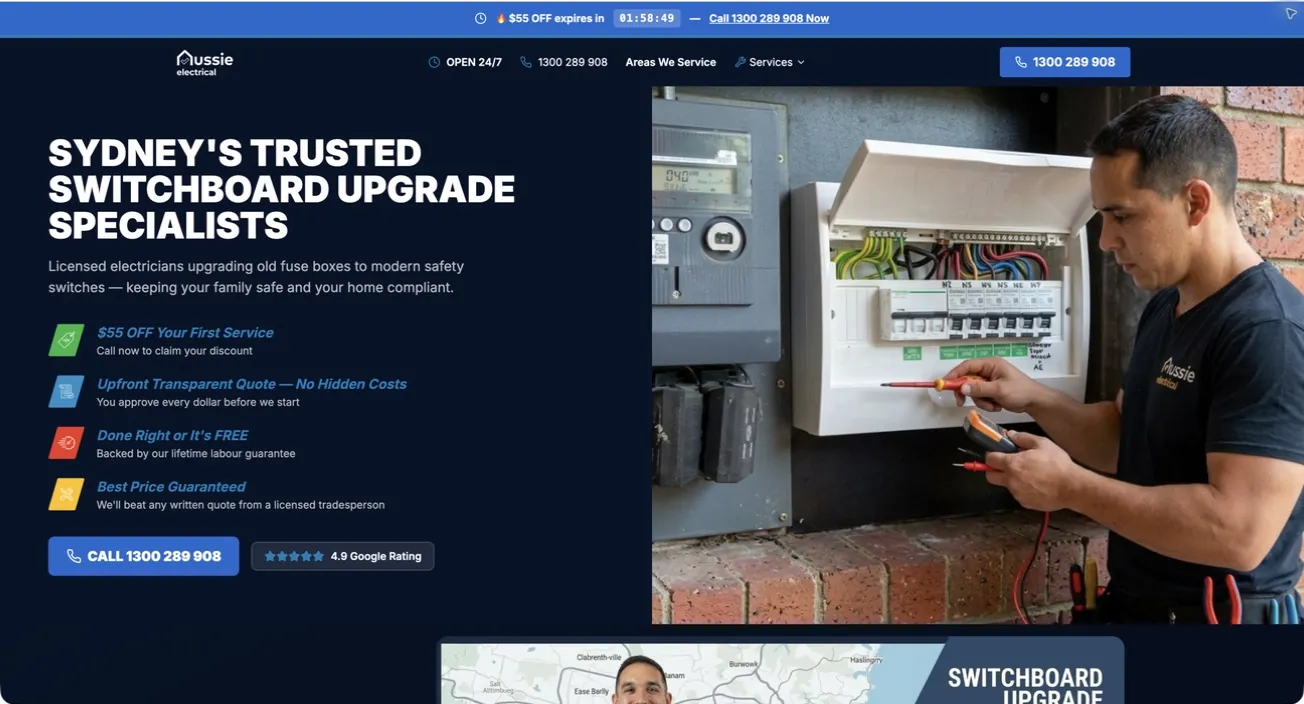
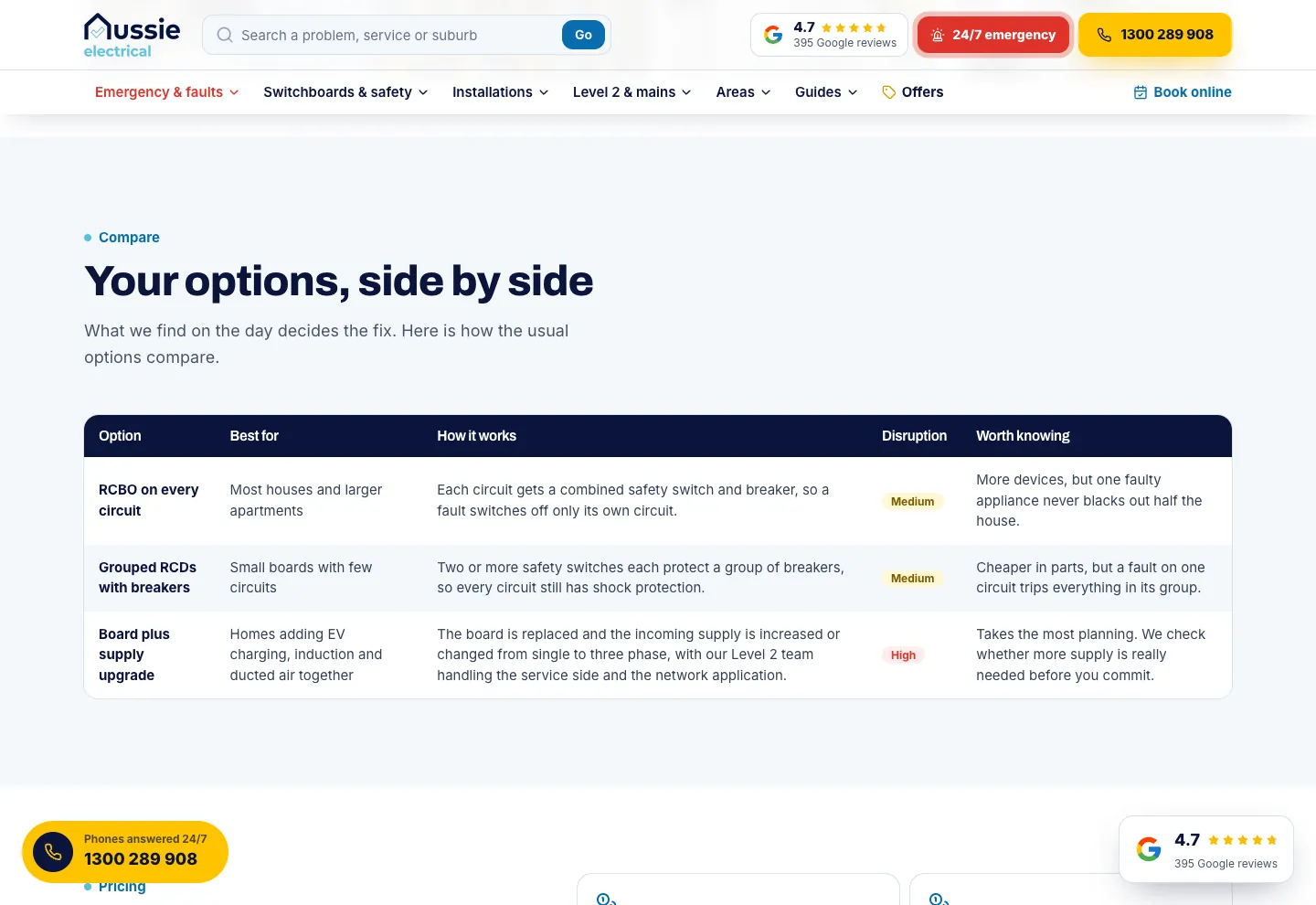
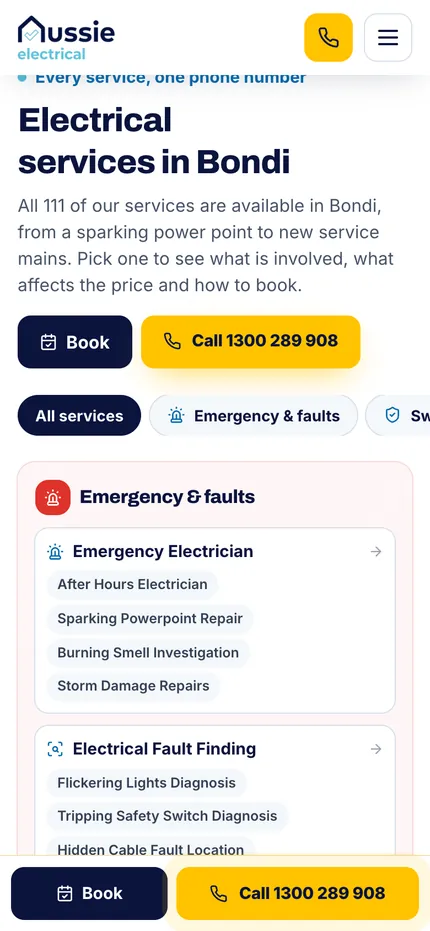
The 111 service pages are 22 main services and 89 pages for specific jobs. A service page opens with a breadcrumb, the service in the headline, a plain description, the offers, call and book buttons and a quote form with the service already chosen. The switchboard upgrades page then works through the exact jobs to pick from, what the work involves, the signs, how it is fixed, the options side by side, what affects the price, what is safe to do, where Level 2 comes in, what happens on the day, local notes and the common questions, and it ends with the sources for the rules and local facts it states.
471 suburb pages on real maps
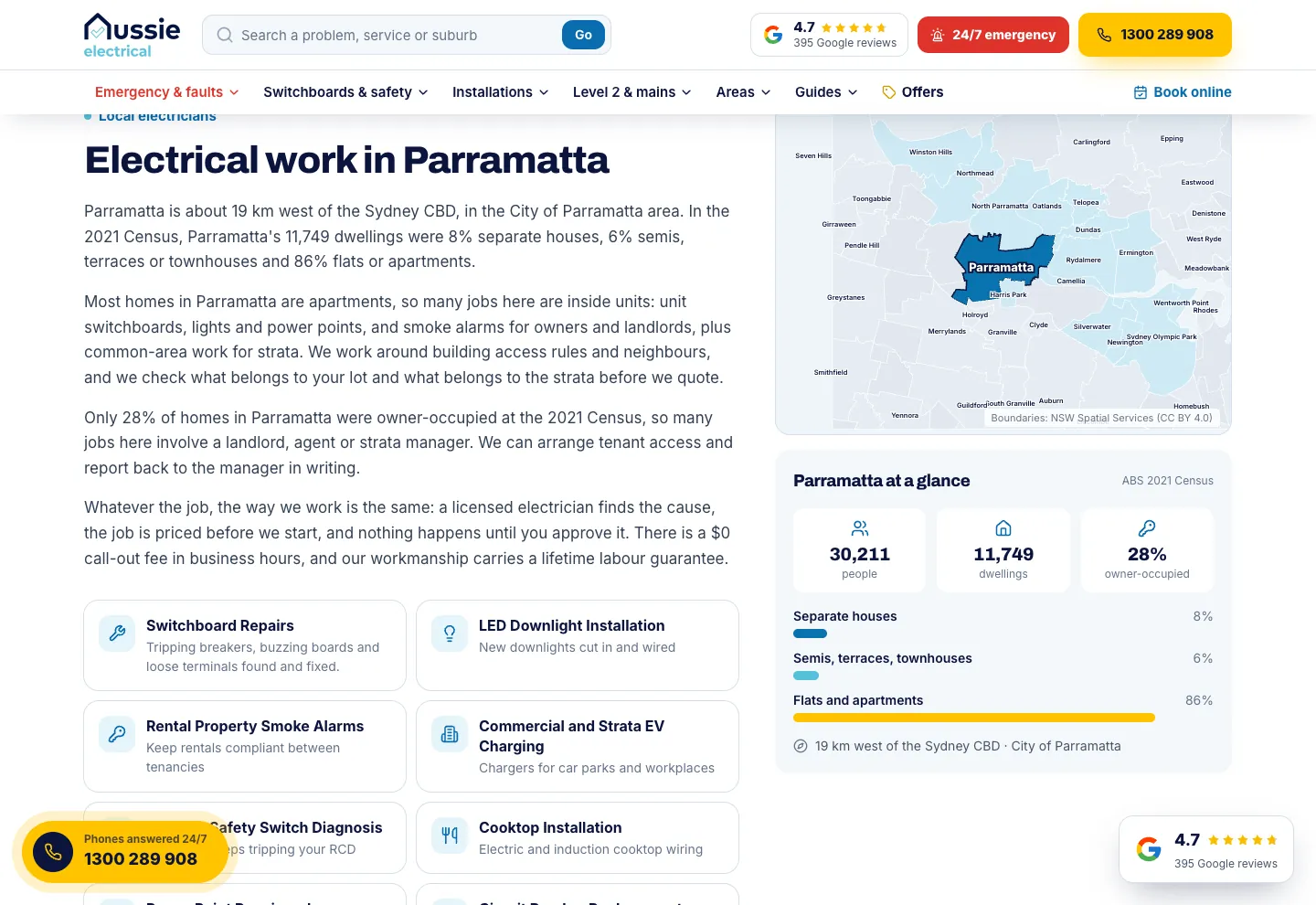
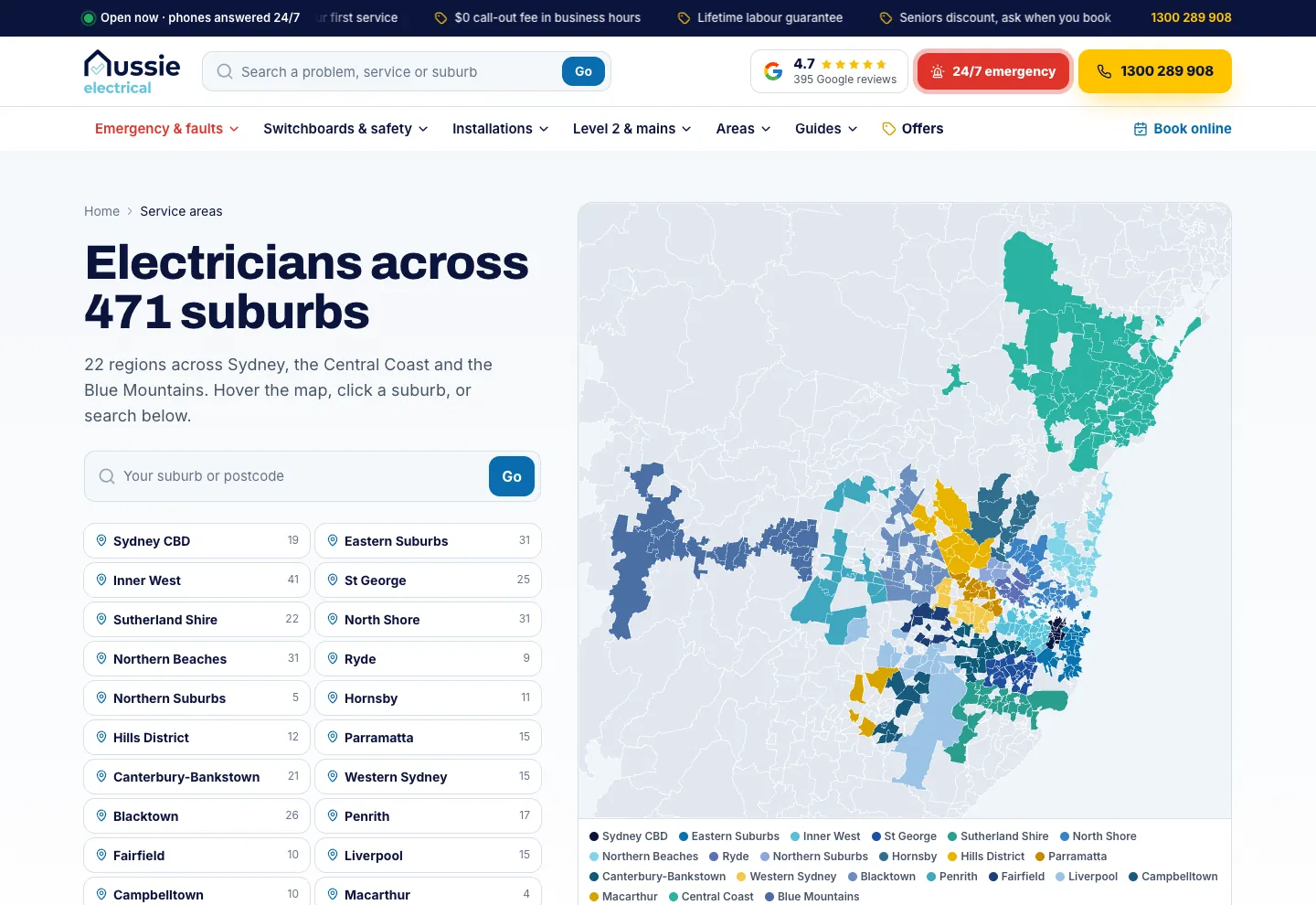
Every suburb page names the suburb, its postcode and its region, and puts a quote form with the suburb already filled in under a crew photo. All 111 services follow in four tabbed groups, then a boundary map that picks the suburb out among its neighbours, a census panel on the homes there, and copy that changes with the kind of homes it finds. The 22 region pages group the suburbs, and the service-areas page colours all 471 on one map with a search for any suburb or postcode.
30 guides and proof in plain view
The guides answer the questions Sydney homeowners ask before they call, from defect notices to smoke alarm rules, and each opens with key takeaways. The guides hub says they are written by electricians and checked against official sources. The Google rating sits in the header and on a floating button, reviews come from the group's Google profile, and a gallery shows the crew's work.
Built for phones
On a phone, Book and Call stay pinned to the bottom of every page, with Call on the thumb side. The header keeps a call icon and the menu, and the mobile menu puts search first, then an emergency button, then a group for each kind of work.
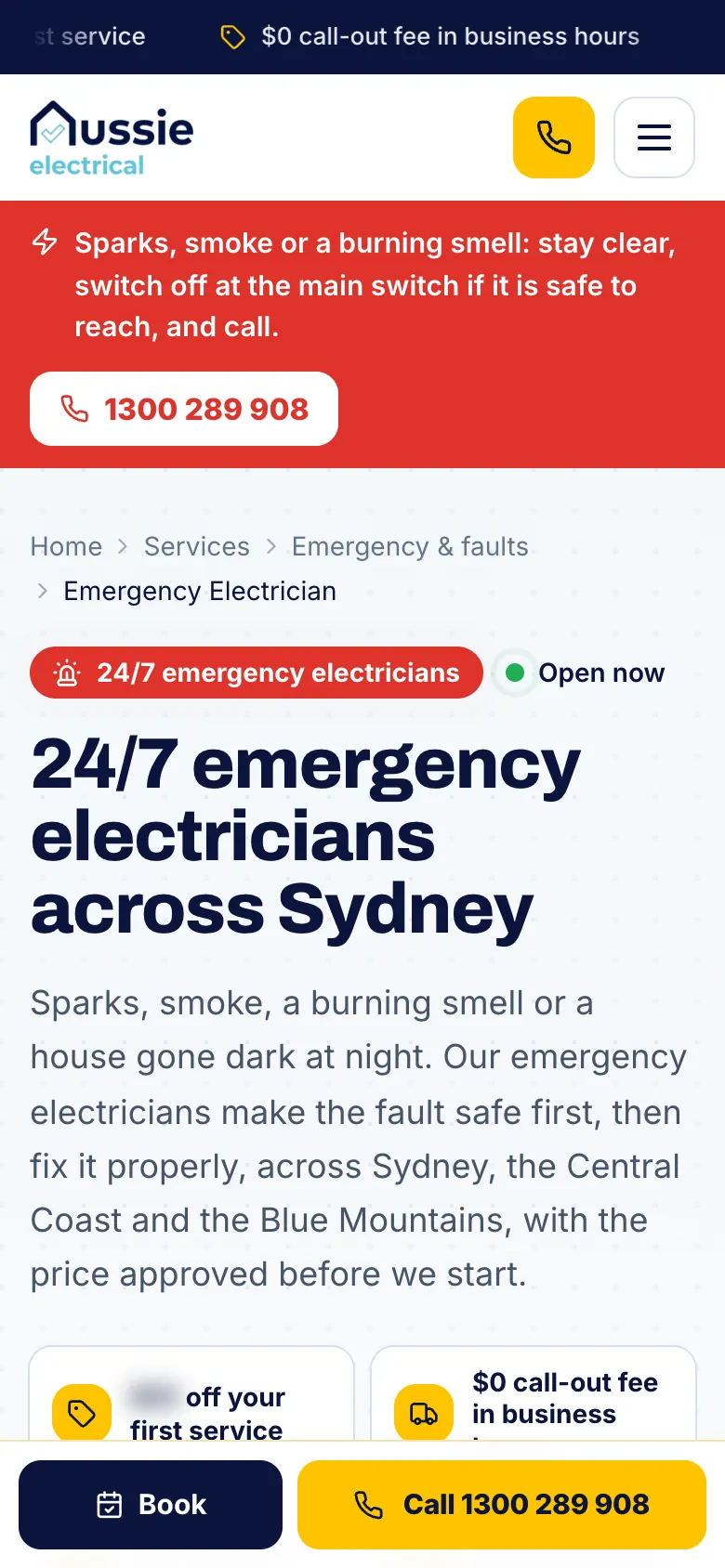
Emergency pages open with a red panel that says what is safe to do and puts the call button first. Suburb pages list every service in tabbed groups sized for a thumb, and Book online from a service page opens a short booking form with that service already chosen, where only a name and phone number are required.
What it connects to
The site is where Aussie Electrical's Google Ads land: on service pages, suburb pages and the home page. Calls and forms are traced to the ad they came from and matched to the jobs the client marks as won, so the advertising is judged on won work, not clicks.
For an electrical business that needs a site at this depth, see our website design services and marketing for electricians.
Related work: Aussie Electrical campaign case study, calls and forms case study.