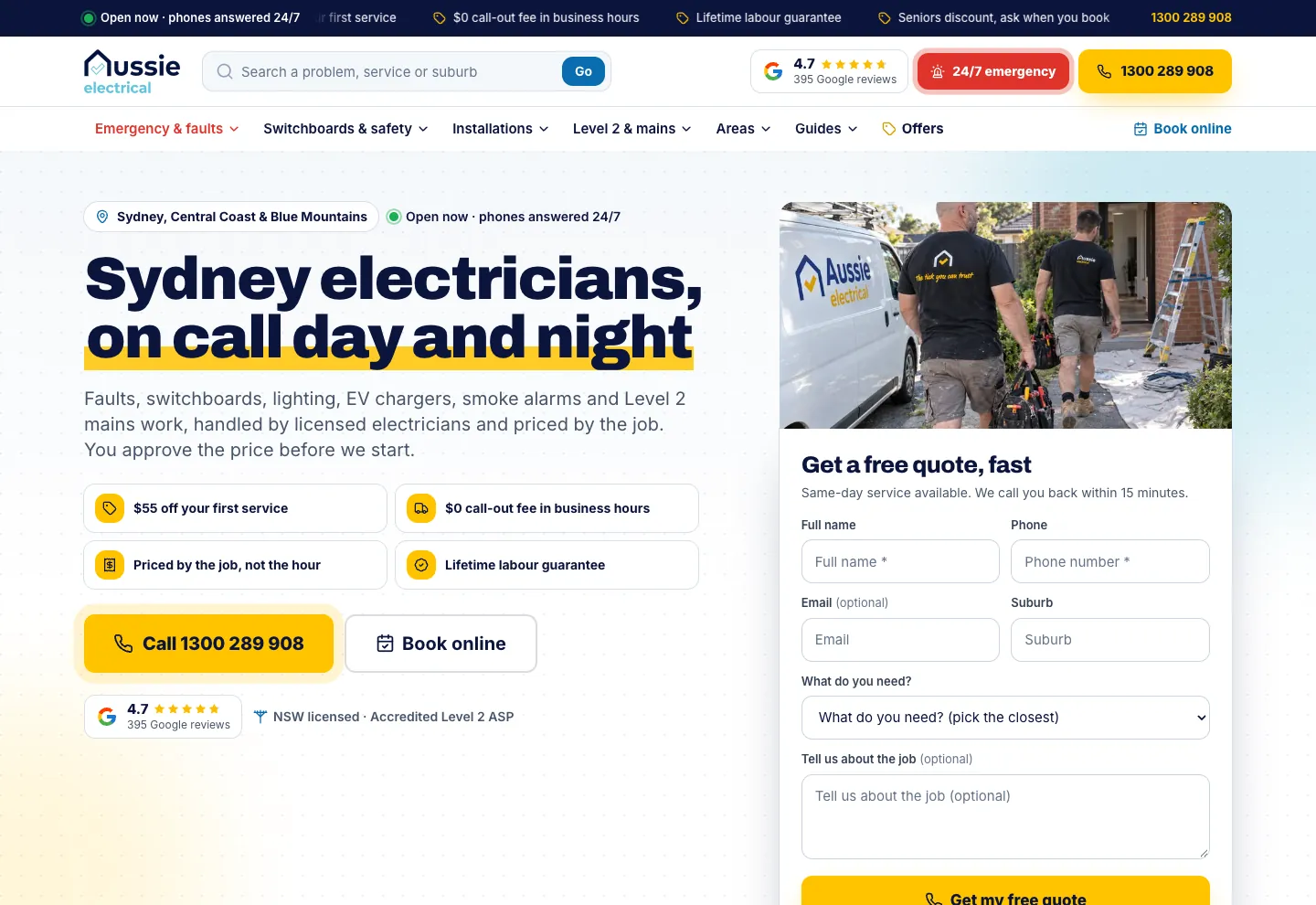
We built menus sorted by the job, with a one-line description on every service. We also added an interactive house diagram, a problem finder and a suburb map with search.
The business
I-ELEC is a family-owned electrical contractor based in Alexandria. Its licensed electricians work across 112 suburbs of Inner Sydney, from the CBD and the Inner West to the Eastern Suburbs, the Lower North Shore and St George, for homes, strata, property managers and businesses. The phones are answered around the clock, and every job is priced in writing before work starts.
The brief
People rarely search for an electrician in general. They search for the fault in front of them, the job they want done or an electrician in their own suburb. I-ELEC's site is where its Google Ads land, so each of those searches needed a page about exactly that problem, service or place.
Every page an ad points to also had to make the next step obvious: call now, book a time or send the details. The addresses the ads were already using had to stay where they were, so the campaigns could carry on while the pages behind them changed.
Menus sorted by the job
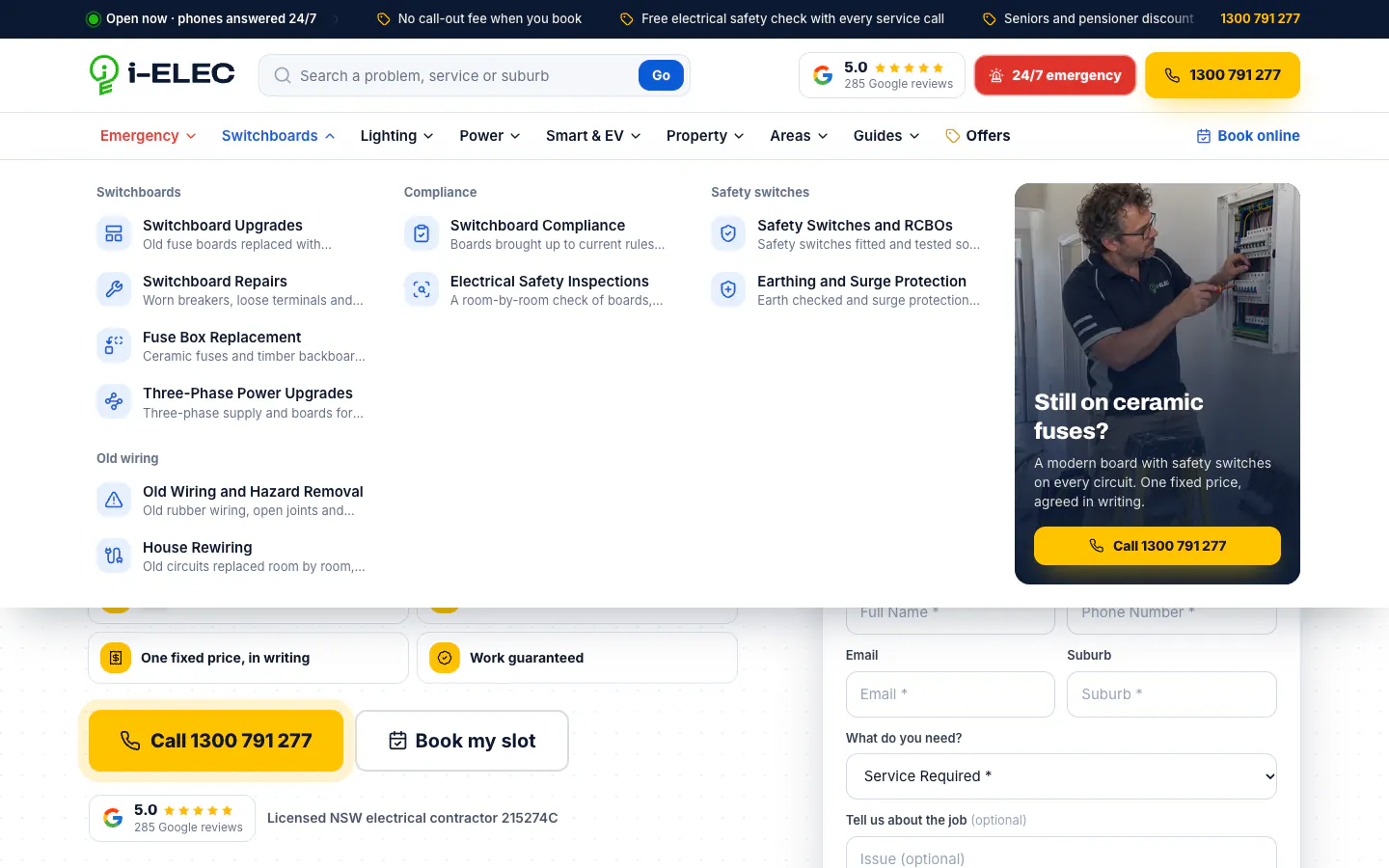
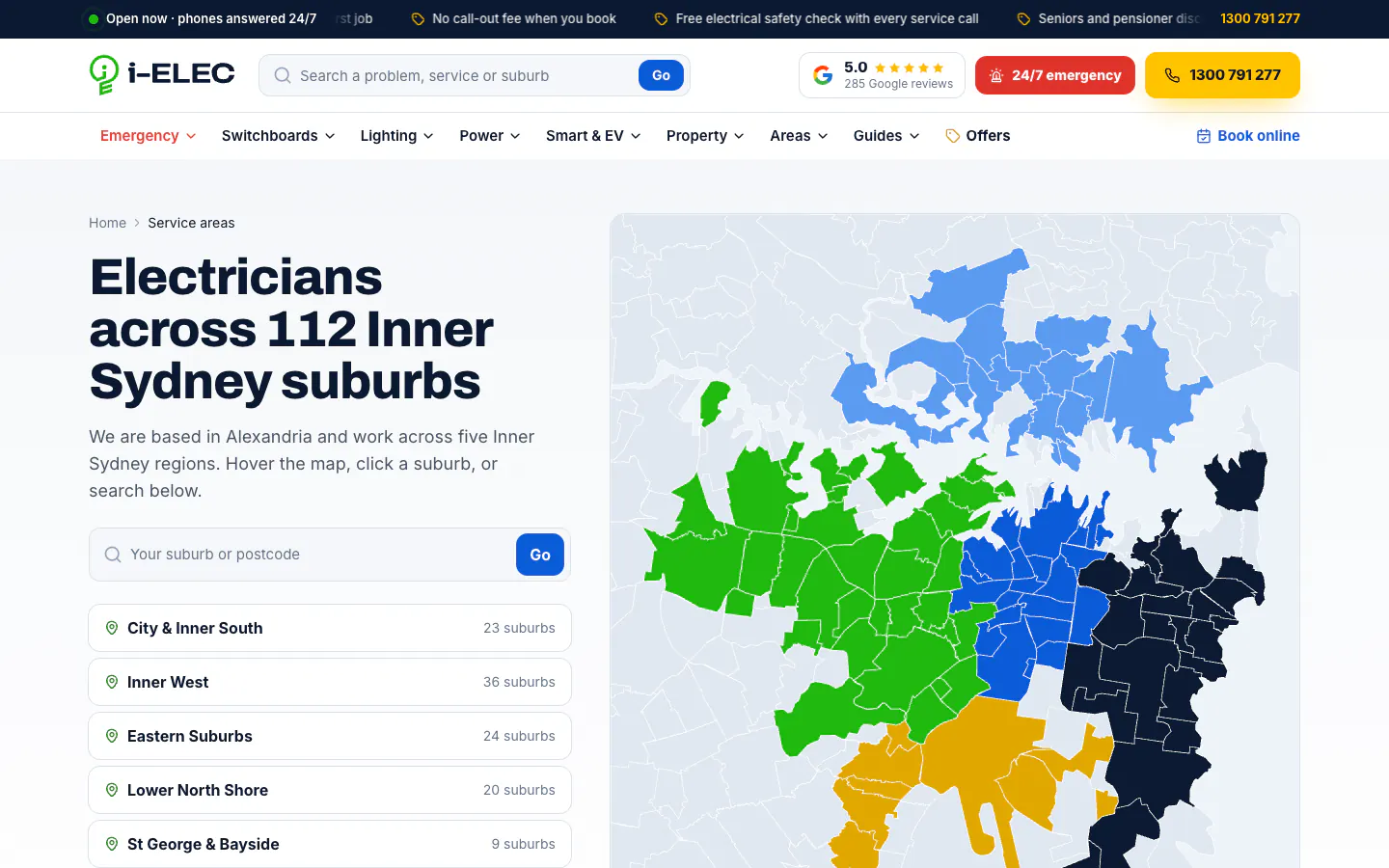
The header carries a search box for a problem, a service or a suburb, the Google rating, a red 24/7 emergency button and the call button, with a ticker of current offers above it. Below it sit menus for emergencies, switchboards, lighting, power, smart and EV work, and property work, then areas, guides and offers. Each service menu groups its services under plain sub-headings, gives every service an icon and a one-line description, and ends with a photo card and a call button.
70 services, each with its own page
The services index lists all 70 services in seven groups: emergencies and faults, switchboards and safety, lighting, power points and appliances, smart home, EV and security, renovations, strata and rentals, and commercial work.
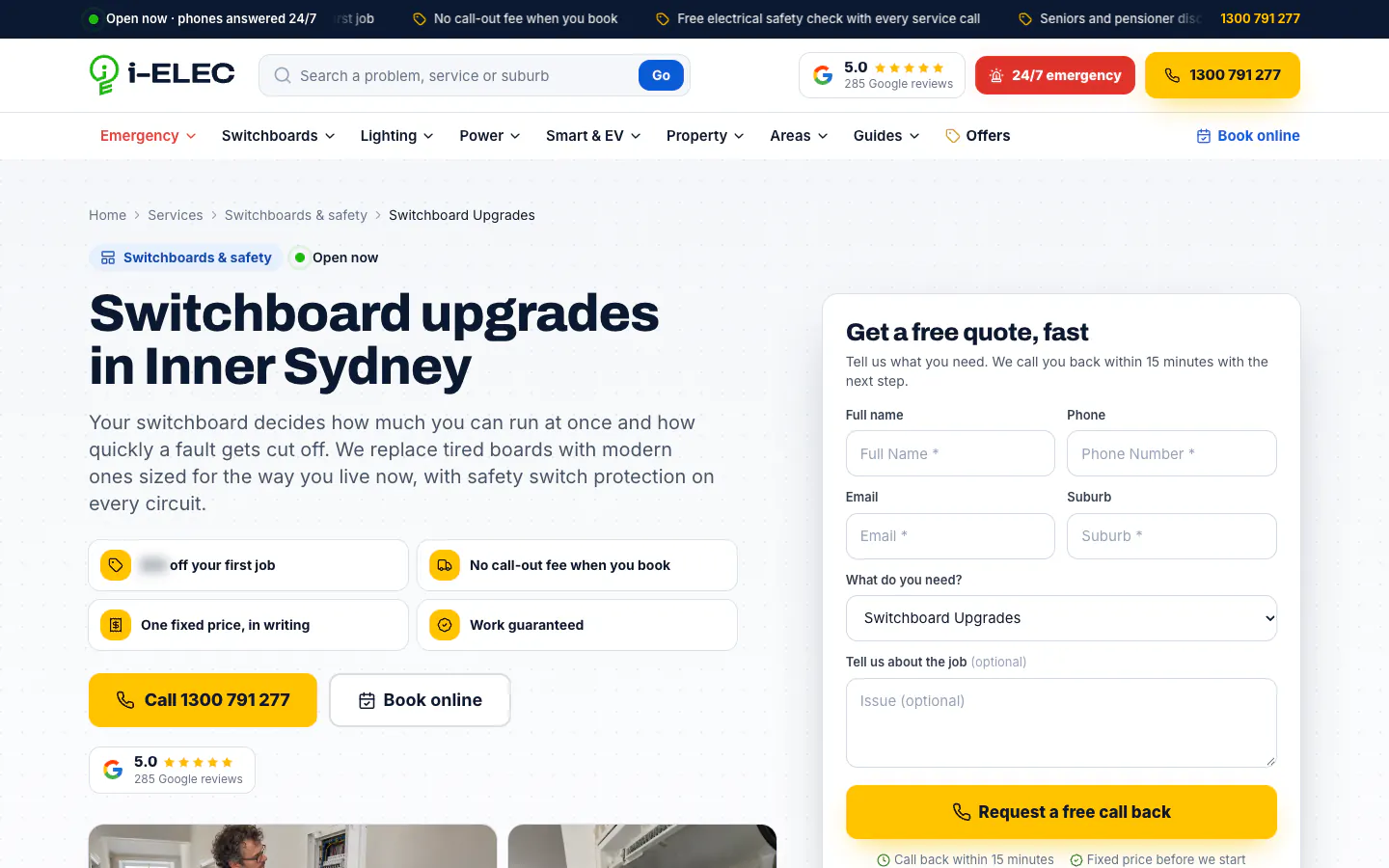
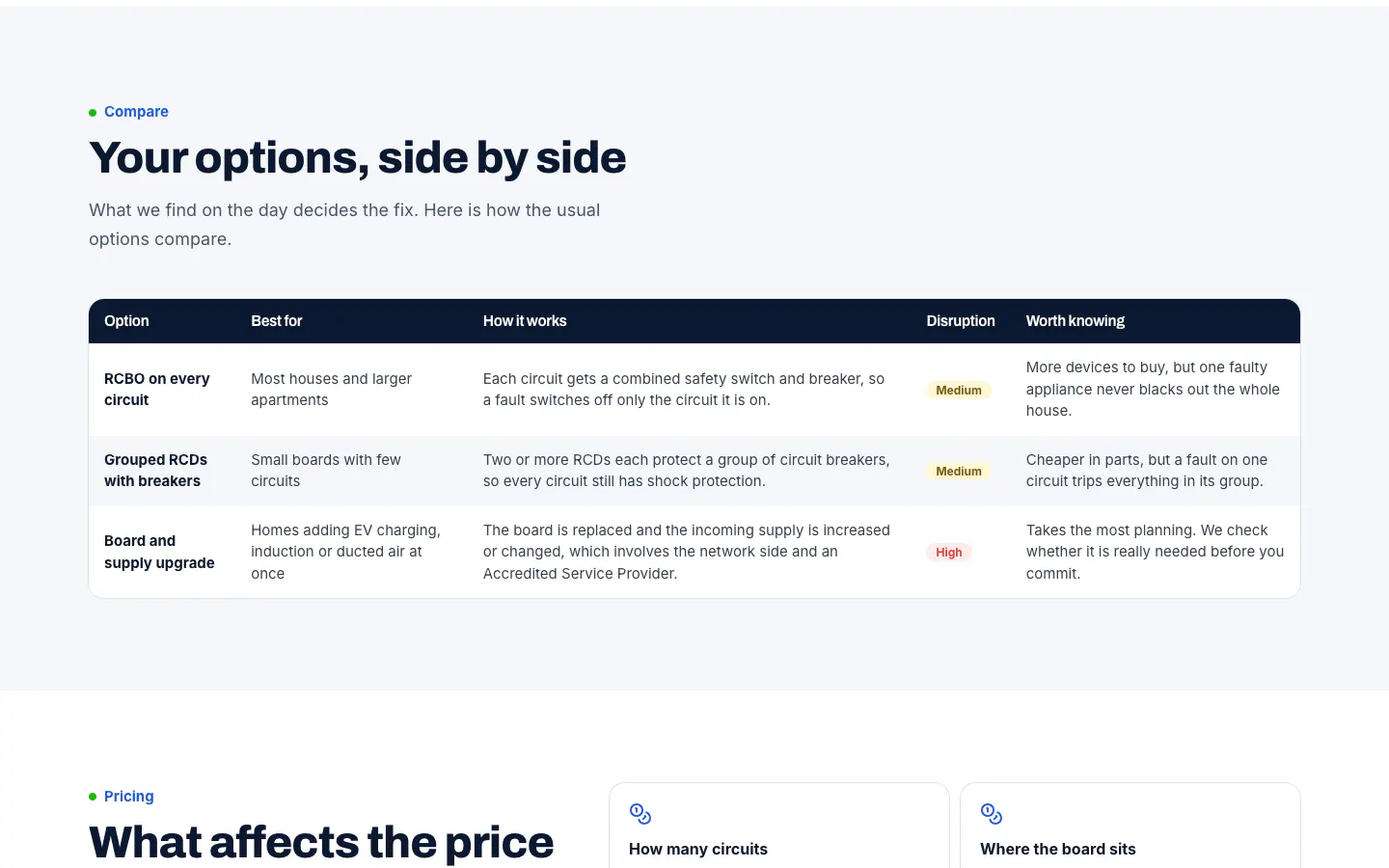
A service page opens with the four offers, call and book buttons and a quote form with that service selected. Further down it works through what the visitor might notice, how the job is done, the options side by side, what affects the price, what is safe to do before the electrician arrives and what happens on the day. Common questions, related services, guides on the topic and a list of sources for the rules and local facts close the page.
A page for every suburb
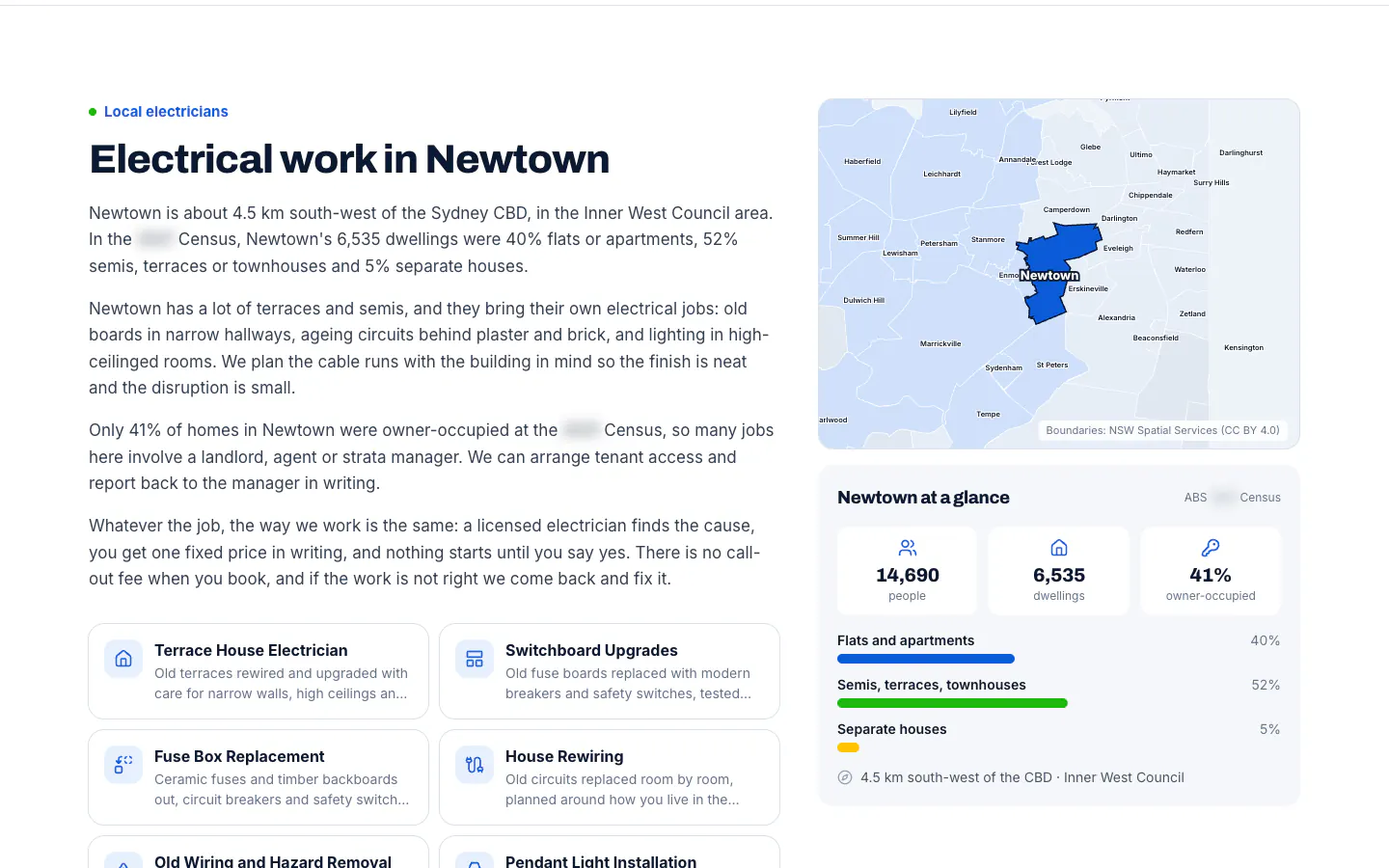
112 suburb pages sit inside five region pages. Each names the suburb and its region, fills the suburb into the quote form and lists the services available there. A map picks the suburb out among its neighbours, a panel of census figures describes the homes, and the copy changes with them: the Newtown page talks about terraces, narrow hallways and older boards, and about tenant access through the agent or strata manager.
Tools for people who are not sure what is wrong
The home page starts from what the power is doing. A dozen tiles describe what people notice, from half the house going dark to a tingle from a tap, and the five urgent ones are marked. Anyone still unsure is pointed to two tools.
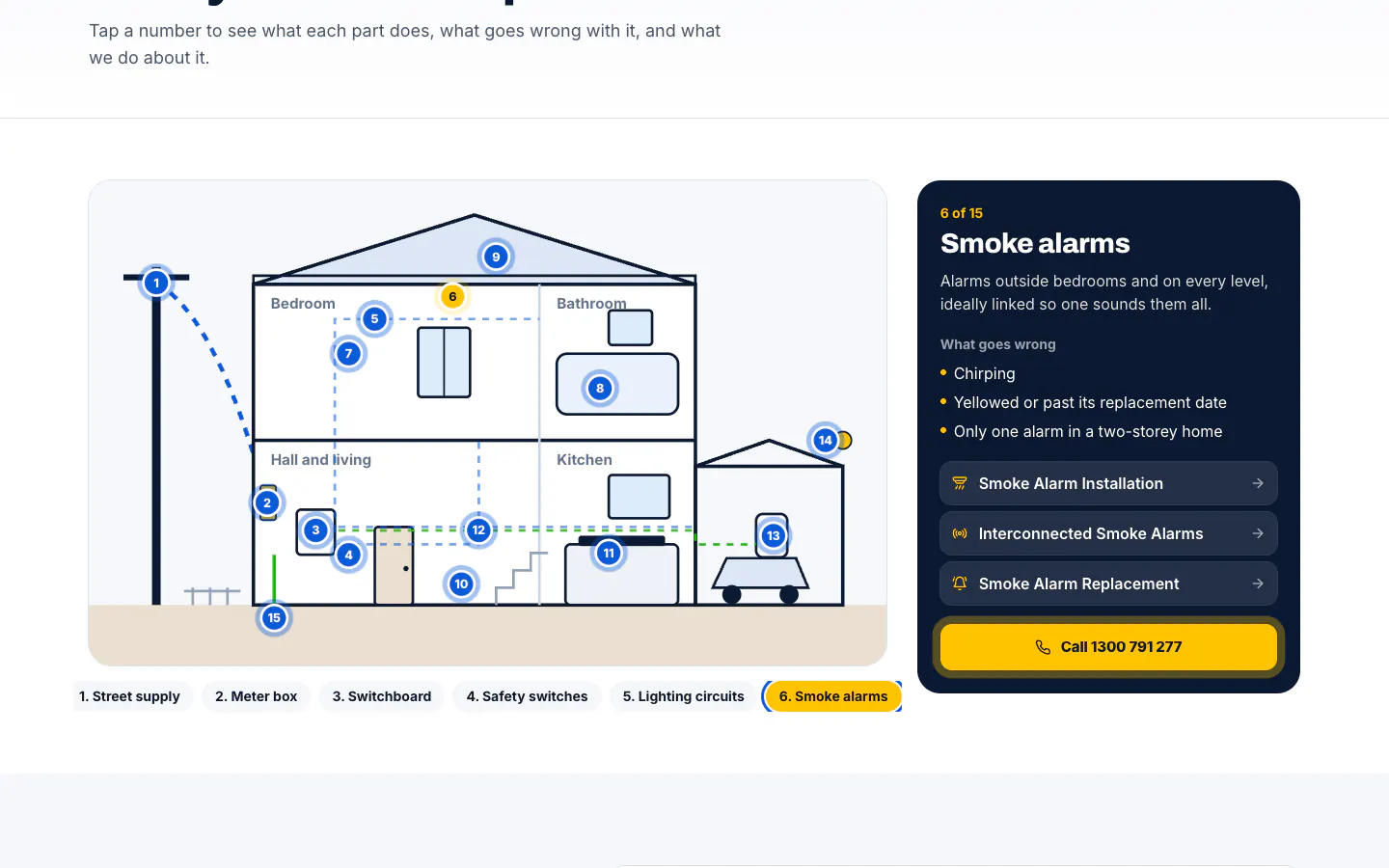
The problem finder starts with one safety question, whether anything is sparking, smoking or hot to touch, and works towards the likely cause and the right page. The house diagram draws a home with 15 numbered points, from the street supply and the meter box to the smoke alarms, the EV charger and the earthing. Pick a point and the panel explains what it does, what goes wrong with it and which services fix it.
30 guides and the proof around them
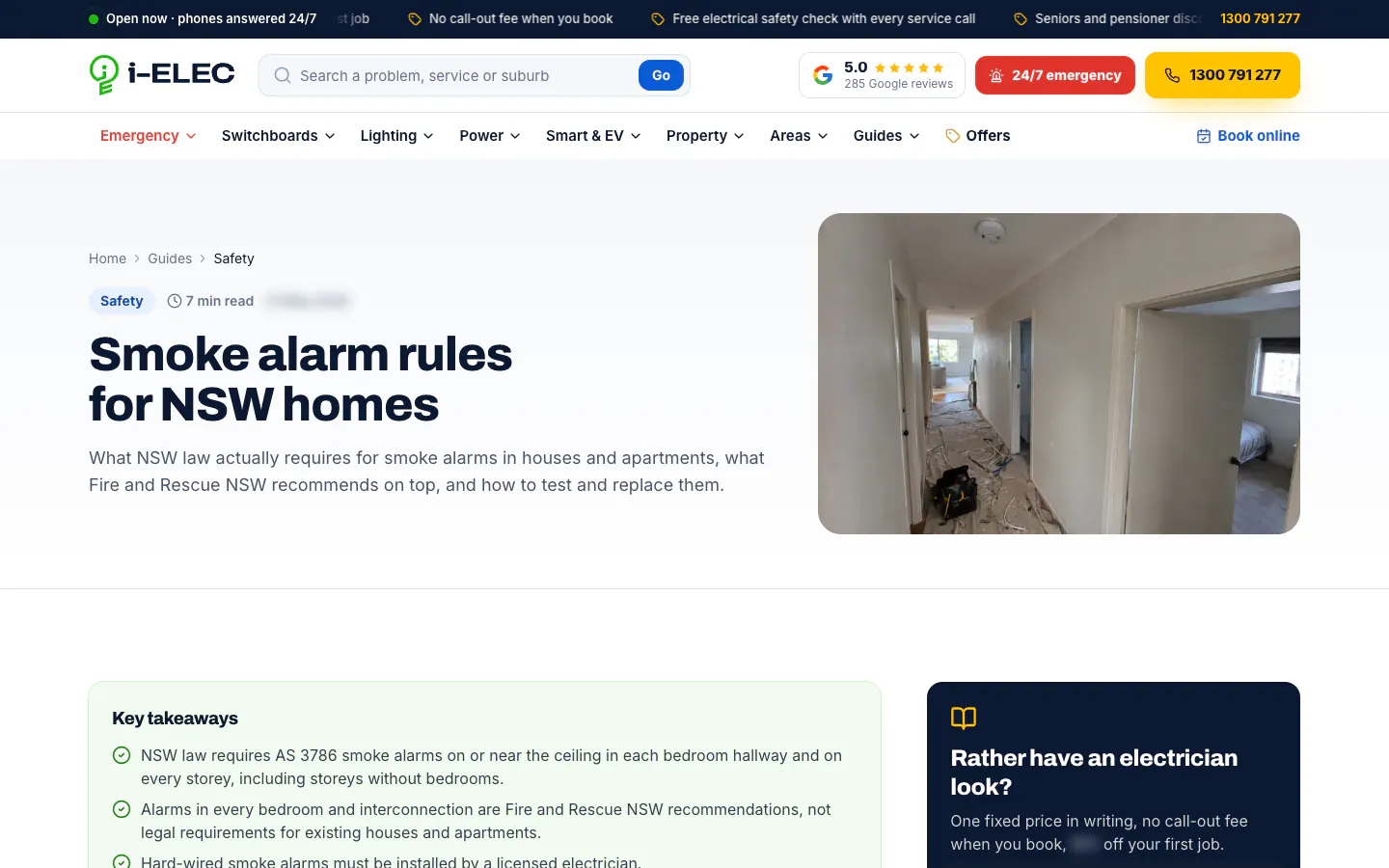
Thirty guides answer the questions people ask before they call, from the smoke alarm rules for NSW homes to what happens on the day of a switchboard upgrade. Each opens with a category, a reading time and a box of key takeaways, with a panel beside it for anyone who would rather have an electrician look. The home page adds a four-step explanation of how a job runs, Google reviews shown as written, and a work gallery that labels its photos as illustrative.
Built for phones
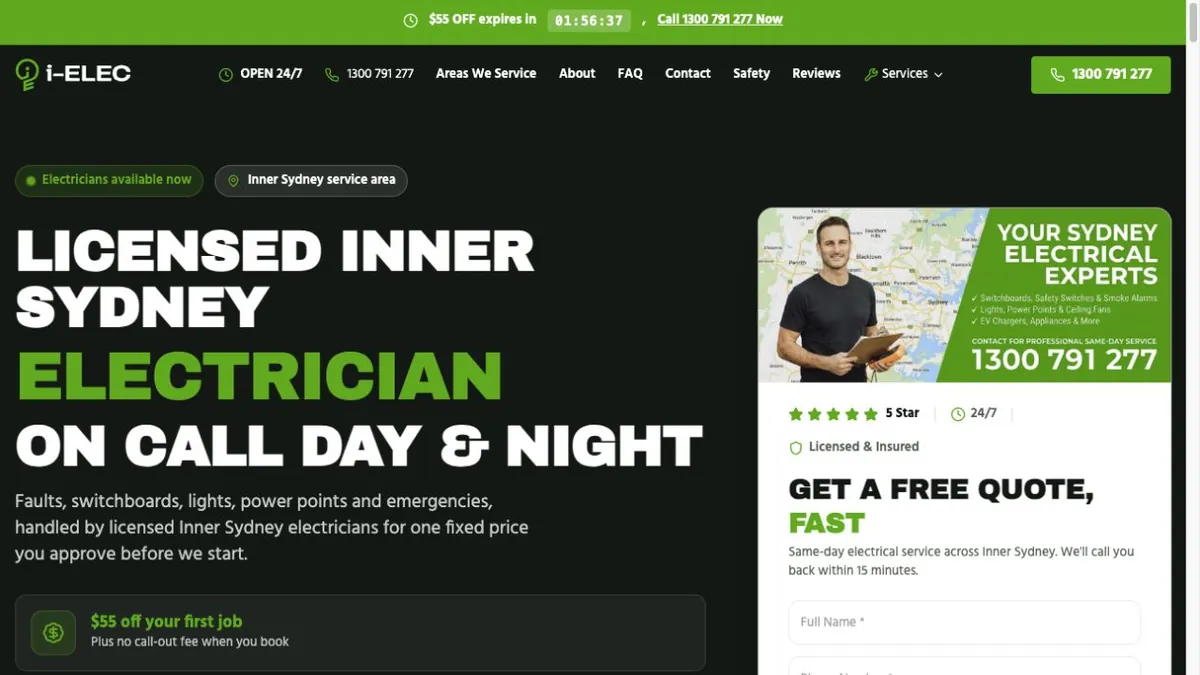
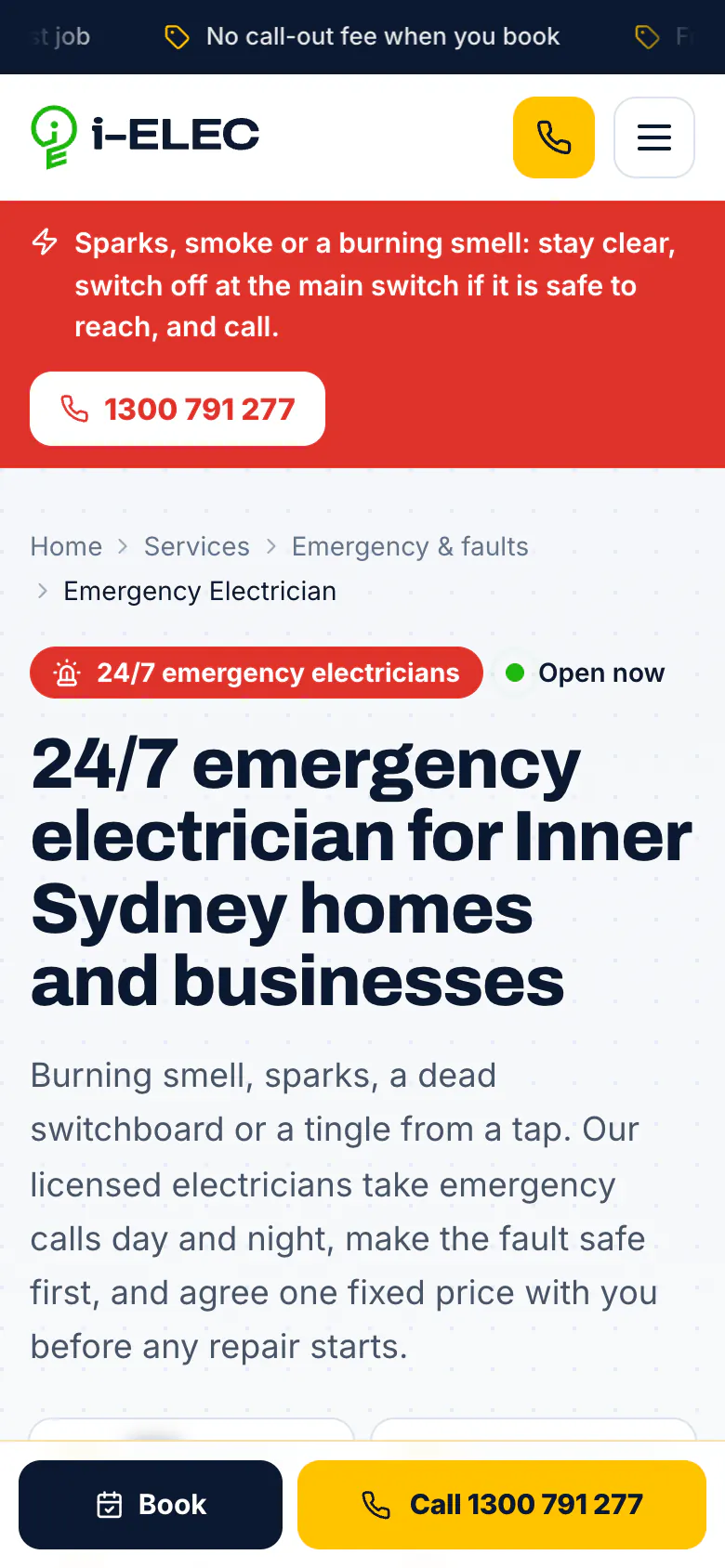
On a phone, the header shrinks to the logo, a call icon and the menu, and a Book and Call bar stays fixed to the bottom of every page. On the home page, the offers and the call button come straight after the headline, ahead of the quote form.
Fault and emergency pages open with a red strip above the headline: stay clear, switch off at the main switch if it is safe to reach, and call. The call button sits right under it.
What it connects to
The site is the landing ground for I-ELEC's Google Ads, and the ads point to the pages that match them. Calls and forms are traced to the ad they came from and matched to the jobs the client marks as won, so the advertising is judged on won work, not clicks.
For an electrical business that needs a site at this depth, see our website design services and marketing for electricians.
Related work: I-ELEC campaign case study.