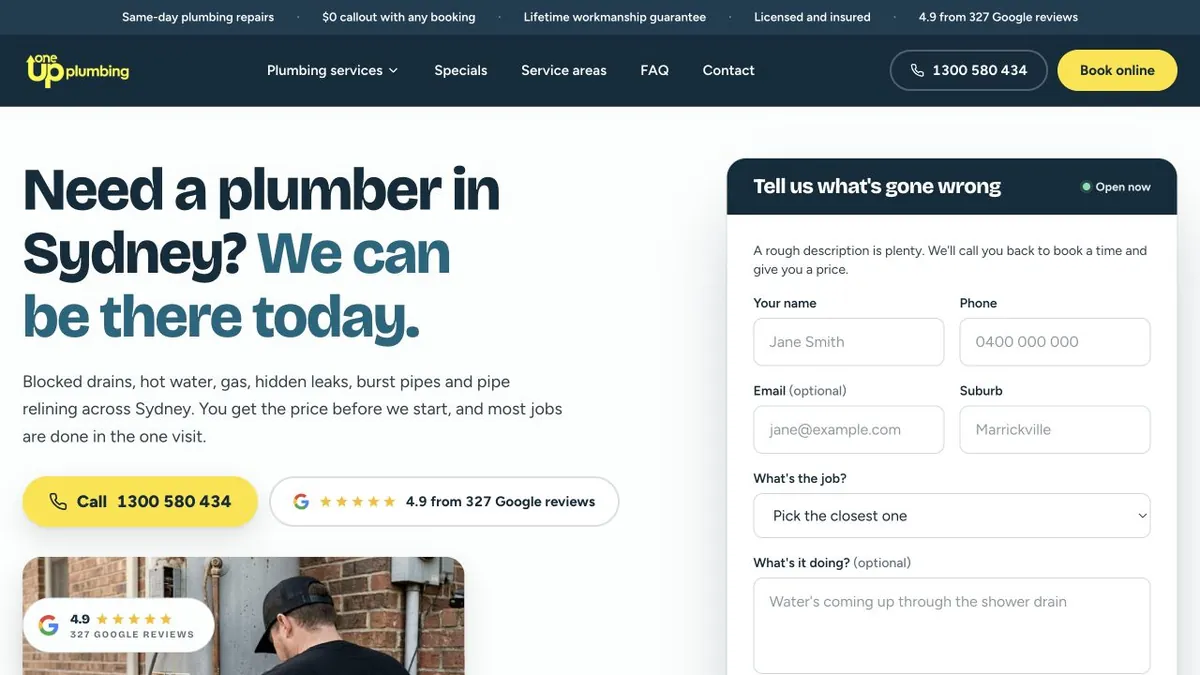
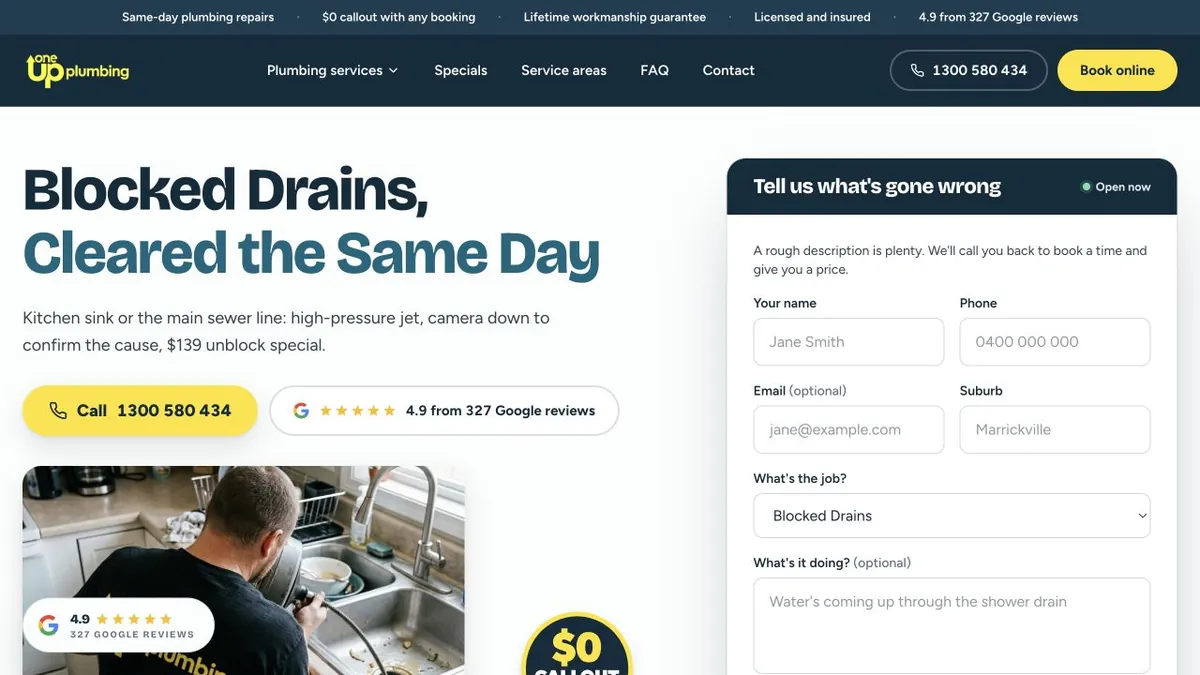
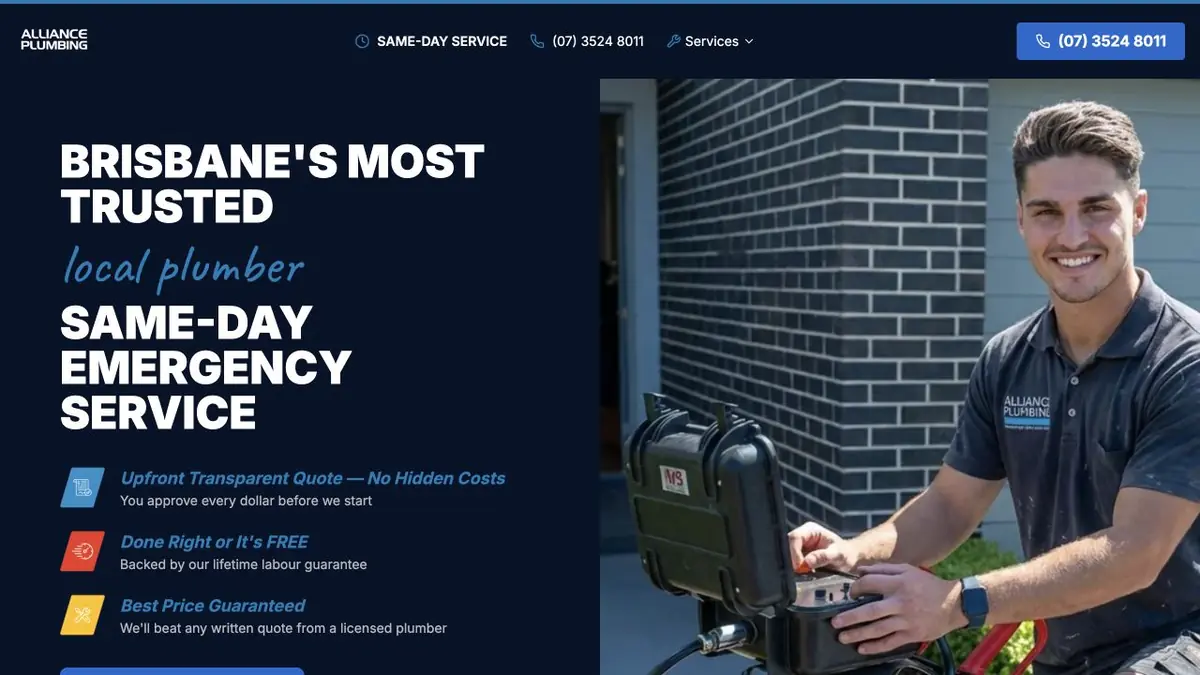
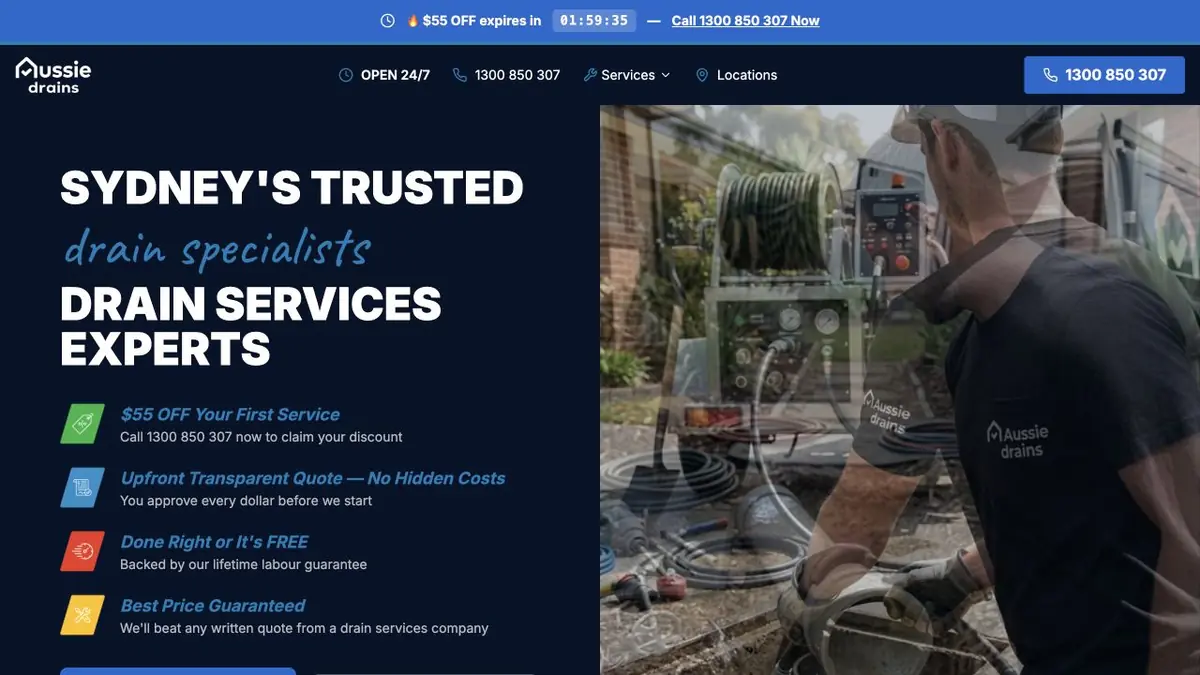
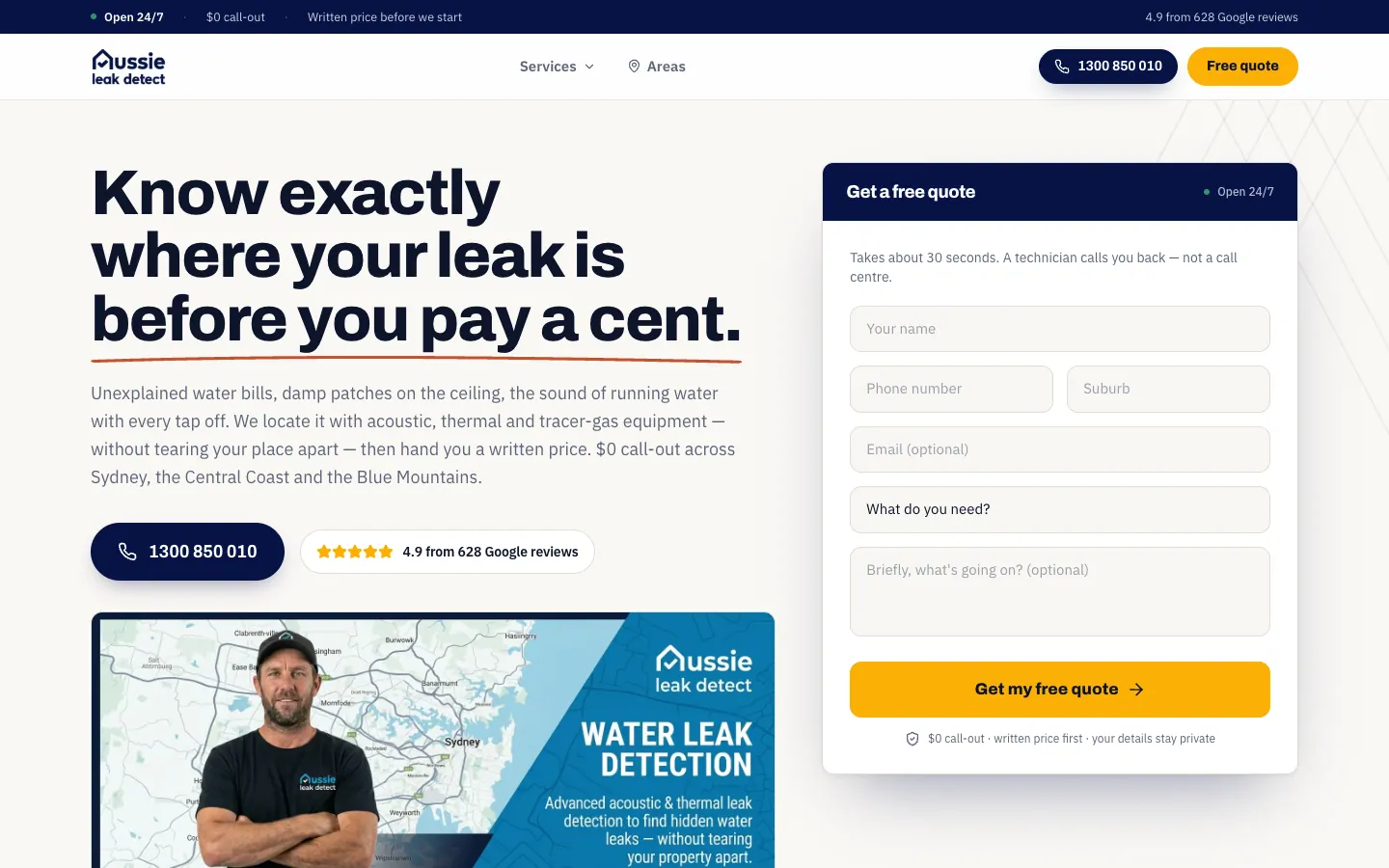
We built a callback form that asks what has gone wrong, set to the job on every service page. We also added a suburb index of 12 regions and a page for every suburb.
The business
OneUp Plumbing is a Sydney plumbing business. Its licensed team takes on blocked drains and drain cleaning, CCTV inspection, pipe relining and patching, sewer and stormwater work, hot water, gas, leak detection, burst pipes, taps, showers, roof plumbing, toilets and renovation plumbing, along with a 24/7 emergency service.
The brief
Most people who need a plumber cannot name the job. They know the shower drain is backing up, the water bill has jumped or the hot water has gone cold. The site had to start from that description, then put the visitor on a page about the right job and the right suburb, with the next step in the same place every time.
It also had to work as the landing ground for OneUp's Google Ads, so every service an ad points to needed its own page and a form that matched it.
A form that starts from the problem
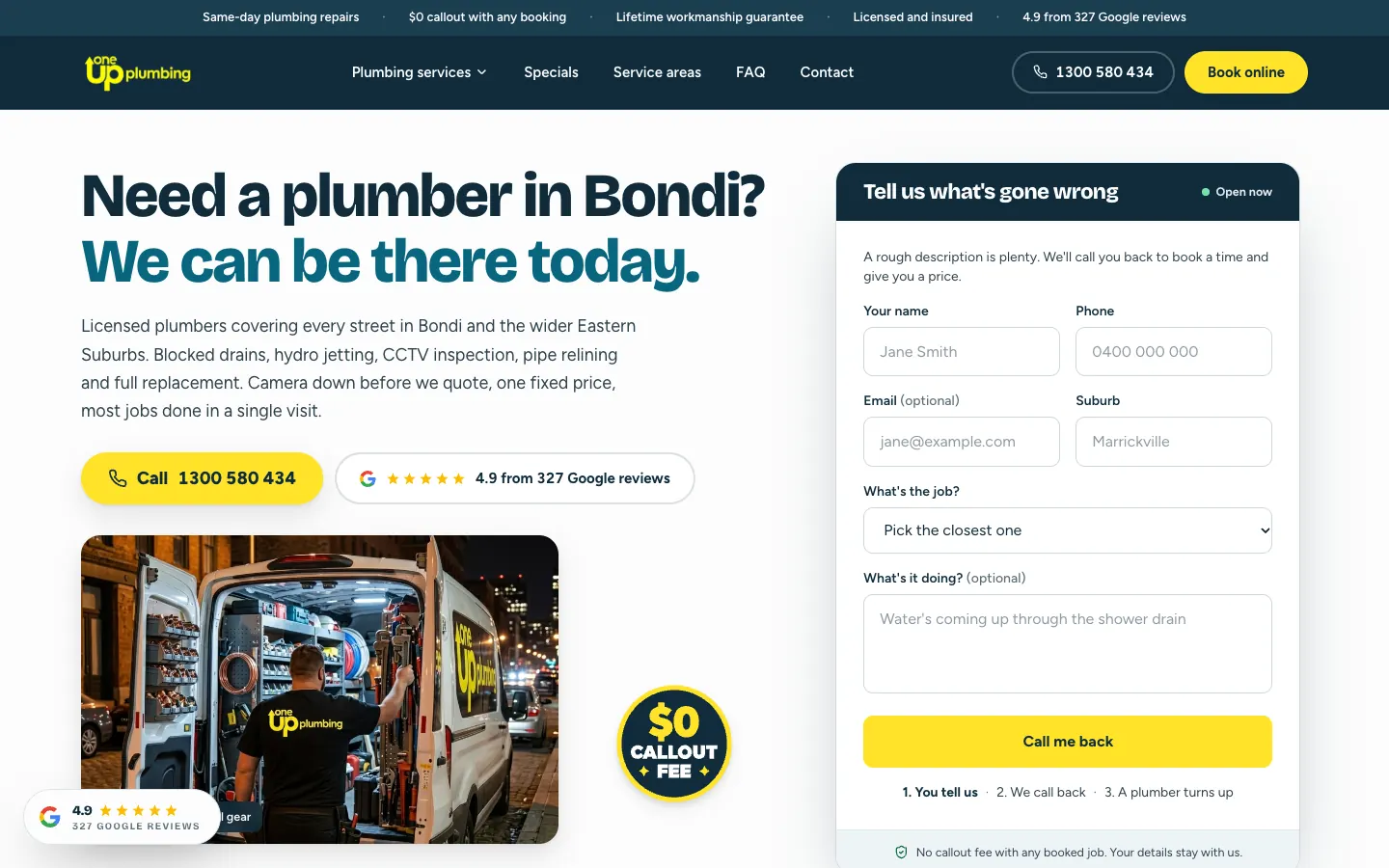
The home page opens on the headline Need a plumber in Sydney? We can be there today. Beside it, a form headed Tell us what's gone wrong asks for a name, a number, the suburb and the job, with an optional line for what it is doing. The job field offers 13 plain-language choices, from a blocked drain or no hot water to hidden leak, water bill up, and not sure, need a diagnosis. Under the button, three steps say what happens next: you tell us, we call back, a plumber turns up.
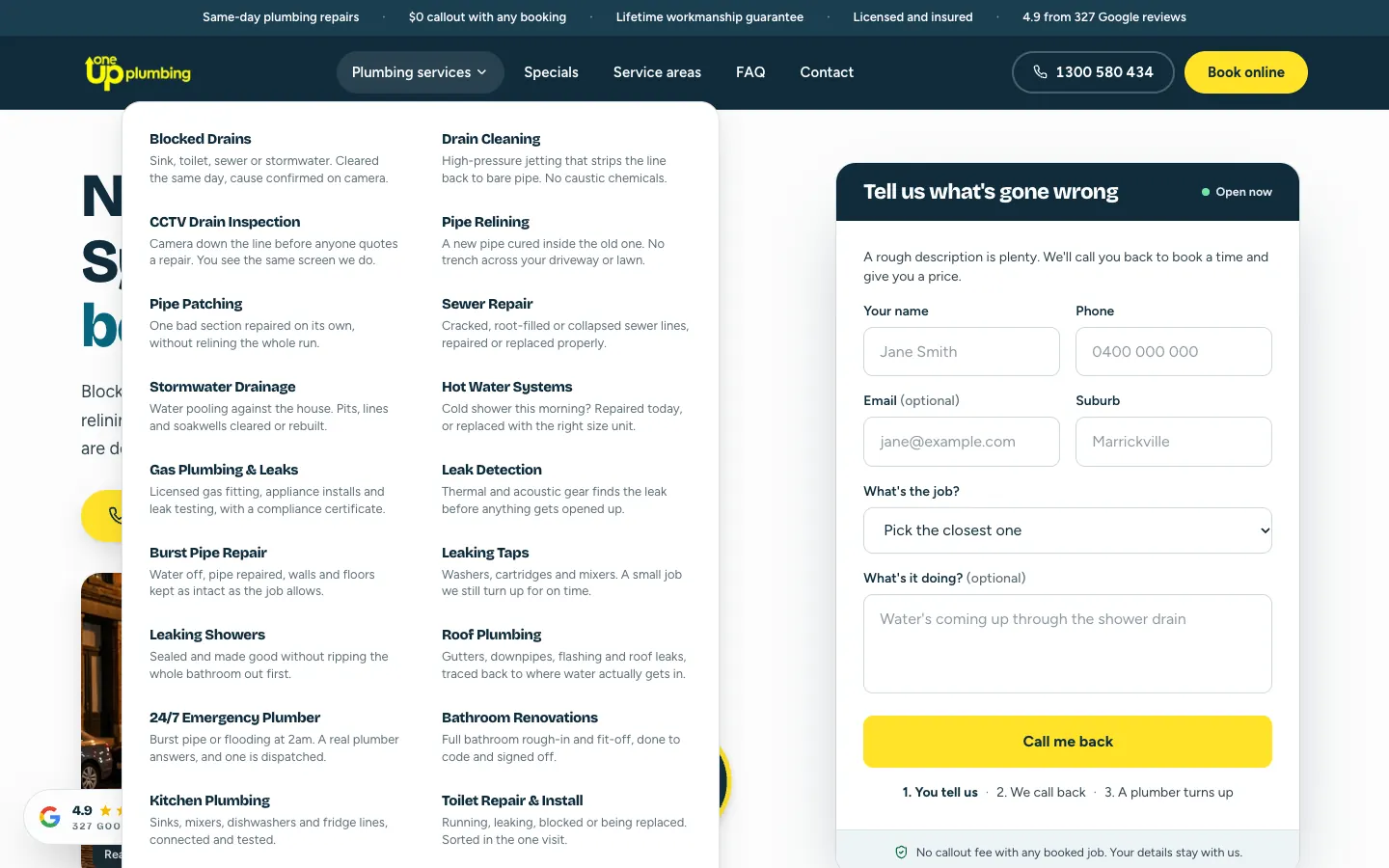
19 services under one menu
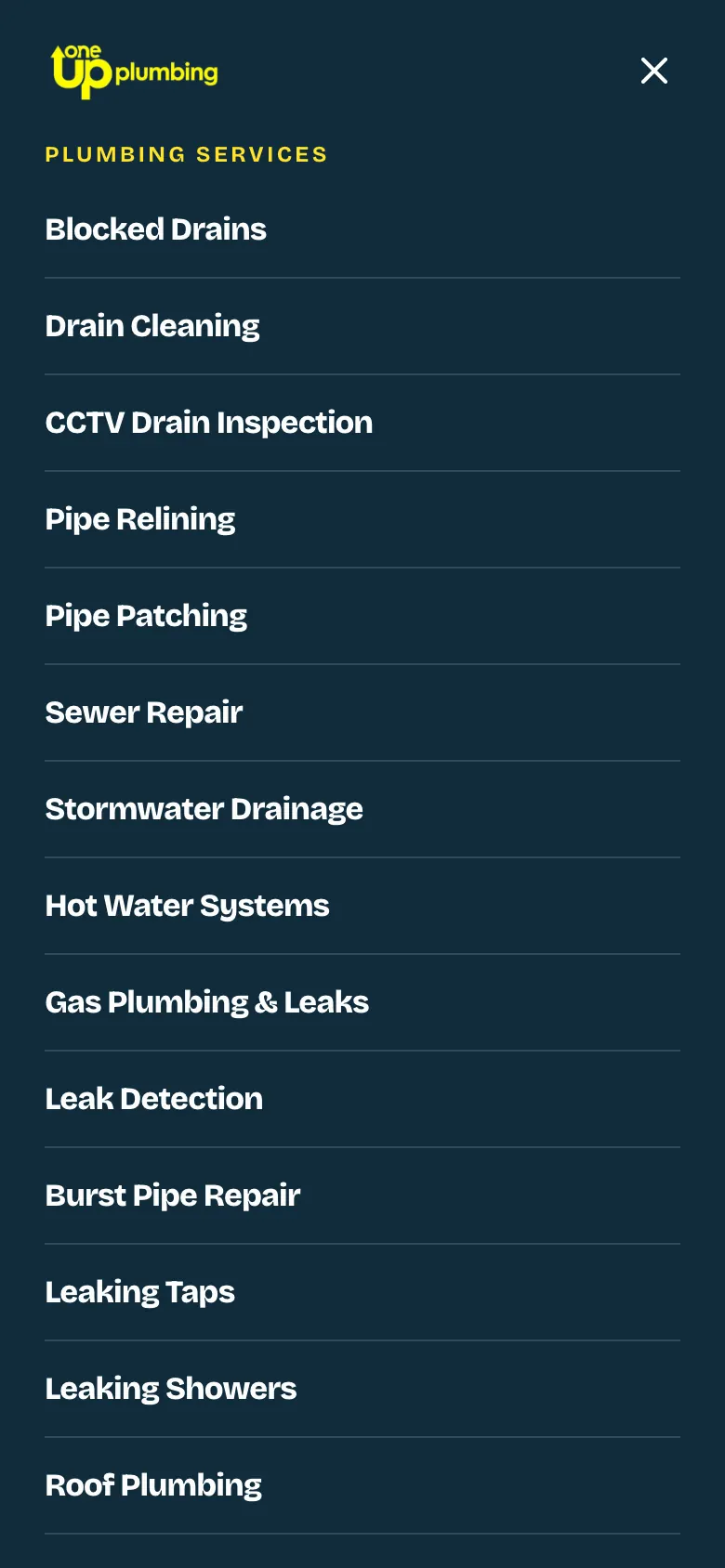
One menu in the header lists all 19 services, each with a line on what the job involves, such as a new pipe cured inside the old one with no trench across the driveway.
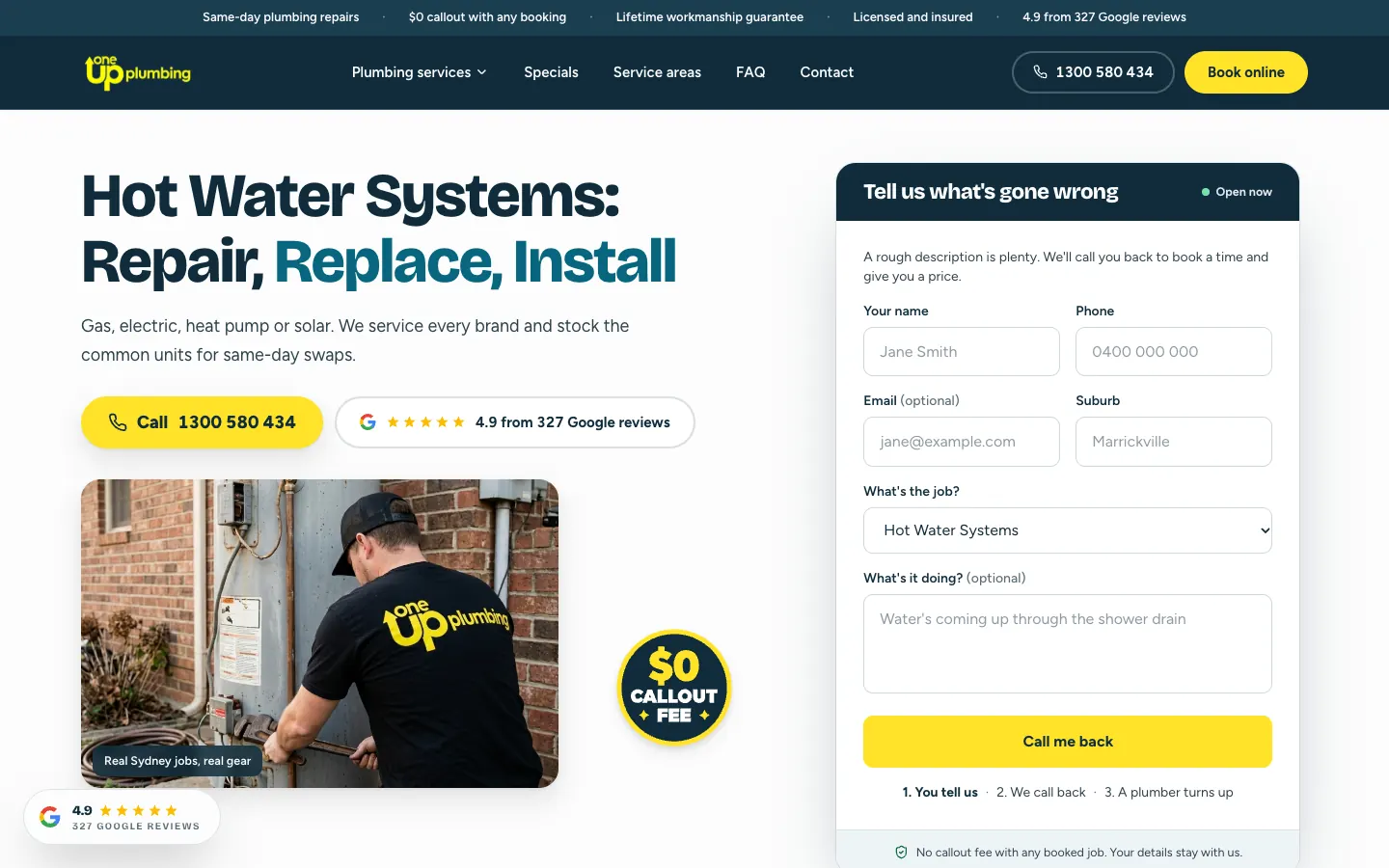
Every service page opens with its own headline, the call button and the callback form with the job field already set to that service. Further down, the blocked drains page explains what every job includes, sets out three ways the job usually runs, and closes with related work, the suburbs covered and answers to common questions.
A page for every suburb
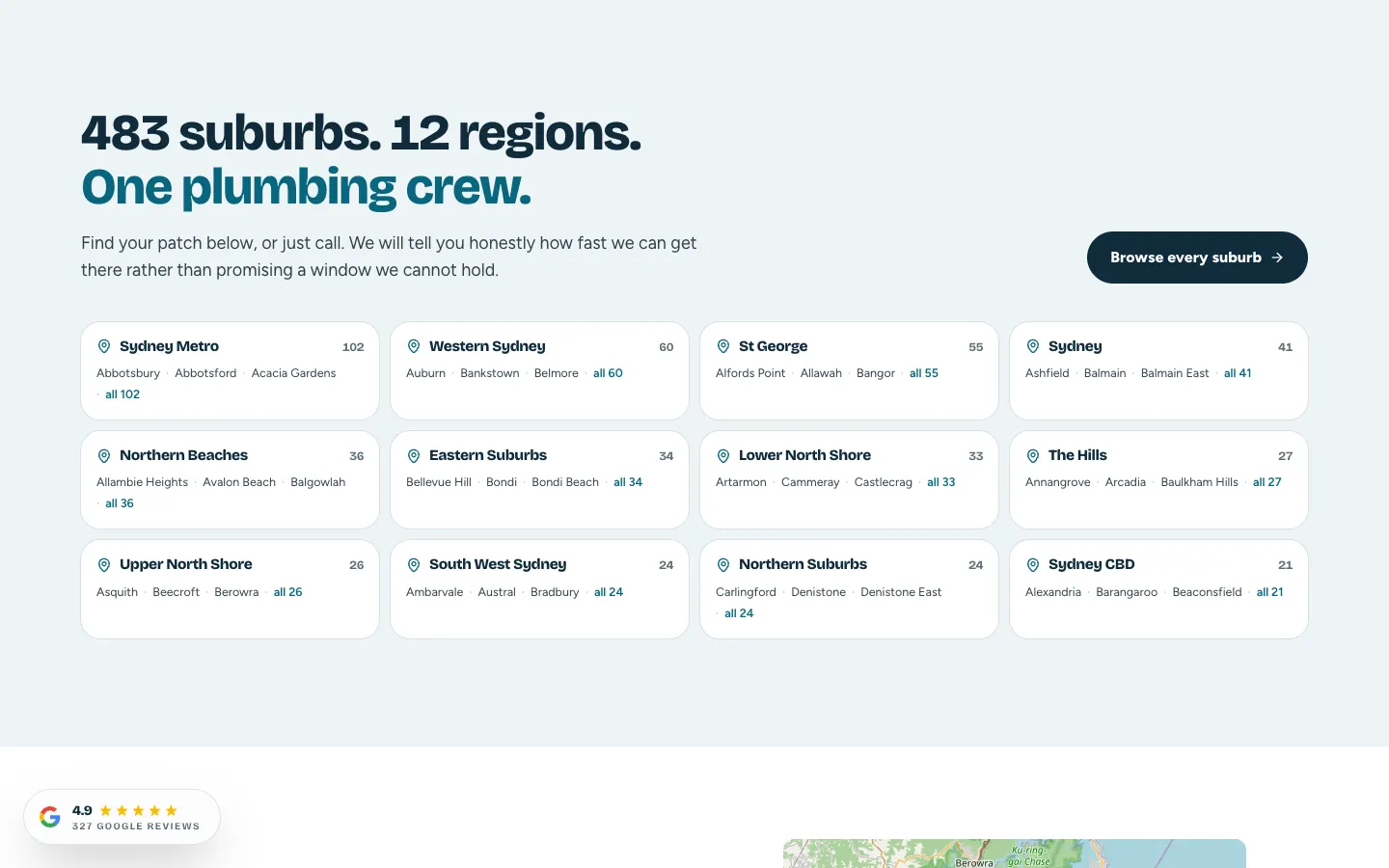
The sitemap holds 482 suburb pages. The suburb index groups them into 12 regions, from Sydney Metro and Western Sydney to the Northern Beaches and the Sydney CBD, with a count beside each region. Each suburb page names the suburb in the headline and the wider area in the line beneath, then carries the same form, the services, the four steps and a short set of questions answered for that suburb. A service-areas page adds a map of where the vans run.
The same four steps on every job
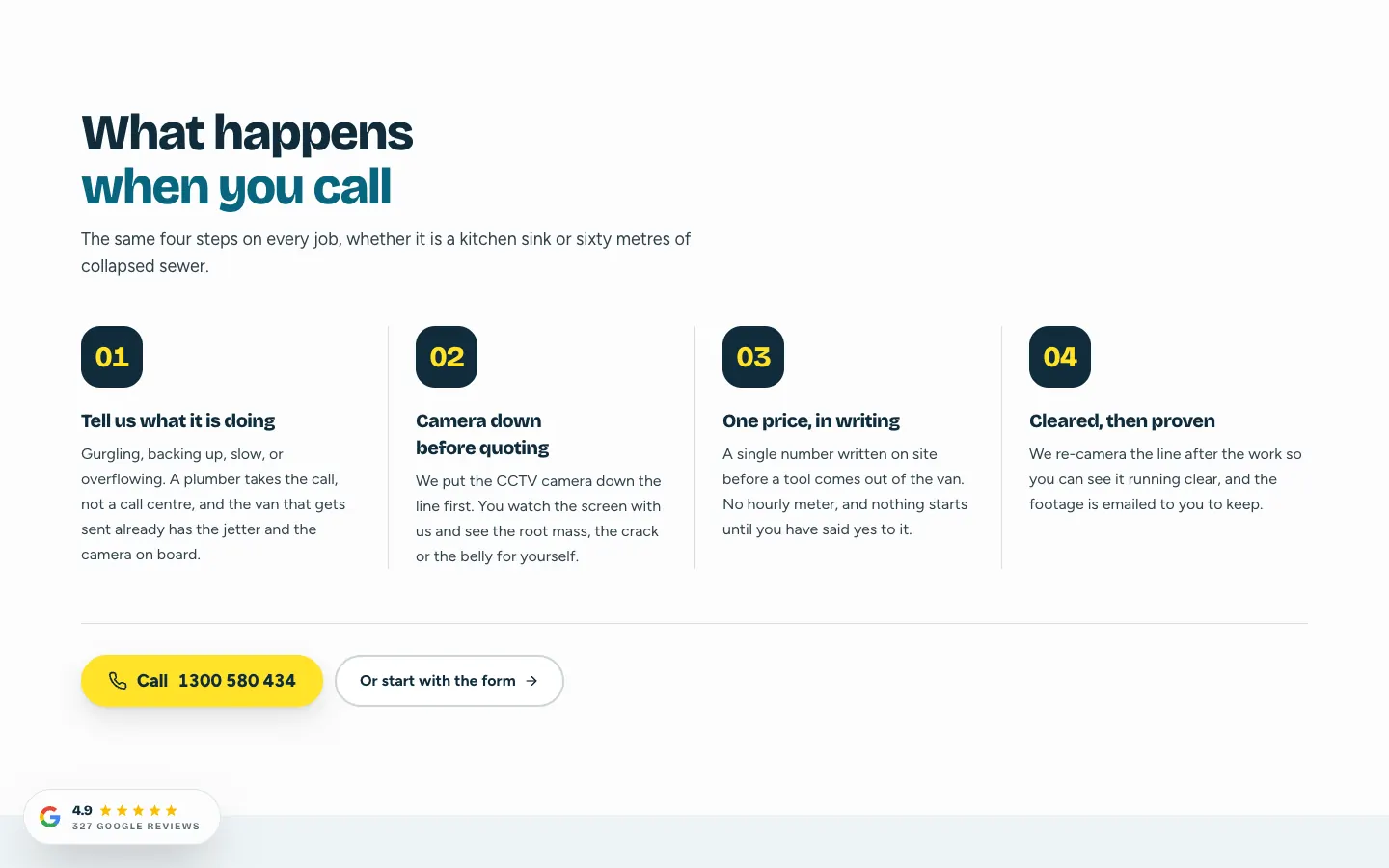
Under What happens when you call, four steps explain every job: tell us what it is doing, camera down before quoting, one price in writing, then cleared and proven on camera. The section appears on the home, services, service and booking pages. Beside it, a section on finding the cause before quoting lists the promises in plain terms, and a FAQ page answers twelve questions in three topics before anyone picks up the phone.
Built for phones
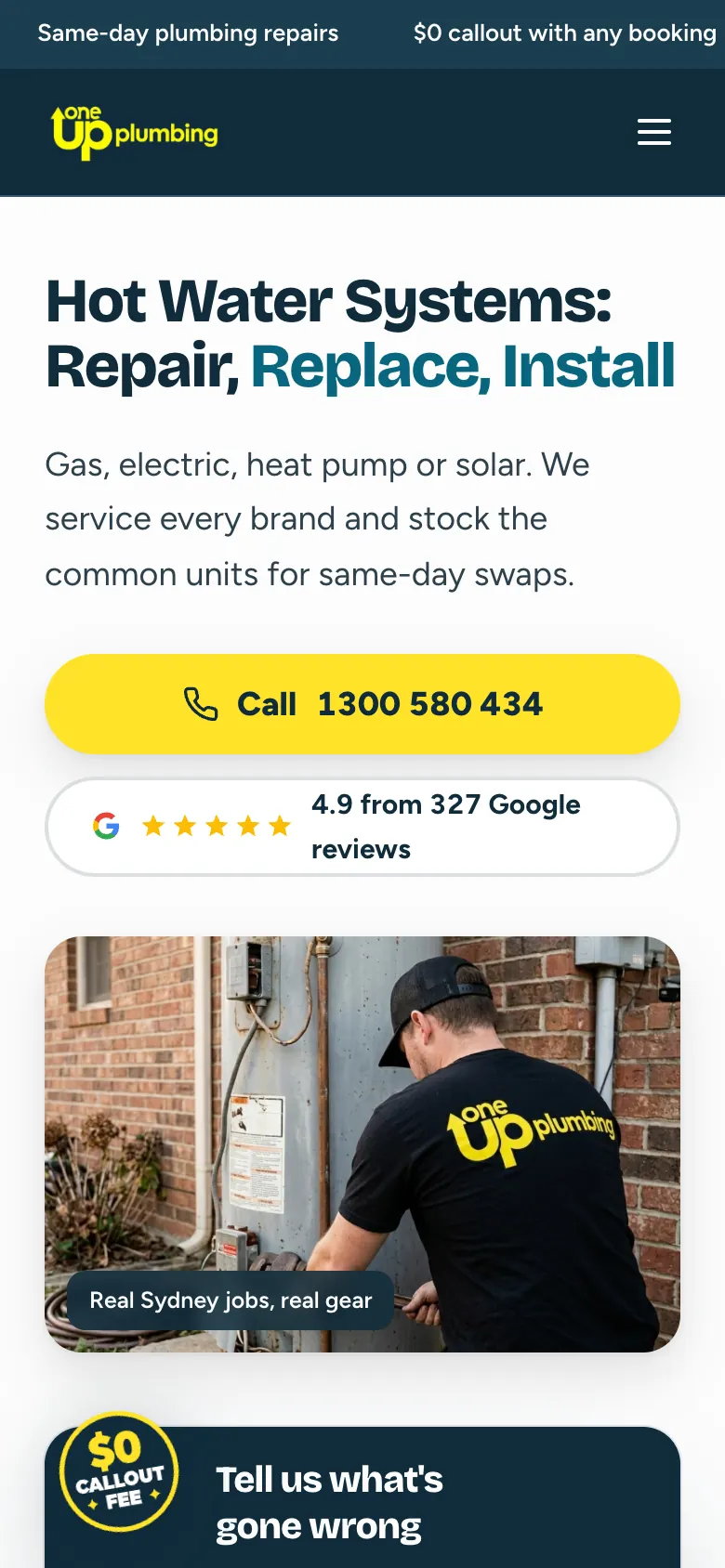
On a phone, the headline comes first, then a full-width Call button and the Google rating, then the photo and the form. Service pages follow the same order, so the hot water page shows the job, the Call button and the rating before the visitor scrolls. The menu opens into all 19 services as large tap targets, one per line.
What it connects to
The site is where OneUp's Google Ads land. Each ad sends people to the matching service page, where the form is already set to that job. The OneUp Plumbing campaign case study reports that 11% of Google Ads clicks became a call or web form since ads began, and that 72% of enquiries were phone calls. Drain work also has its own campaign, covered in the 1UP Plumbing Drains case study.
For a plumbing business that needs a site at this depth, see our website design services and marketing for plumbing businesses.