We built suburb pages that fill the suburb into the quote form, and service pages that preset the service. We also added a plumbing problem finder, an interactive house diagram and a suburb map with postcode search.
108
plumbing service pages
The business
Aussie Plumbing is the plumbing business of Aussie Home Services, the group behind Aussie Plumbing, Aussie Drains and Aussie Electrical. Its licensed plumbers and gas fitters handle blocked drains, hot water, burst pipes, leaks, gas, roofs and gutters, bathrooms, kitchens and toilets across Sydney, the Central Coast and the Blue Mountains, and a plumber answers the phone 24/7.
Plumbing customers arrive with a specific problem. Water is coming through the ceiling, the shower will not drain, the hot water has gone cold or there is a smell of gas. They want to know whether this business does that job in their suburb, what it involves and how quickly someone can help.
The brief
The brief was to rebuild the website from the ground up so that every plumbing job and every suburb the team covers has its own page, the urgent problems are easy to reach, and the price promise, the guarantees and the call sit in the same place on every page.
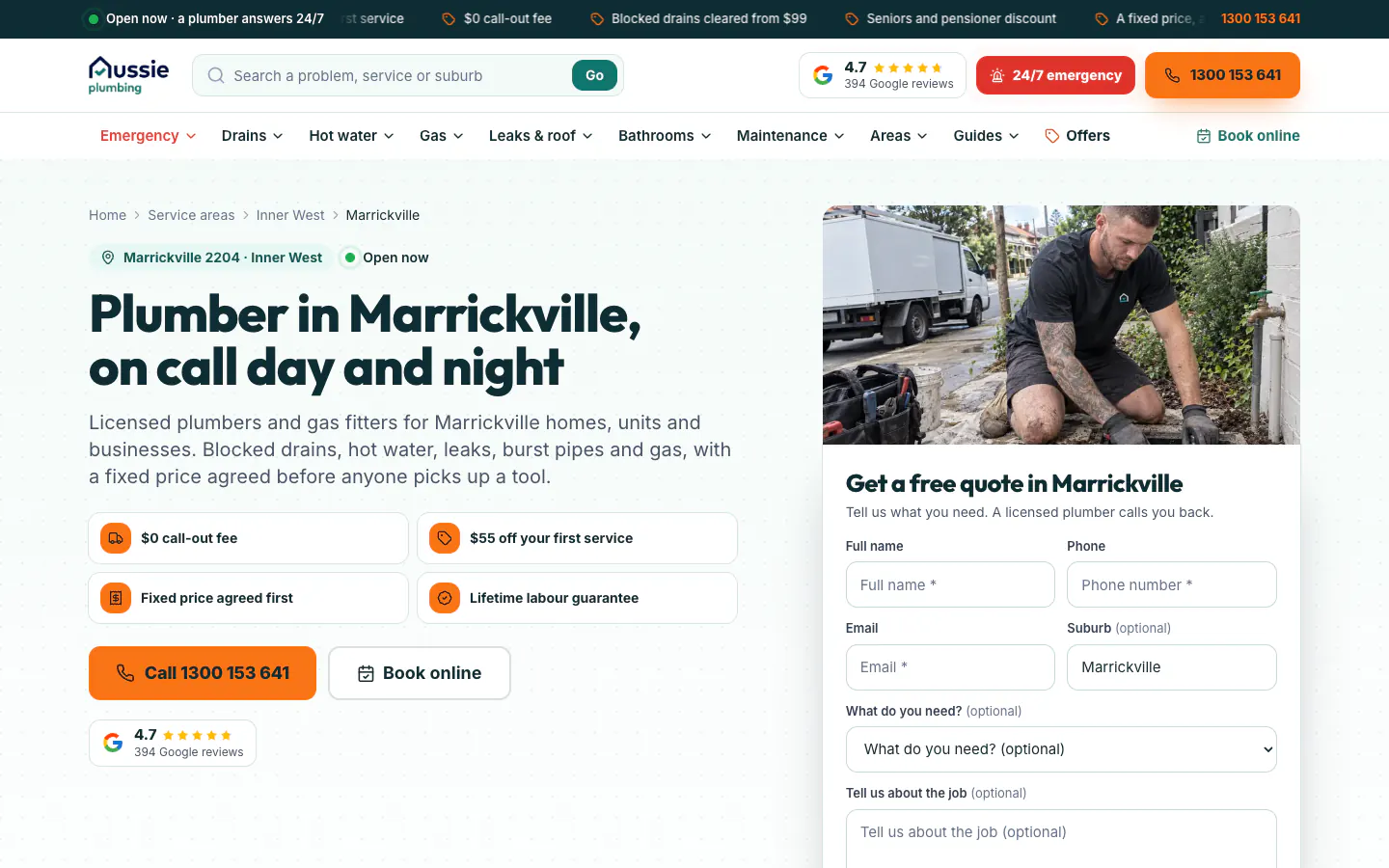
Forms had to ask only for what the page does not already know. A visitor on a suburb page should not have to type the suburb, and a visitor on a service page should not have to pick the service again.
What we built
The live sitemap lists 677 pages. There are 108 service pages, sorted into seven category hubs: drains, hot water, gas, leaks and pipes, bathrooms and kitchens, maintenance, and emergency. There are 471 suburb pages grouped into 22 region pages, 53 guides, and 16 other pages including the home page, booking, offers, reviews and the tools.
Menus and search built around the job
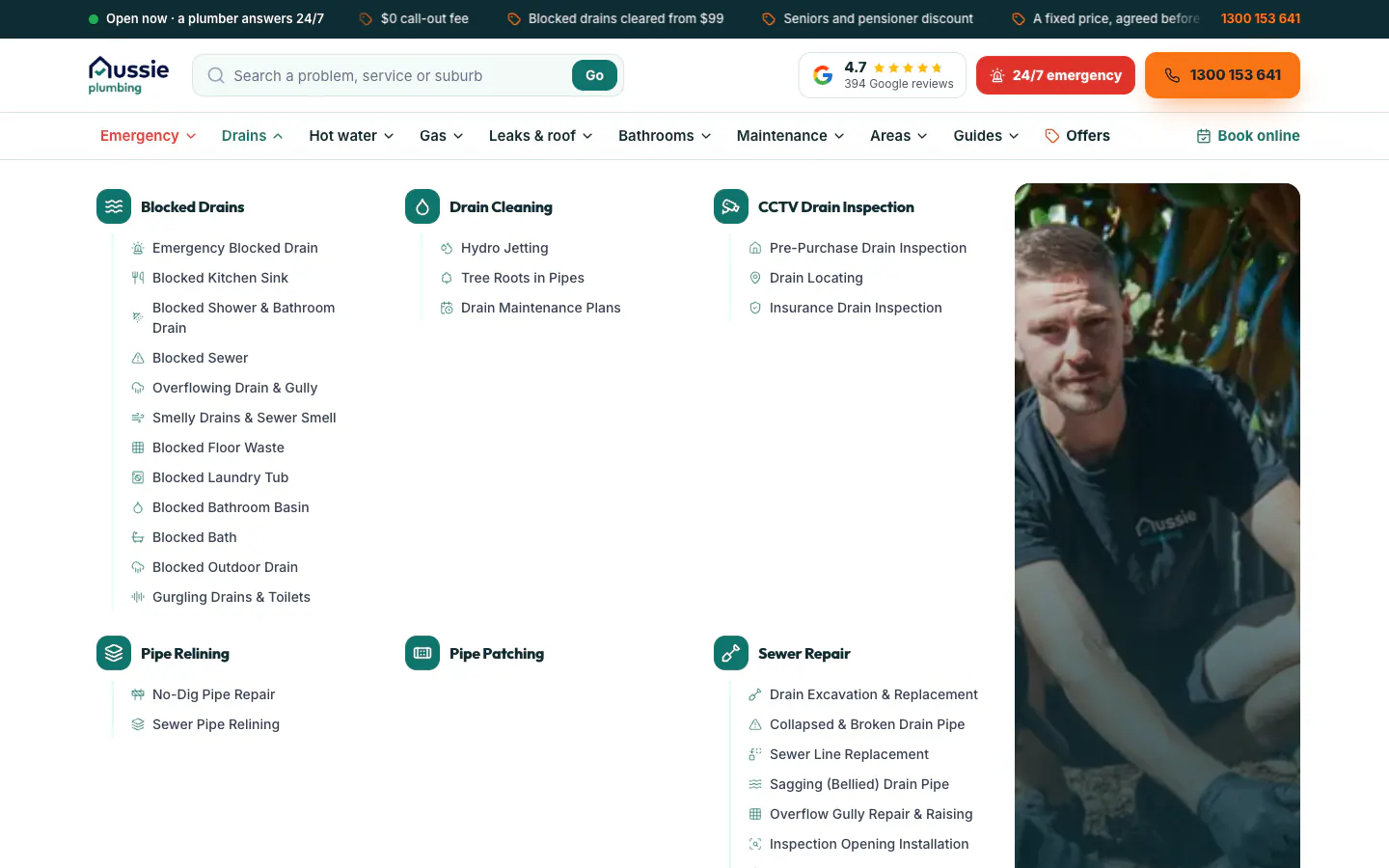
Each trade has a mega menu that lists the main services with their specific jobs underneath and a photo alongside. The drains menu, for example, groups blocked drains, drain cleaning, CCTV inspection, pipe relining, pipe patching and sewer repair, with twelve blocked-drain jobs listed under the first heading, from the kitchen sink to the floor waste. A search box in the header takes a problem, a service or a suburb.
Service, suburb and region pages
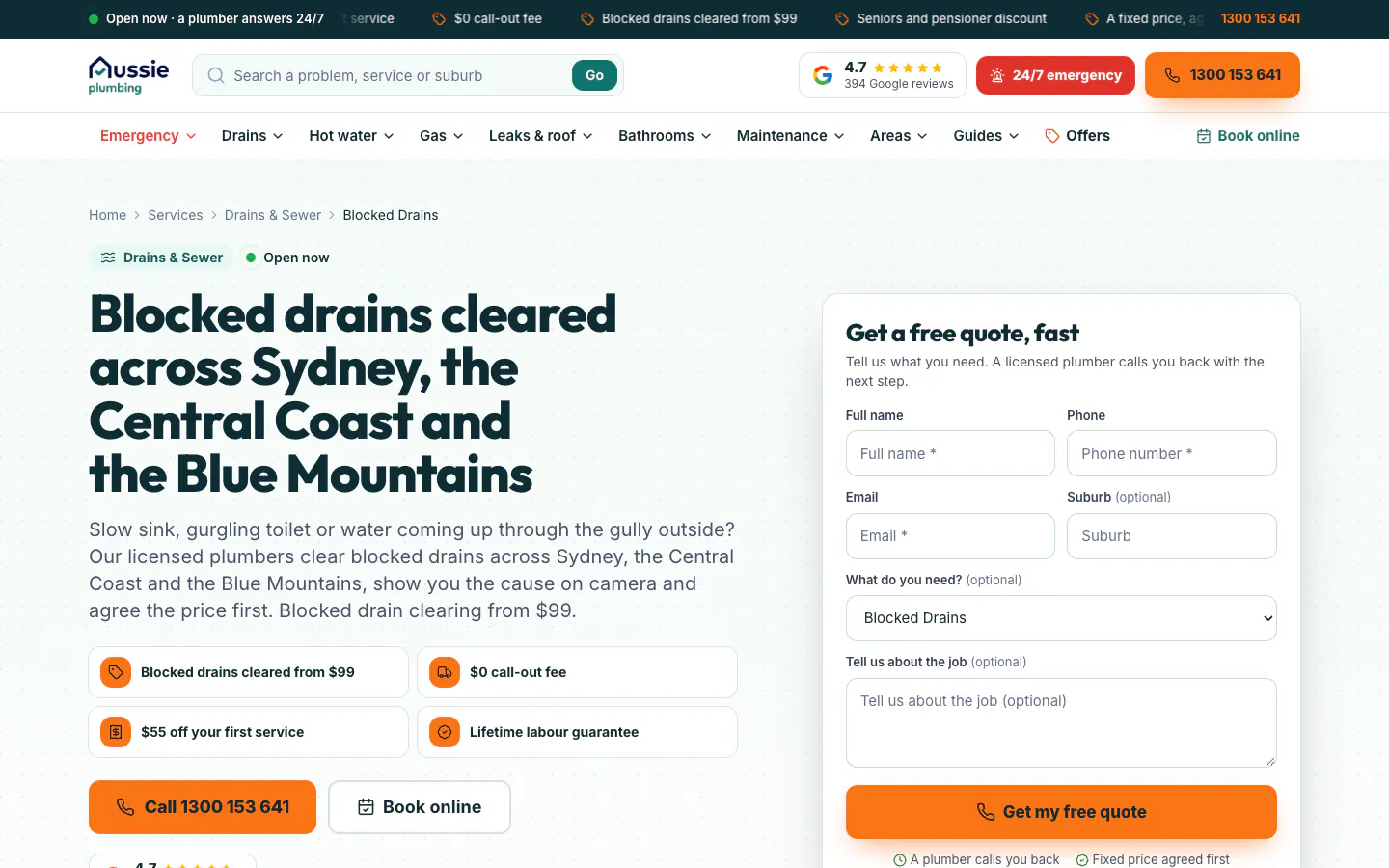
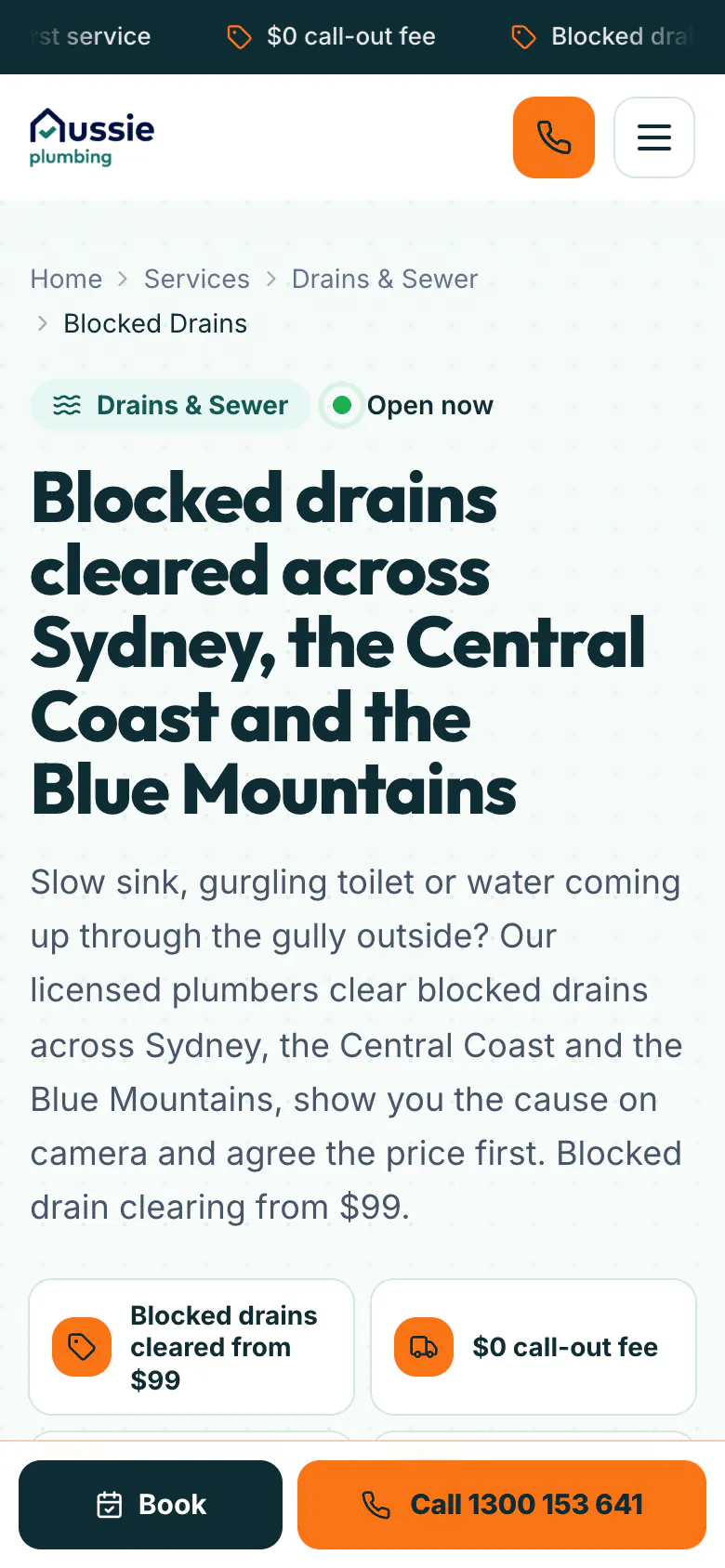
Every service page opens with a breadcrumb, a headline naming the job and the service area, and a plain-English introduction. The blocked drains page, for example, explains that the plumber shows the cause on camera and agrees the price first. The offer tiles, call and booking buttons and a Google rating badge follow, and the quote form arrives already set to that service.
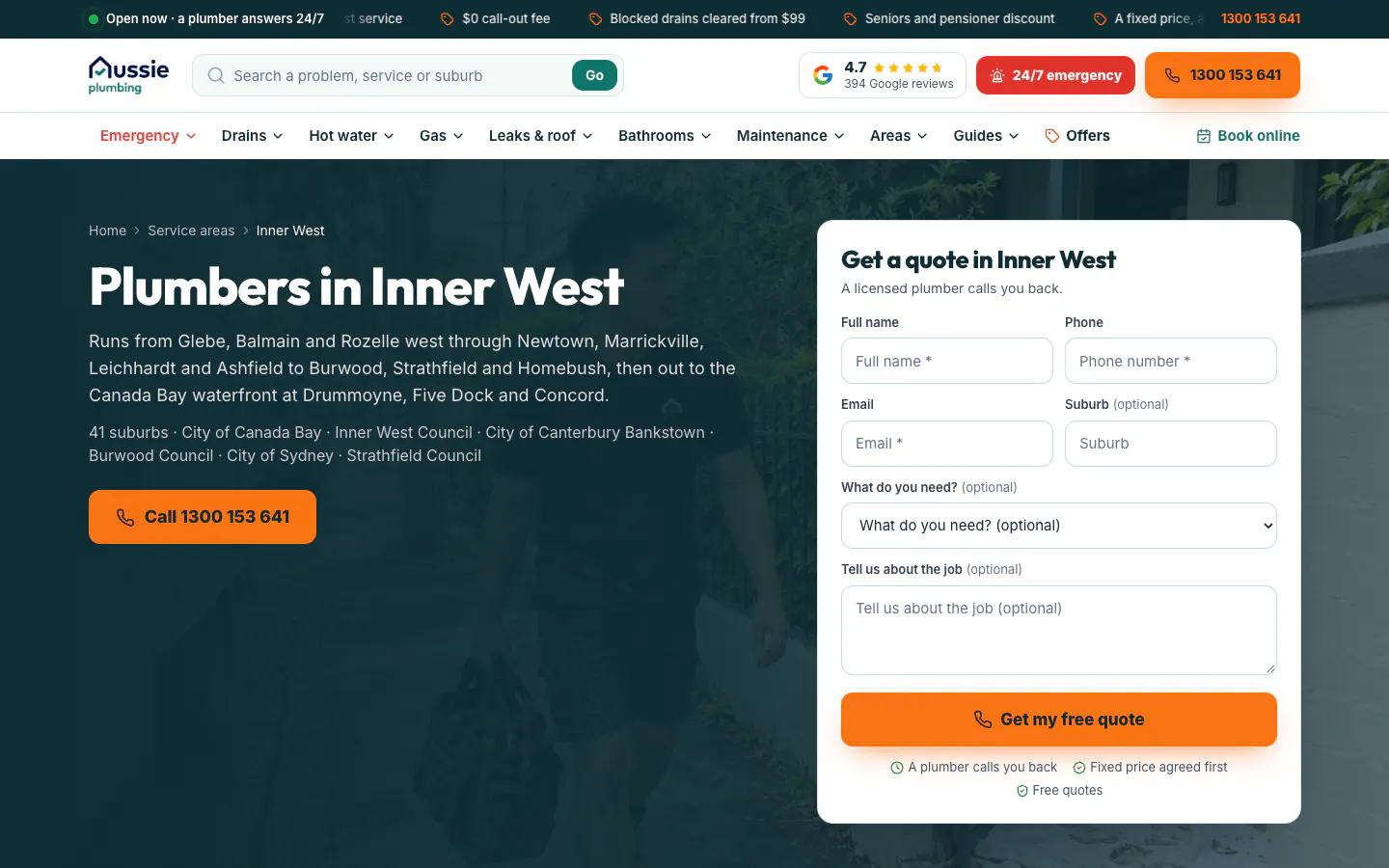
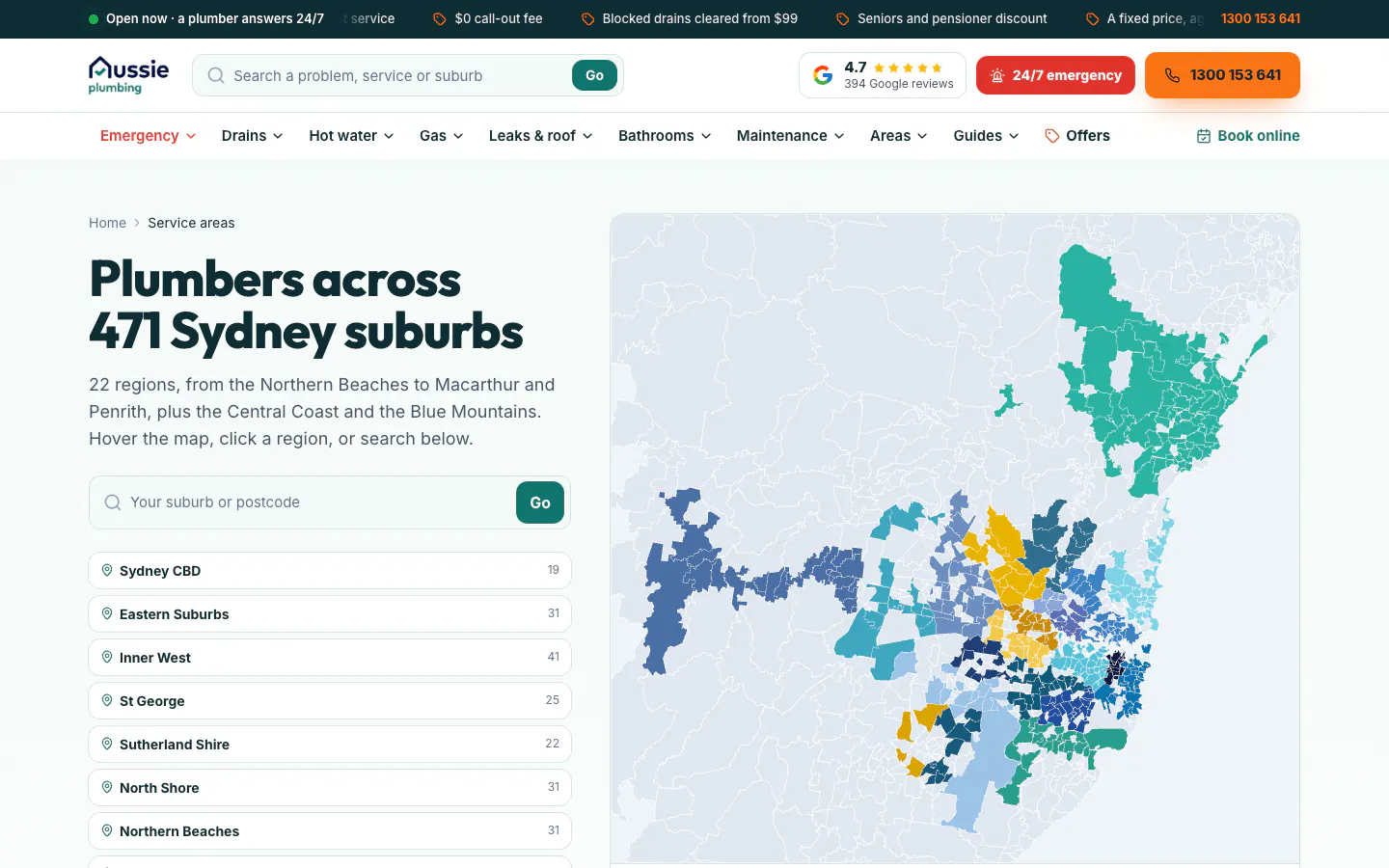
Suburb pages open with the suburb, its postcode and region, a headline for that suburb and the property types the team works on. The quote form beside it is titled for the suburb and has the suburb already filled in. Region pages describe the area, count its suburbs and name its councils, and the service areas page puts all 471 suburbs on one map, coloured by region, with a search by suburb or postcode.
Tools that help before the call
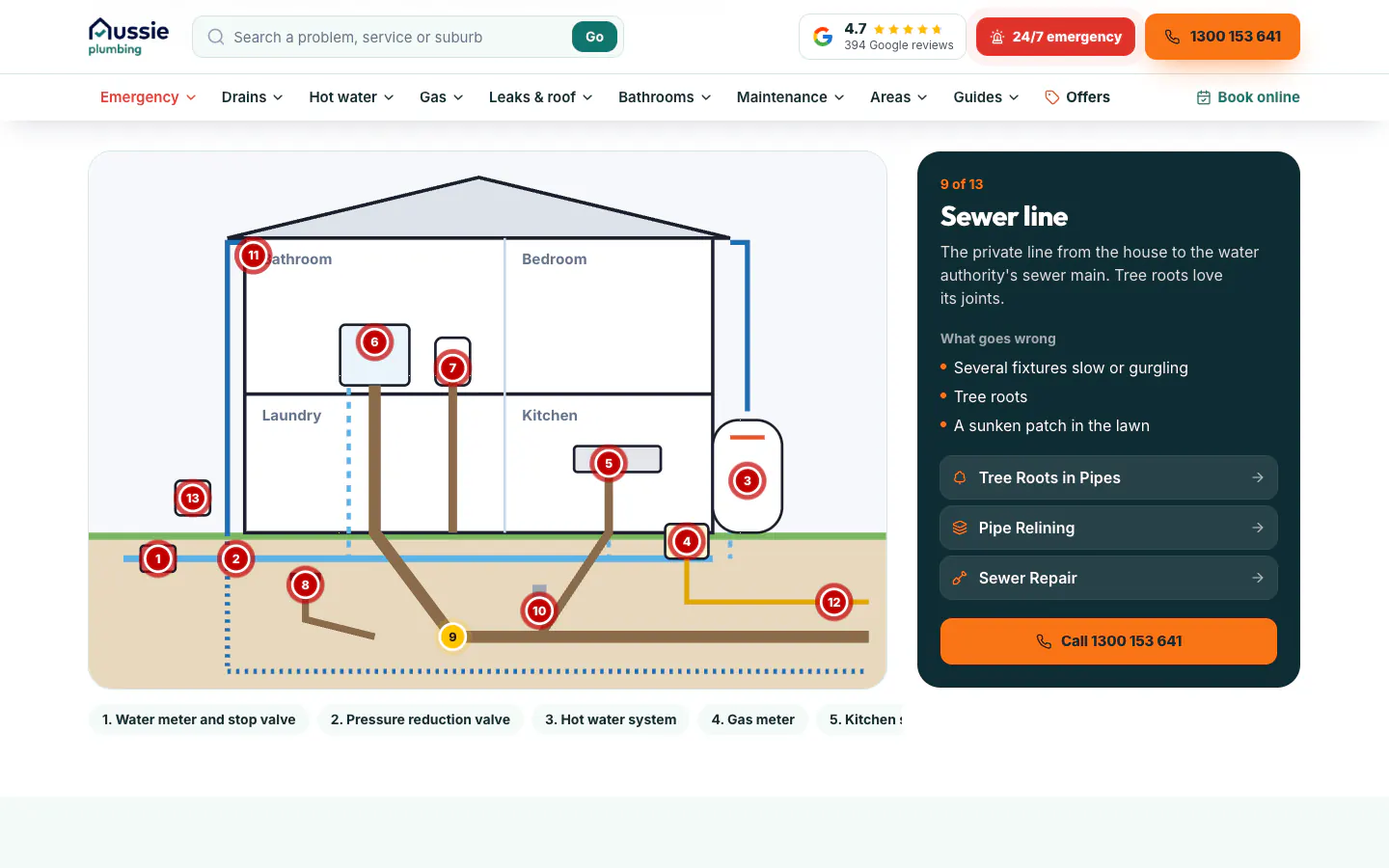
The plumbing problem finder asks one question at a time. Its first question checks for water pouring out, sewage coming up inside or a smell of gas, and it ends with the likely cause, what is safe to do and the right page to read. It says plainly that it never replaces a plumber's diagnosis. The interactive house explains 13 parts of a home's plumbing, from the water meter and pressure valve to the hot water system, gas meter, gully, sewer line and stormwater. Each part opens a panel with what goes wrong, links to the matching services and a call button.
A home page that sorts the visit
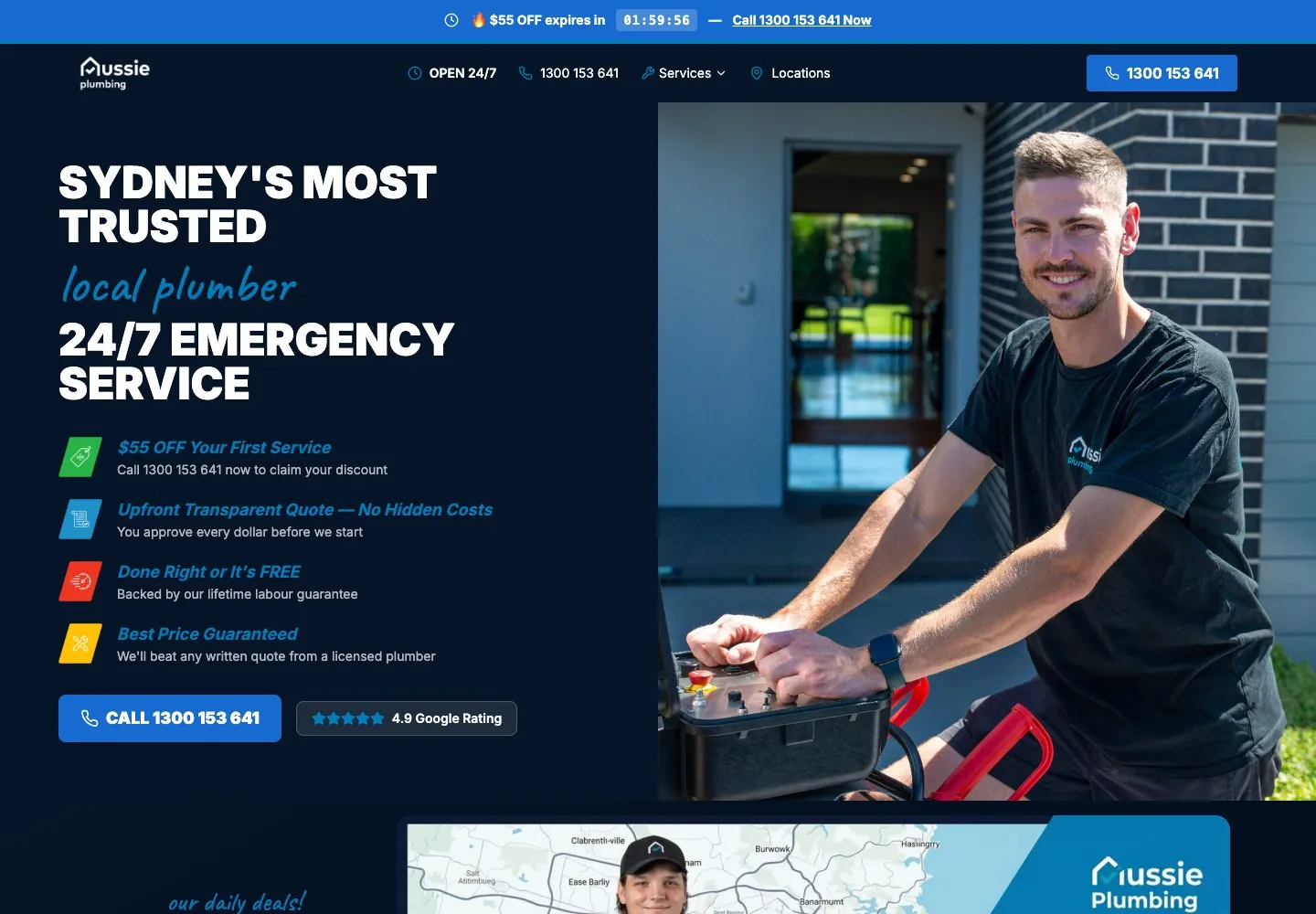
The home page leads with the service promise and the offers, then asks what is happening at the visitor's place. Sixteen problem tiles cover the common jobs, with the urgent ones in red, followed by the seven service groups as tabs, an emergency section with safety steps, a drains section that explains clearing, camera inspection, relining and digging, and a grid of job photos by service. Before-and-after sliders, each labelled as an illustration of a typical job, show what a fixed drain looks like. Further down, the offers and guarantees are set out in cards, and a four-step section explains what happens from the first call to a signed-off job.
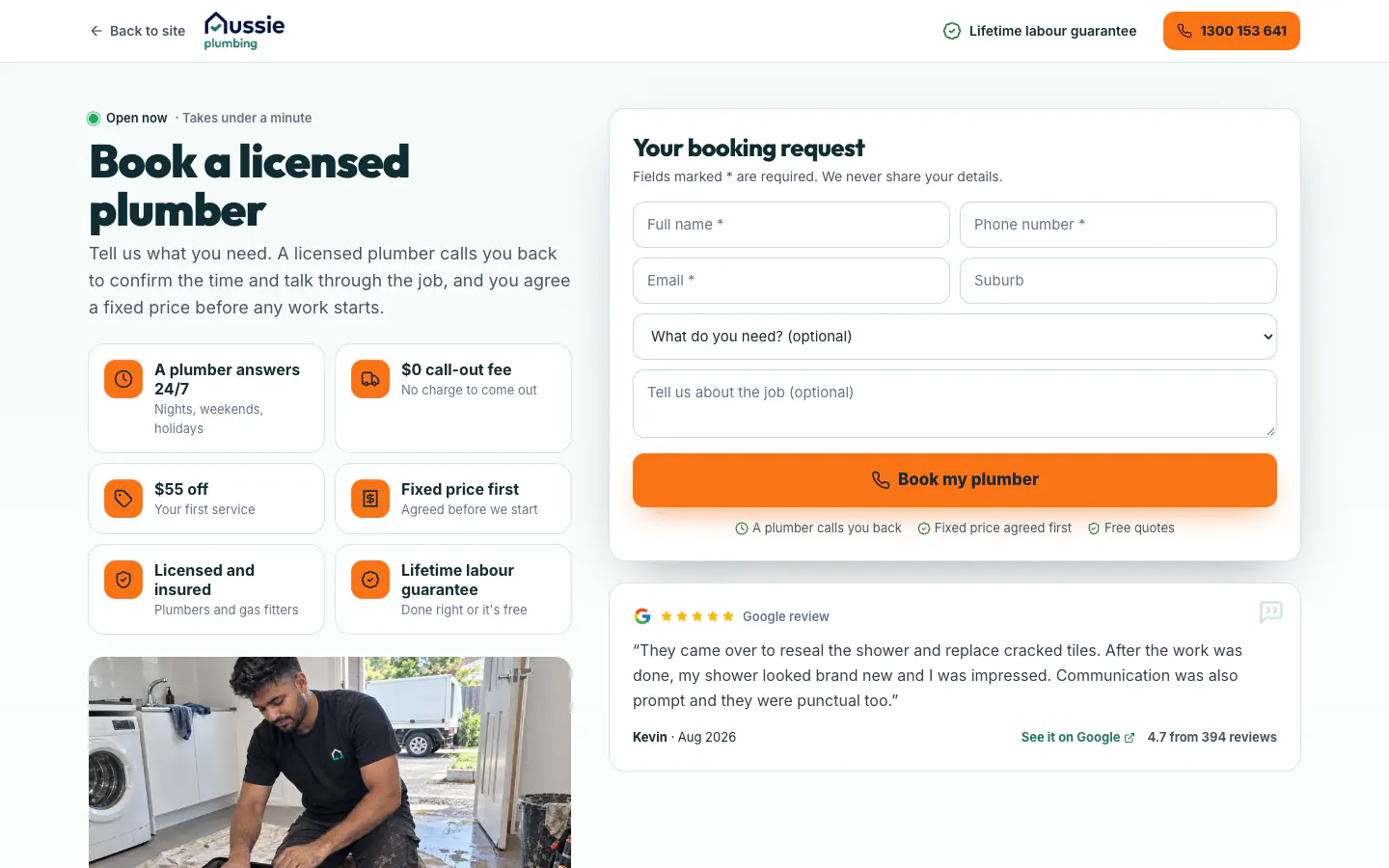
Booking has a page of its own with the menus removed. The offers page sets out the first-service discount, the call-out offer, the blocked drain special and the seniors and pensioner discount. The reviews page shows the Google rating with its star breakdown, filters by topic and a link to read every review on Google, critical ones included.
Built for phones
On a phone the header shrinks to the logo, a call button and a menu button. A large call button sits under the offer tiles, and a Book and Call bar stays pinned to the bottom of the screen as the visitor scrolls, so the next step is one tap away on any part of any page. Breadcrumbs wrap and the offer tiles stack two to a row, so the job and the call fit without zooming.
The quote form asks for a name, a phone number and an email address, with the suburb, the service and a description of the job optional; suburb and service pages fill in their part. On desktop, a floating call button stays in the lower left corner, and an emergency prompt with safety steps and a call button appears once per visit after the visitor has scrolled part way down the home page.
What it connects to
Because every service and every suburb has its own address, an ad or a search about blocked drains can land on the blocked drains page with the quote form already set to that service, and one naming Marrickville can land on the Marrickville page with the suburb already filled in. The Google Ads work that sends people to these pages is covered in the Aussie Plumbing lead generation case study and the calls and forms case study, where enquiries are matched to the client's job records and judged on won work.
Reviews come from the Google profile of Aussie Home Services, and each review links to the original on Google. The group's other two businesses have websites built the same way: see the Aussie Electrical website and the Aussie Drains website. A customer who moves between them finds the call, the offers and the forms in the same places.
To plan a website like this for your business, see our website design work and our marketing for plumbing businesses.