
You've published a new page, but nothing on your site links to it. To Google, it's like a shop with no sign on the street. Internal links fix that, and they take minutes.
What is internal linking?
Internal links are links from one page on your website to another, such as a blog post linking to your service page. They do two jobs: help visitors find the next useful page, and help Google find and understand your pages.
Google says it finds new pages mainly through links from pages it already knows, and that "every page you care about should have a link from at least one other page on your site." A page nothing links to is easy for Google to miss.
Why internal links matter for new pages
New pages are slow to get into Google. In IndexCheckr's large indexing study, pages that did get indexed took 27 days on average. Linking a new page from pages Google already visits, plus a submitted sitemap, gives it a direct path in. It's one of the simplest ways to answer how to get more traffic to your blog.
How to link a new page so it gets found
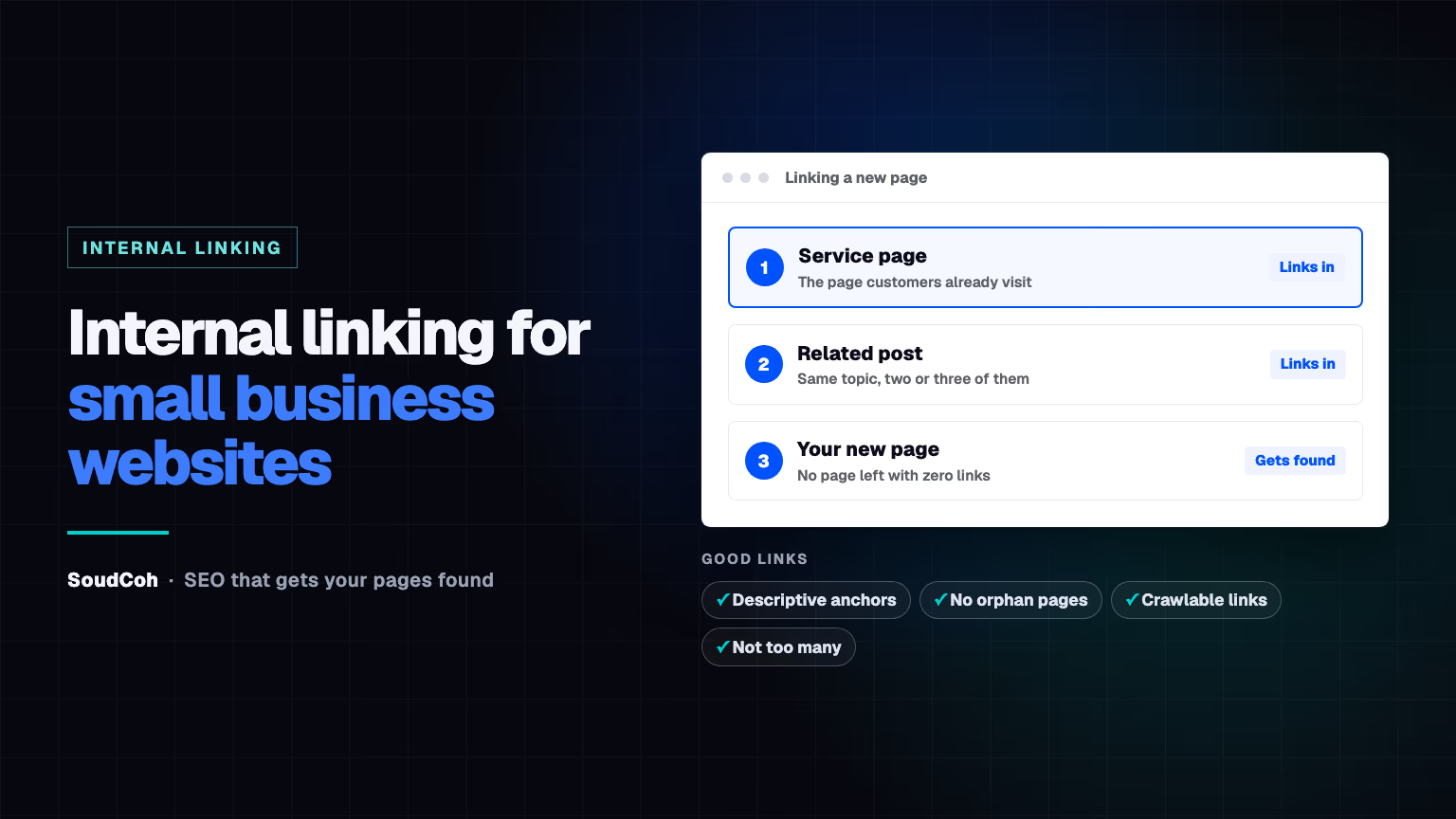
- Link from two or three related pages: a service page, a related post and, if it's important, your homepage.
- Link from your strongest pages: the ones that already get visits from Google.
- Link back out from the new page to your main service page and one or two related posts.
- Check it's indexed after a week or two. Here's how to check whether Google has indexed it.
Every page you care about should have a link from at least one other page on your site.
How to write good anchor text
Anchor text is the clickable words of a link. Google's guidance on links says good anchor text is "descriptive, reasonably concise, and relevant", and gives "Click here" and "Read more" as bad examples.
| Weak | Better |
|---|---|
| Click here | blocked drain repairs in Epping |
| Read more | how much a new hot water system costs |
| This page | our emergency plumbing service |
A quick test from Google: read only the link words. If they make sense on their own, they're good. Use the words your customers search with, not your own jargon.
Common internal linking mistakes
- Orphan pages: new service or suburb pages nothing links to.
- Links Google can't follow: Google says it can only crawl links written as normal links with an address, not buttons that work only with scripts.
- Linking everything everywhere: Google's view is that if it feels like too many links, it probably is.
- Vague anchors like "learn more" on every link.
How we link on soudcoh.com
Our Generative Engine Optimisation page links to seven guides on AI search, and the guides link to each other and back to it. That way a reader, or Google, who lands on any one of them can reach the rest in one click. Good SEO services plan internal links for every new page. If you're looking for the best marketing agency for your business, book a free marketing audit.
Common questions about internal links
How many internal links should a page have?
Google says there's no magical ideal number. Link where it genuinely helps the reader, and make sure every important page has at least one link pointing to it.
Do internal links help a page rank?
They help Google find a page and understand what it's about, which is the first step to ranking. The page still has to be the best answer to the search.
Should I link the same page several times?
Once per page is usually enough. Repeating the same link adds clutter without helping readers.
Questions and answers
Do links in my menu count as internal links?
Yes. Menu and footer links are internal links too, but links inside the main text with descriptive words usually tell Google more about the page.
Should blog posts link to my service pages?
Yes, where it's genuinely relevant. A post about blocked drains should link to your blocked drain service page, so readers who need help can find it.