
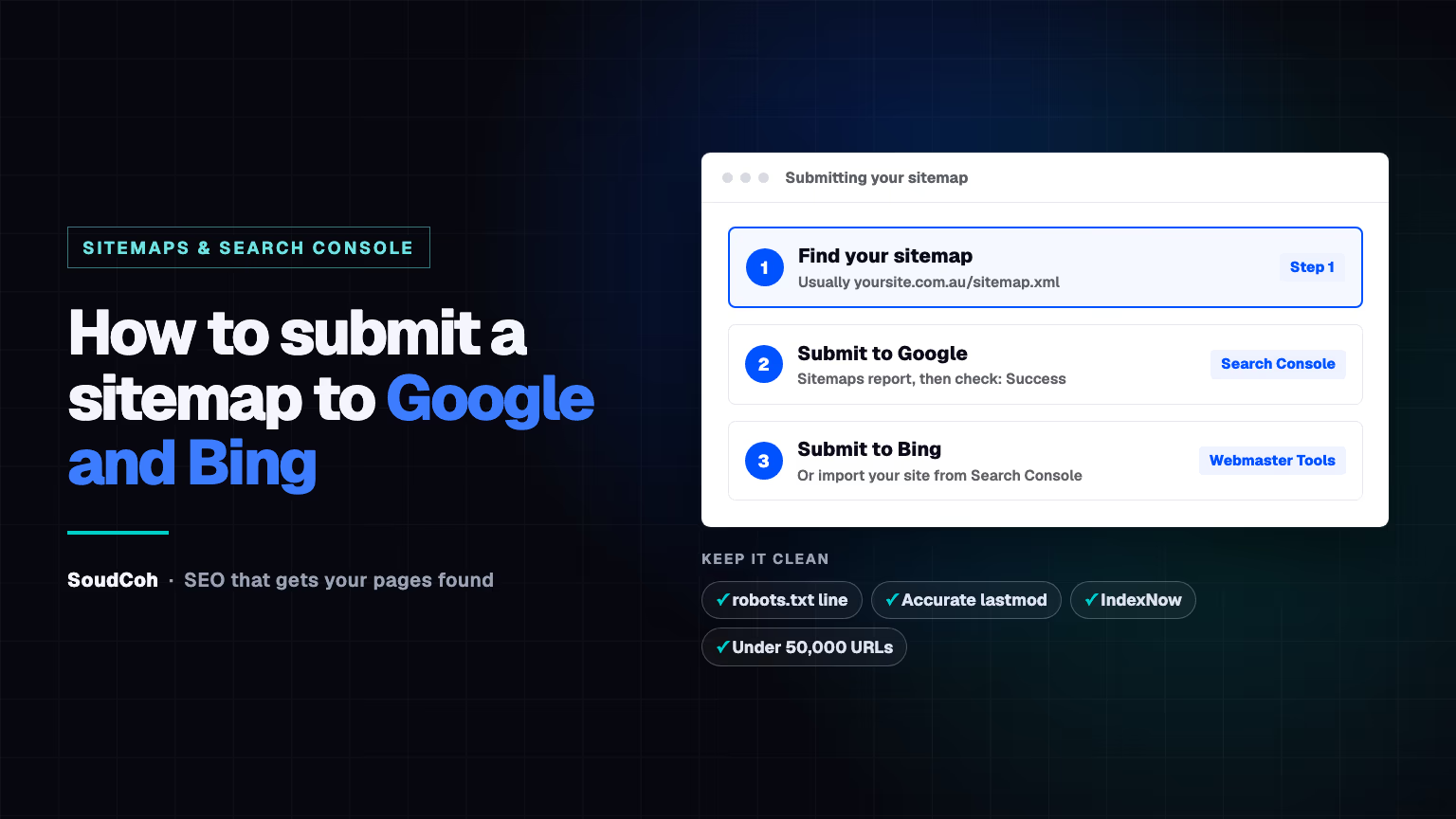
A sitemap tells Google and Bing which pages your website has. Submitting it takes five minutes, and it's one of the simplest ways to help new pages get found.
What is a sitemap, and do you need one?
A sitemap is a file that lists the pages on your website, so search engines can find them. Most website platforms create one for you.
Google says you may not need one if your site has about 500 pages or fewer and every page is linked from another. But it also says most sites benefit from having one, and it costs nothing. If you publish blog posts or add service and suburb pages, submit it.
How to find your sitemap
Try these addresses on your own domain:
- /sitemap.xml: Shopify, Wix, Squarespace and many custom sites
- /sitemap_index.xml: WordPress with the Yoast SEO plugin
- /wp-sitemap.xml: WordPress without an SEO plugin
You can also open /robots.txt; many sites list their sitemap there on a line starting with "Sitemap:".
How to submit a sitemap to Google
- Open Google Search Console and choose your website.
- Click Sitemaps in the menu.
- Enter your sitemap address, for example sitemap.xml, and click Submit.
- Check the status says Success.
Also add a line to your robots.txt file, such as Sitemap: https://yoursite.com.au/sitemap.xml. Google's guide to building and submitting a sitemap lists both methods.
Google calls a sitemap a hint: it helps Google find your pages, but doesn't promise to index them.
How to submit a sitemap to Bing
- Open Bing Webmaster Tools. If you already use Search Console, you can import your site from there.
- Go to Sitemaps and click Submit sitemap.
- Enter the full sitemap address and submit.
Bing also supports IndexNow, which tells search engines about a new or changed page the moment you publish. One request can list up to 10,000 addresses, and participating search engines share what you send. Many website platforms and plugins offer it built in.
How to check your sitemap is working
- In Search Console's Sitemaps report, check the status and the number of pages Google discovered. It should be close to the number of pages you want found.
- In the Page indexing report, filter by your sitemap to see which of its pages are indexed and why others aren't.
- If a page you care about is missing, inspect it and request indexing. Here's how to get a new page indexed by Google.
- A sitemap works best alongside links: make sure every new page is linked from related pages, as in our guide to internal linking.
Common sitemap mistakes
| Mistake | Why it matters | Fix |
|---|---|---|
| Listing redirected, missing or noindex pages | Sends Google to pages it can't or shouldn't index | List only live pages you want in search |
| Fake "last modified" dates | Google only uses lastmod if it's consistently accurate | Change the date only when the content really changes |
| Fussing over priority and change frequency | Google ignores both | Leave them out |
| One file over 50,000 pages | Over the size limit | Split it and use a sitemap index |
| Mixing www and non-www addresses | Lists pages that redirect to another version | Use the exact address of each page |
If your sitemap keeps listing the wrong pages, that's a technical SEO fix.
How we use sitemaps on soudcoh.com
Our own sitemap lists 951 pages. We also submit a second sitemap with just our 502 location pages, so Search Console shows how many of those Google has indexed, separately from our service pages and blog. Google's guide notes that submitting more than one sitemap helps you track each group in Search Console.
A sitemap is one of the quickest ways to get a new blog post found faster. Good SEO services set this up and check it on every site. If you're looking for the best marketing agency for your business, or want to know why pages aren't showing on Google, book a free marketing audit.
Common questions about sitemaps
Do I need to resubmit my sitemap every time I publish?
No. If your website updates the sitemap automatically, Google and Bing read it again on their own. Search Console's Sitemaps report shows when Google last read it.
Does a sitemap guarantee my pages will be indexed?
No. Google calls a sitemap a hint: it helps Google find your pages, but doesn't guarantee they'll be crawled or indexed.
How big can a sitemap be?
Up to 50,000 addresses or 50MB uncompressed per file. Bigger sites split it into several sitemaps and list them in a sitemap index file.
Questions and answers
Should I submit my sitemap to Bing if I already use Google?
Yes. It takes a few minutes, Bing Webmaster Tools can import your site from Search Console, and Bing's results also appear in other places that use Bing's index.
My sitemap shows "Couldn't fetch". What does that mean?
Google couldn't load the file. Check the address opens in your browser, isn't blocked in robots.txt, and returns the sitemap rather than an error page, then submit it again.