
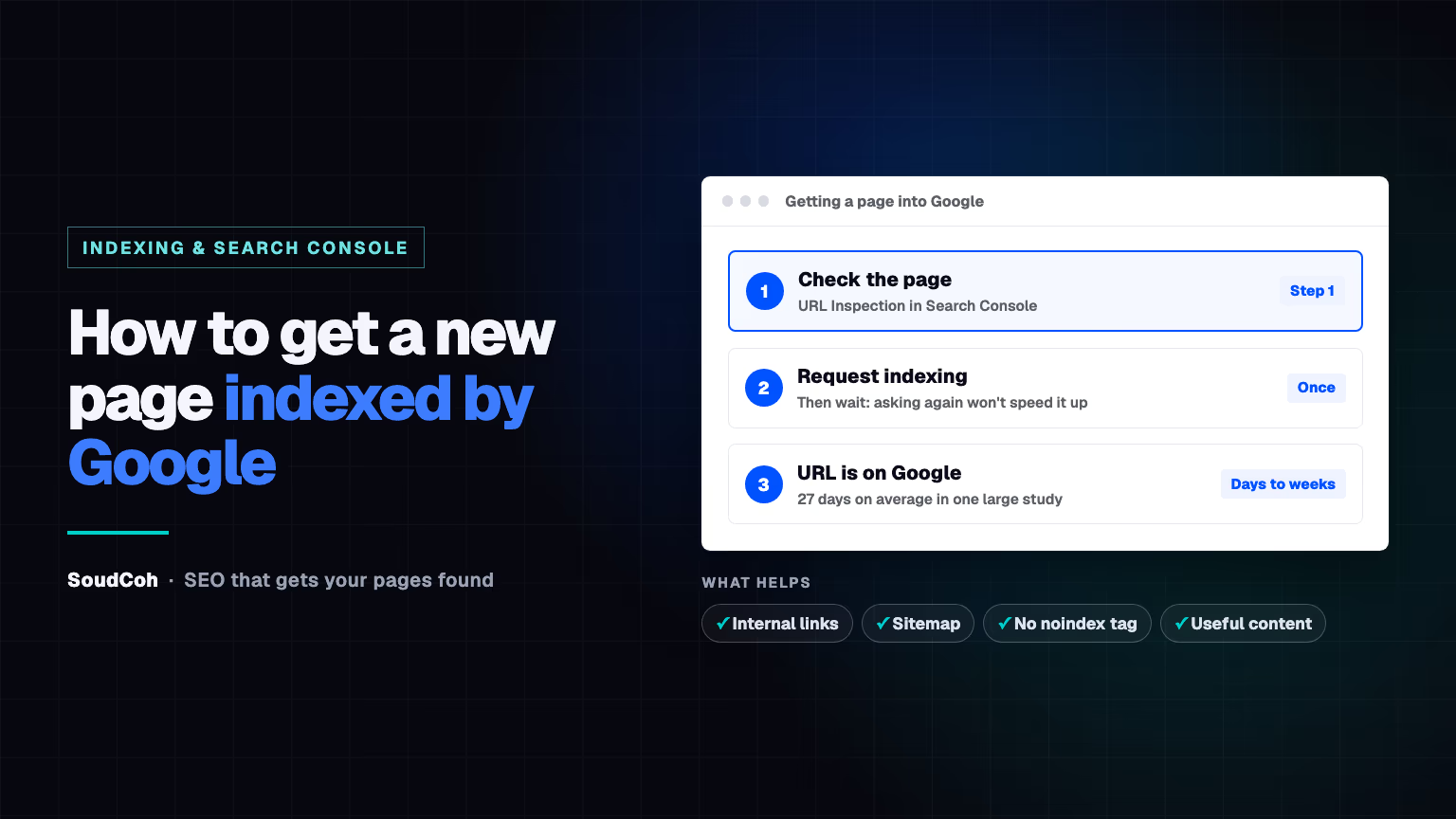
You've published a new page, but it's not on Google. Before you rewrite it, check whether Google has indexed it yet. Often it simply hasn't got there.
How do I check if Google has indexed my page?
Open Google Search Console and paste the page's full address into the inspection bar at the top. You'll see one of two results:
- "URL is on Google": the page is indexed and can appear in search.
- "URL is not on Google": it isn't indexed yet, and the reason is shown underneath.
How to request indexing
- Inspect the page as above.
- Click Test live URL to check Google can reach it now.
- Click Request indexing.
- Do it once, then wait. Google says it typically takes a day or so, and can take a week or two.
A request isn't a guarantee, and asking again won't speed it up. It's one step in getting a new post found; for the full routine, see how to rank a blog post fast.
How long does indexing usually take?
Longer than most people expect. In IndexCheckr's study of millions of pages tracked by its users, indexed pages took 27 days on average. Only about 1 in 7 got in within a week, and about two-thirds within a month.
So if a new page isn't showing after a few days, that's normal. Check its status before you change anything.
Request indexing once, then wait. Asking again doesn't get a page crawled any faster.
Why isn't my page indexed?
Search Console tells you the reason. These are the common ones:
| Status | What it means | What to do |
|---|---|---|
| Discovered – currently not indexed | Google knows the page exists but hasn't visited yet | Link to it from your main pages and add it to your sitemap |
| Crawled – currently not indexed | Google visited but chose not to index it | Make the page more useful and different from your other pages |
| Excluded by "noindex" tag | The page tells Google not to index it | Remove the noindex tag |
| Blocked by robots.txt | Your robots.txt file blocks Google | Remove the rule blocking it |
| Duplicate without user-selected canonical | Google sees it as a copy of another page | Make it different, or point it to the main version |
| Not found (404) | The page is missing | Restore it or redirect it |
Google's Page indexing report help explains every status. After a fix, click Validate fix; Google says checking typically takes up to about two weeks. If many pages share one problem, it's usually a technical SEO issue.
Does every page need to be indexed?
No. Google says: "Don't expect every URL on your site to be indexed." Thank-you pages and old duplicates don't need to be. Your homepage, service pages and key posts do, so check those first.
How to get new pages indexed faster
- Link each new page from at least two related pages. Here's a simple guide to internal linking for small business websites.
- Keep your sitemap submitted in Search Console. If you haven't yet, here's how to submit your sitemap.
- Check there's no noindex tag or robots.txt block before publishing.
- Publish pages that answer a real question. Google lists low-quality content as one reason pages aren't indexed.
Good SEO services check indexing as part of every new page. If you're looking for the best marketing agency for your business, or want to know why your pages aren't on Google, book a free marketing audit.
Common questions about getting pages indexed
How long does it take Google to index a new page?
After a request in Search Console, Google says it typically takes a day or so, but can take a week or two. Without one, it varies: in IndexCheckr's study of pages tracked by its users, indexed pages took 27 days on average.
Does requesting indexing guarantee my page will appear?
No. Google says a request does not guarantee the page will appear in its index. It only puts the page in the queue.
How many times should I request indexing?
Once. There's a daily limit for each website, and Google says asking again for the same page won't get it crawled any faster.
Questions and answers
Can I get a page indexed without Search Console?
Yes. Google finds most pages on its own through links and sitemaps. Search Console just lets you check the status and ask for a visit sooner, so it's worth setting up for any business website.
Why does Google show my page sometimes but not always?
An indexed page is eligible to appear, but Google decides for each search which pages to show. If a page is indexed but rarely appears, the issue is relevance or competition, not indexing.