
An advertisement creates an expectation about when and how a customer can reach the business. For a local service company, the most useful schedule depends on the type of enquiry and the team's ability to respond. Start with that practical question before deciding whether the campaign should run through every hour of the day.
Separate urgent contact from research
Someone with no power or a blocked drain may want a conversation immediately. Someone planning a cleaning appointment or a home improvement may be comfortable sending details for a later reply. Those are different customer expectations, even if both use the same search engine.
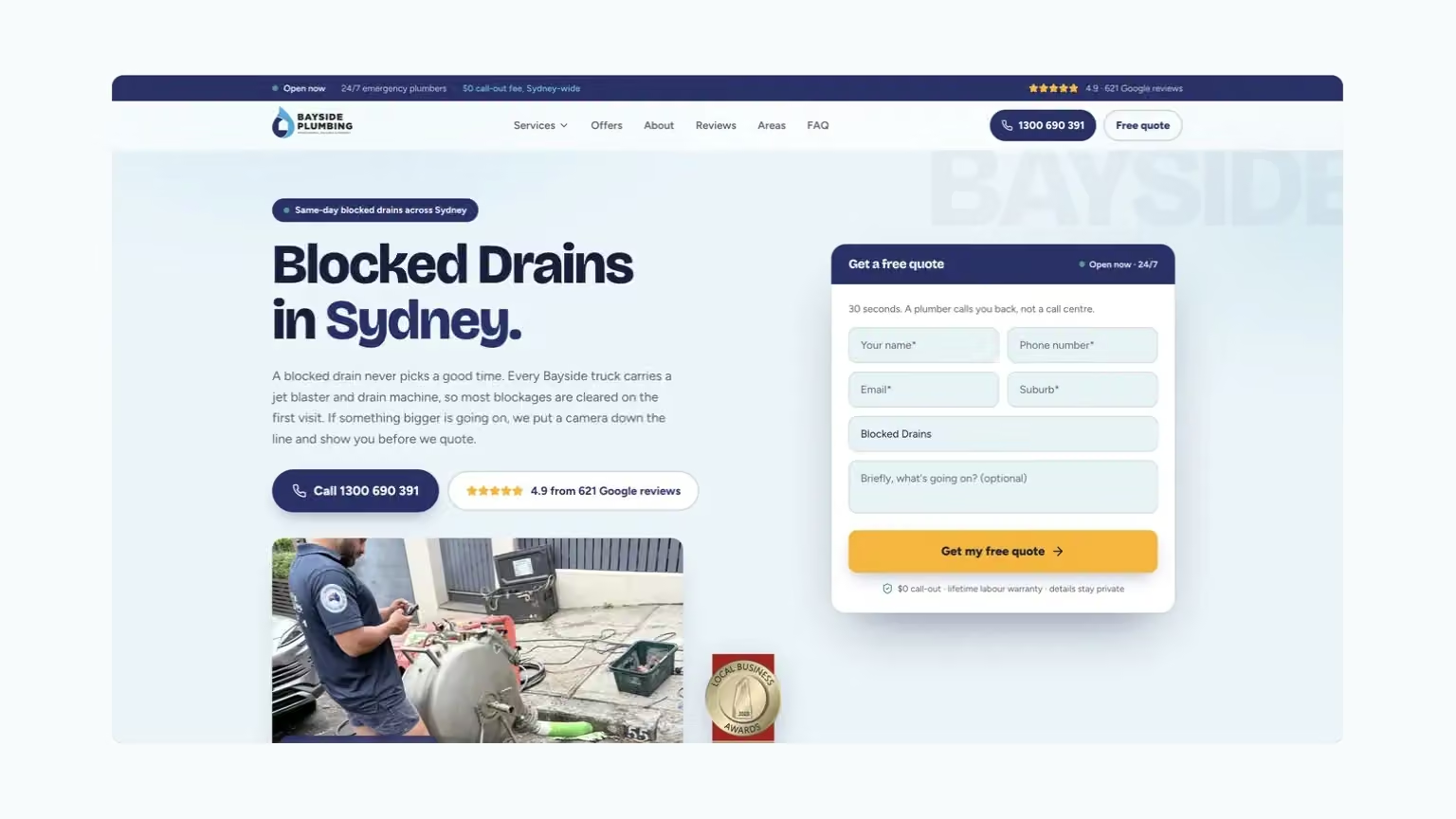
The Aussie Electrical case and Bayside Plumbing case provide examples of service campaigns where contact matters. An owner should identify which promoted services require a prompt conversation and which can reasonably begin with a request reviewed later.
Map the response you can actually provide
Write down when calls are answered, who handles them and what happens when the team is occupied. Distinguish answering a question from being able to attend a job. Advertising copy should not turn telephone availability into an unsupported attendance promise.
Include weekends, leave and busy periods in the discussion. A schedule that was practical when the campaign launched may no longer reflect the current roster. Keep the advertising hours and contact wording consistent with the response the business can provide.
The Wilco campaign work connects service-focused Google Ads search campaigns with relevant pages and enquiry choices. When planning a service campaign, agree how the business will respond to calls and forms, then keep the advertising schedule consistent with that process. Advertising hours should not be presented as opening hours or a promise of attendance.
The steps
Choose hours from the response you can provide
Map the response
Separate urgent calls from requests that can wait for a reply. Check that the public contact expectation matches the team's availability.
Check the clock
Review the configured days and hours before making a change. Campaign schedules and business opening hours are separate settings.
Review the period
Change one schedule decision at a time. Review the type of enquiries and the team's response before extending the hours again.
Decide what should happen outside the main response window
Choose a customer experience before changing the schedule.
- A call needs a prompt response
- Confirm who answers and what can actually be offered during that period. Do not let urgent ad wording create an expectation that the team cannot meet.
- A form can wait for a reply
- Tell the customer what to expect next and who will review the request. Check the queue when the team returns instead of assuming the submission itself completes the handover.
- The business wants to test wider hours
- Choose one change and a review point. Examine the service mix, suitable work and missed contact so the decision is about the quality of the extra opportunity.
An ad schedule works best when its corresponding response plan is written down.
Check the account clock before changing hours
Google’s ad-scheduling guidance says scheduled ads are eligible to show during the periods specified, and schedules use the account's time zone. A period crossing midnight needs entries for both days. These are platform settings to verify rather than assumptions to make from the customer's local clock.
For a business serving several regions, translate the intended hours into the account's setting carefully. Record the intended customer-facing schedule in plain language so another person can review it. The important outcome is agreement between the business's intended availability and the schedule actually entered, not merely a screen that appears to contain the right numbers.
Review the quality of each time period
Look beyond the number of calls received at a particular hour. Were they answered, relevant and suitable for the business? Did customers need work the team could provide? An apparently inexpensive period can be unhelpful if most suitable requests go unanswered or cannot be served.
Use enough history to recognise a pattern rather than react to one unusual day. Note changes in staffing, public holidays or service demand that might explain the result. If the data is sparse, treat it as a question to investigate. Review more enquiries before deciding that a time period is consistently good or poor.
Keep forms and phone expectations consistent
A website may offer both a phone action and a request form. Make the difference clear. If a form begins a later callback, its wording should not imply that a booking is already confirmed. If the phone is unavailable outside certain hours, avoid leaving an urgent call promise unchanged beside it.
This is where service-page design supports the campaign. Customers should be able to understand what happens after they act. A useful page can accept information outside phone hours when that suits the service, but the business should review whether the resulting response time meets the expectations created by the ad.
Test one schedule decision at a time
Choose a specific question, such as whether an additional staffed period produces suitable work. Agree the review window and the measures beforehand. Keep other major changes limited so the team can interpret what happened. There is no universal best set of hours for every trade, city or service.
Document who will review the schedule when availability changes. A campaign can keep running on an old timetable long after a staffing arrangement has ended. A recurring check with the business owner or service manager helps keep the intended hours current. Include the website's contact wording in that check, because adjusting the advertising alone does not correct an outdated availability promise on the page a customer visits through another channel.
Bring the results back to the people answering and delivering the work. Their explanation of missed calls or unsuitable timing can change the meaning of a campaign chart. A Google Ads plan becomes more useful when the schedule follows the customer need and the business response, with both reviewed as conditions change.
Questions and answers
Does running ads overnight mean we need to promise overnight service?
No. The message and destination should accurately explain how contact is handled and when the business responds. Review whether that experience fits the type of enquiry being advertised.
What should we record when testing additional hours?
Record the schedule change, enquiry time, service requested and whether the team could respond appropriately. Compare suitable work and missed contact, not only the extra volume.