
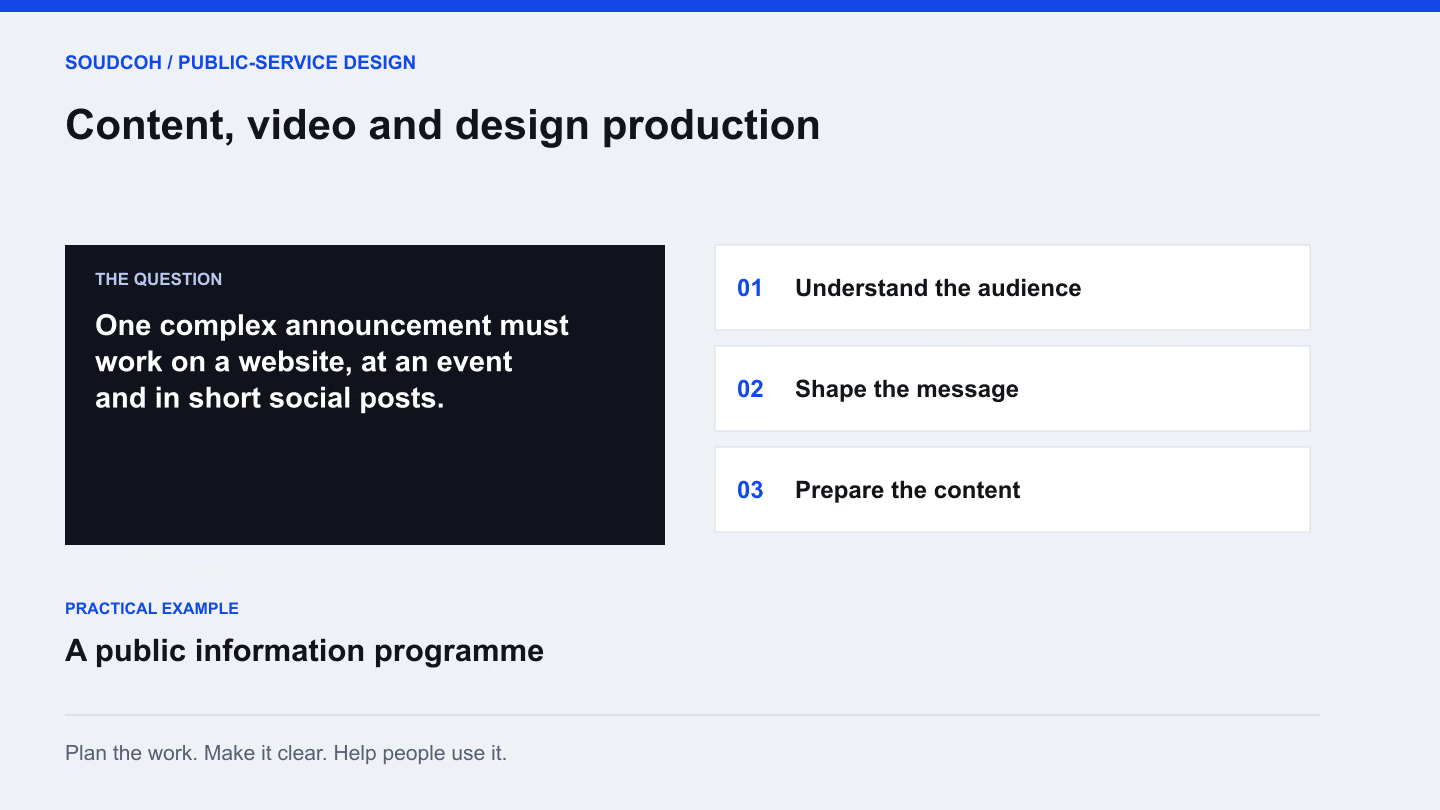
A public information brief rarely ends with one file. The same subject may need a short film, an event presentation, a website explanation and several social posts. Planning those uses together helps each version carry a clear message without forcing every detail into every format.
Write the explanation before the shot list
Begin with what the audience needs to understand. List the few facts the content must communicate, the questions it should answer and the action it supports. Then decide whether moving images, a diagram, an interview or straightforward text best explains each part.
For example, a film explaining a new community service could follow a typical visit. A short animation might explain the booking steps, while a staff interview answers a common concern. Each element earns its place by helping the audience understand the service.
Make the storyboard a working decision
A storyboard lets the team review meaning before production becomes expensive to change. Pair each scene with its intended message, proposed image or action, narration and any on-screen words. Identify where a factual statement needs review and where permission or a source asset is still missing.
Review the opening particularly carefully. Someone encountering a short video should quickly understand its subject and relevance. The storyboard can also show where a shorter edit will begin and end, so cutdowns have their own clear explanation rather than feeling abruptly cropped.
One scene, with a purpose
Consider an example film explaining how to attend a community appointment. A useful scene brief connects the picture with the action it supports.
Message: know what to bring
The scene explains the required documents. Put the approved list beside the script, with a named person to verify changes before filming; avoid relying on a presenter’s memory.
Picture: show the relevant step
Show the arrival point and a clear document checklist. Keep personal information out of the example paperwork and make important information available beyond the image alone.
Reuse: make the extract complete
Plan a short version that still names the service and where to find the current requirements. Review captions, transcript and other agreed accessible versions alongside the final edit.
A production decision is easier to review when every scene has a message, an owner and an intended use.
Plan how every asset will be obtained
A production plan should distinguish new filming, approved existing footage, commissioned illustration and stock material. Check the intended uses before selecting an asset. Something suitable for an internal presentation may need different permission for paid advertising or a public download.
Where contributors are in different locations, a remote interview or local production partner may be appropriate. Give them a clear brief covering framing, sound, the questions and the required delivery format. Agree a fallback for essential scenes so one missing asset does not leave the story incomplete.
Build accessible versions into production
Reserve space for captions and readable on-screen text while the edit is being designed. A diagram that depends entirely on a spoken explanation may need a text alternative. Review whether important visual information also needs to be described.
The W3C guidance on accessible media explains the roles of captions, transcripts and descriptions. Decide which versions the audience needs early enough to include them in scripting, review and delivery. Accessibility work is easier to coordinate when it belongs to the production plan from the beginning.
Deliver a library with a clear purpose
Name the final versions by subject, placement and language. Keep a record of approved use, source material and the team responsible for future updates. Provide editable artwork where agreed, alongside the finished files people will publish.
A useful content library lets a future team find the right version and understand when it needs review. The final check is practical: can someone publish the website film, prepare the event slides and choose the correct social cutdown without reconstructing the production history?
Explore our Content, video and design production, related services and A clearer brand for a public service.
Questions and answers
Can one production supply website and social content?
Yes, when the different placements are planned before production. Agree the framing, running lengths and essential context for each version so a short extract still makes sense on its own.
How do we keep a service video current?
Separate frequently changing facts from longer-lasting explanations where practical. Record which scenes depend on dates, rules or contacts, and assign an owner to review those items when the service changes.