
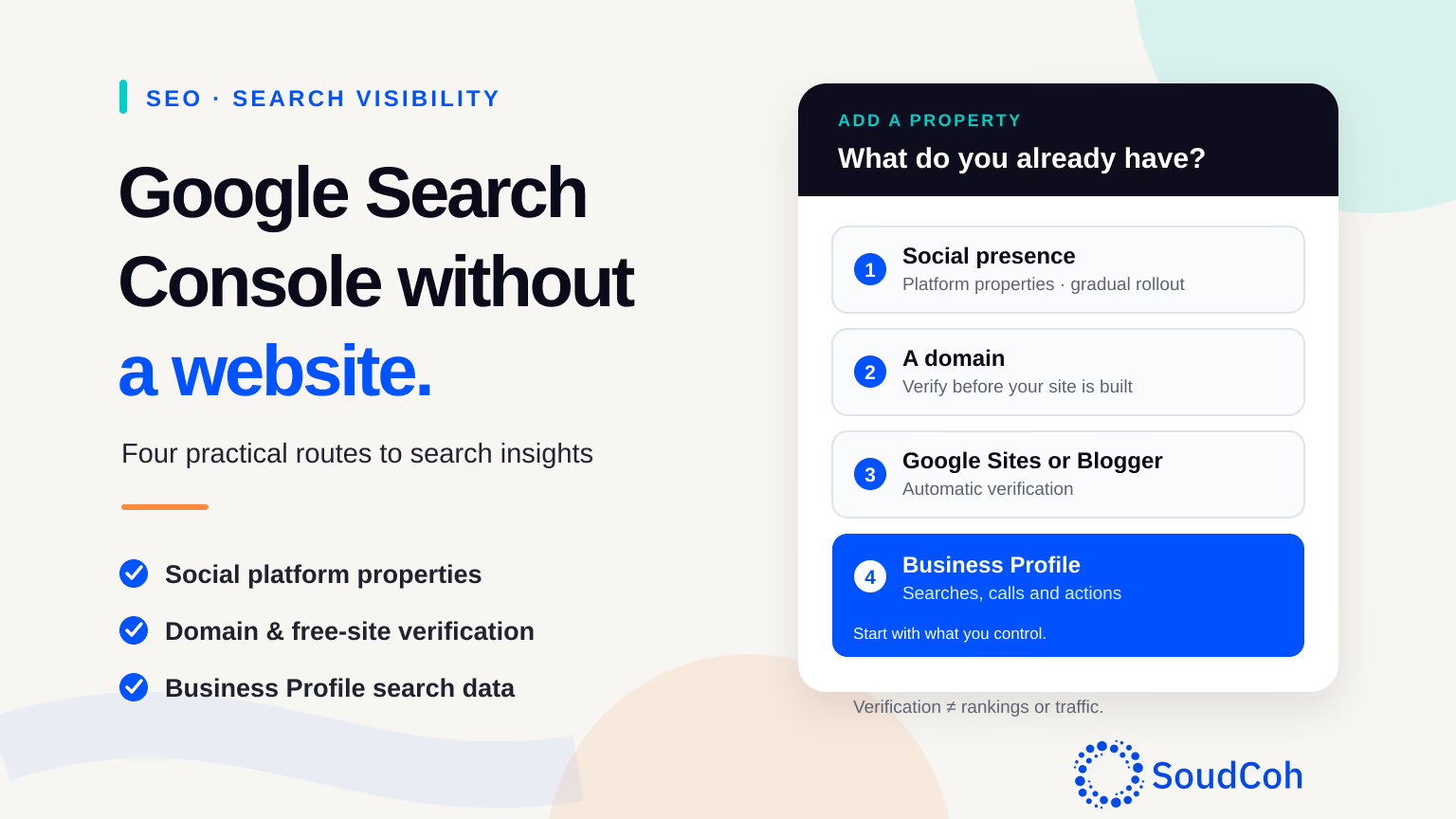
Google Search Console is built to report on websites you can prove you own, so without a website you won't get its usual reports on searches, clicks and indexing. There are still useful options: Google is gradually rolling out “platform properties” that let creators add an Instagram, TikTok, X or YouTube presence; a domain you own can be verified even before a site exists; a free Google Sites or Blogger site verifies automatically; and your Google Business Profile already shows the searches people used to find you. Here's what each option gives you and when it's time to build a proper website.
What Search Console needs
Search Console works with “properties”. For a website, you add either a Domain property, which covers every subdomain and http/https version and is verified with a DNS record, or a URL-prefix property, which covers one exact address and offers several verification methods such as an HTML file or meta tag.
Verification proves you control the site, so Google can show you private data about it. Without something to verify, there is nothing for Search Console to report on. Google's property setup guidance explains the available property types and verification methods.
Option 1: Platform properties for social profiles (rolling out)
Google's Search Console help now describes platform properties: a way for creators to track how their accounts or channels on Instagram, TikTok, X and YouTube perform on Google Search. Google says they can be connected through an existing website property or by logging in to the platform directly, and that they focus on performance and traffic insights.
The feature is new and rolling out gradually, so it may not be available in your account yet. If you see the option when you add a property, it's the closest thing to “Search Console without a website”.
Option 2: Verify a domain you own, even before the site is built
If you've bought a domain but haven't built the site, you can still add it as a Domain property and verify it with a DNS TXT record at your domain registrar. That sets the property up early.
Be clear about what it shows, though: Search Console reports on pages Google can find and index, so until real pages are live there will be little or nothing to see. Verification prepares the property; it does not create pages, rankings or search traffic.
Verification prepares the property; it does not create pages, rankings or search traffic.
Option 3: A free Google Sites or Blogger site
Sites and blogs hosted on Google products such as Google Sites or Blogger can be added to Search Console, and verification happens automatically if you're signed in with the same Google account that manages them.
A simple Google Sites page with your services, service areas and contact details gives Search Console something to report on — and gives customers somewhere to land. It's a starting point, not a long-term replacement for a proper business website.
Option 4: Get access to someone else's property
If your website is managed by a developer, agency or head office, you may not need your own property at all. A verified owner can add you as a user so you can see the reports. Ask for access rather than setting up a duplicate.
This keeps the existing property history intact and avoids splitting your view of the same website across separate setups.
No website at all? Use your Google Business Profile performance data
If you have a verified Google Business Profile, its Performance view shows how people found your profile on Search and Maps and what they did next — calls, direction requests, website clicks — and a list of the search terms that showed your profile. Google updates the searches list at the start of each month, and it can take a few days to appear. For many local businesses without a website, this is the most useful search data available. See how this fits into ranking a Google Business Profile without a website.
Other free sources of search demand include Google autocomplete, “People also ask”, and the questions customers actually ask when they call. Our guide to finding what your customers search for shows how to turn those words into useful pages. Google's Business Profile performance guidance explains the available metrics and their timing.
Without something to verify, there is nothing for Search Console to report on.
When it's time to build a website
If customers are finding you on Google, a website gives you pages Google can rank for each service and area you cover, a place to collect enquiries, and full Search Console reporting on what people searched before they clicked.
When you build it, add it to Search Console on day one, submit a sitemap, and check the Pages report for anything that isn't indexed. Our website design and development service covers that structure and enquiry journey, while local SEO connects the site and Business Profile across your service areas. Set a realistic expectation for the organic work: SEO takes time in Australia, so a new site is the start of the reporting and visibility work rather than an instant rankings switch.
Common questions about Search Console without a website
Can I use Google Search Console without a website?
Not in the usual way — Search Console reports on websites you verify. Google is gradually rolling out platform properties for Instagram, TikTok, X and YouTube, and a free Google Sites or Blogger site can be verified automatically.
Can I add my Instagram or YouTube to Search Console?
Google's help describes platform properties for Instagram, TikTok, X and YouTube, but they're rolling out gradually and may not be available to every account yet.
Can I verify a domain with no website on it?
Yes. A Domain property is verified with a DNS TXT record, so you can verify a domain you own before the site exists. It won't show much until pages are live and indexed.
What can I use instead of Search Console if I only have a Google Business Profile?
The Business Profile Performance view, which shows views, actions such as calls and direction requests, and the search terms that showed your profile.
Is Search Console free?
Yes, Google Search Console is free.
Questions and answers
Should I choose a Domain property or a URL-prefix property?
A Domain property covers every subdomain and http/https version and uses DNS verification. A URL-prefix property covers one exact address and offers methods such as an HTML file or meta tag.
What should I check after my website is added to Search Console?
Submit a sitemap, inspect important pages and review the Pages report for indexing issues. Performance reports need search activity before they have useful query and click data.