
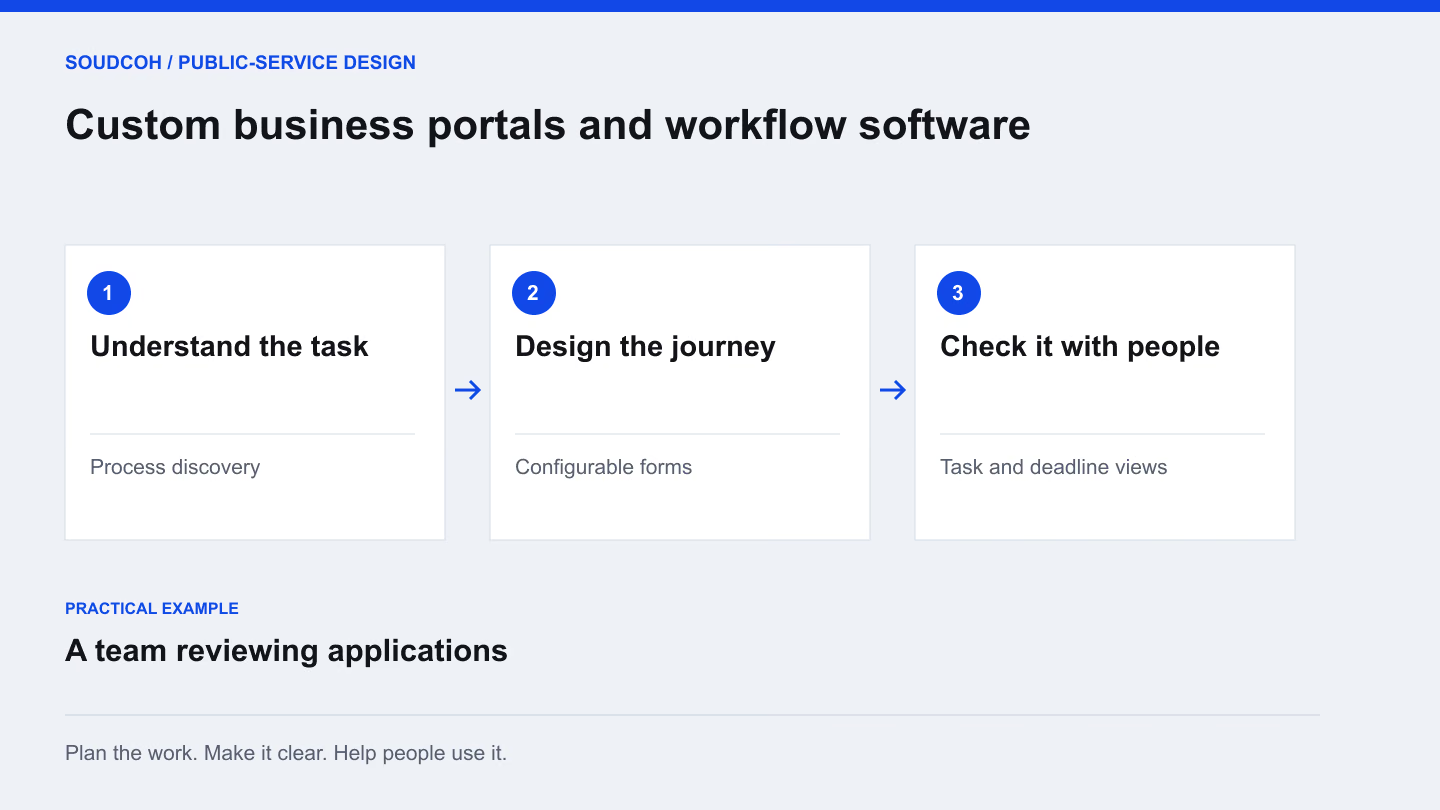
A service portal should make a request easier to submit and easier to handle. That requires more than putting an existing paper form online. The useful starting point is the full journey: what someone asks for, what staff need to review and how the result is communicated.
Map one request from beginning to end
Choose a common request and follow it through the current process. Note what information is collected, who checks it and where work waits. Include the emails, documents and informal clarifications that do not appear in the official process description.
For example, an application may look complete to the person submitting it but still require a missing attachment before review can begin. That gap belongs in the design. A process map should show both the public experience and the staff work required to reach a decision.
Define the record before the screens
Agree what needs to be kept together for each request: the form, supporting material, responsible team, current stage and relevant correspondence. Decide which details can change and who is responsible for keeping them accurate.
Then design screens around the decisions people make. A reviewer needs to understand what is ready, what is missing and what to do next. An applicant needs a clear explanation of the request and its status. Those views serve different purposes even when they refer to the same underlying matter.
Trace a missing attachment
Use this example to test a request portal before widening the pilot. The public message and staff record should describe the same situation.
Applicant sees the specific action
Explain which attachment is missing, why it is needed and how to provide it. Preserve the completed form and give the person a clear route back to the same request.
Reviewer sees ownership and history
Keep the clarification request, responsible officer and returned document together. The reviewer should not need to reconstruct the matter from separate inboxes or guess which version is current.
Team sees the exception resolve
When the material arrives, show the next review step and record the change. Test reassignment, withdrawal and a second incomplete response as well as the successful path.
The acceptance test follows the whole request, including the moments when it cannot proceed normally.
Make responsibilities and exceptions visible
Most processes have a straightforward path and several ordinary exceptions. A request may be withdrawn, returned for clarification or moved to another reviewer. Design those situations deliberately instead of treating them as unusual problems to solve after launch.
Use status labels that staff and applicants understand. A deadline view can help a team manage work, but the responsibility for interpreting any legal or policy requirement remains with the appropriate officer. The portal should support that judgement with clear information and a record of the action taken.
Test with realistic cases
A demonstration often shows a perfectly completed request. User testing should also include missing information, a duplicate, an amended document and a request that needs another team’s input. Ask staff to complete real tasks rather than simply comment on the appearance of the screens.
Record the problems and decide which must be resolved before wider use. Check the public journey on a phone and the staff journey under normal working conditions. The aim is to find where the process remains confusing, even when the software appears to function correctly.
Handover the working process
A useful delivery pack includes the process map, accepted screen behaviour, staff guidance and a support arrangement. Explain how changes will be considered as the service develops. A new form field, for instance, may affect review steps and reporting as well as the public screen.
Start with a manageable service where the team can test the complete journey. A successful pilot provides evidence about the next stage: which elements can be reused, which need adjustment and what support people need to work confidently with the portal.
Explore our Custom business portals and workflow software, related services and Design bookings and visits around the whole service.
Questions and answers
Which process should we automate first?
Choose a bounded, repeated process with an identifiable owner and a clear completion point. Map the current work and exceptions first; unnecessary steps may be better removed than automated.
Can a portal work alongside our existing systems?
That depends on the available interfaces, information requirements and access arrangements. Review one complete request and its data handovers first, then compare integration with a simpler staged change.