
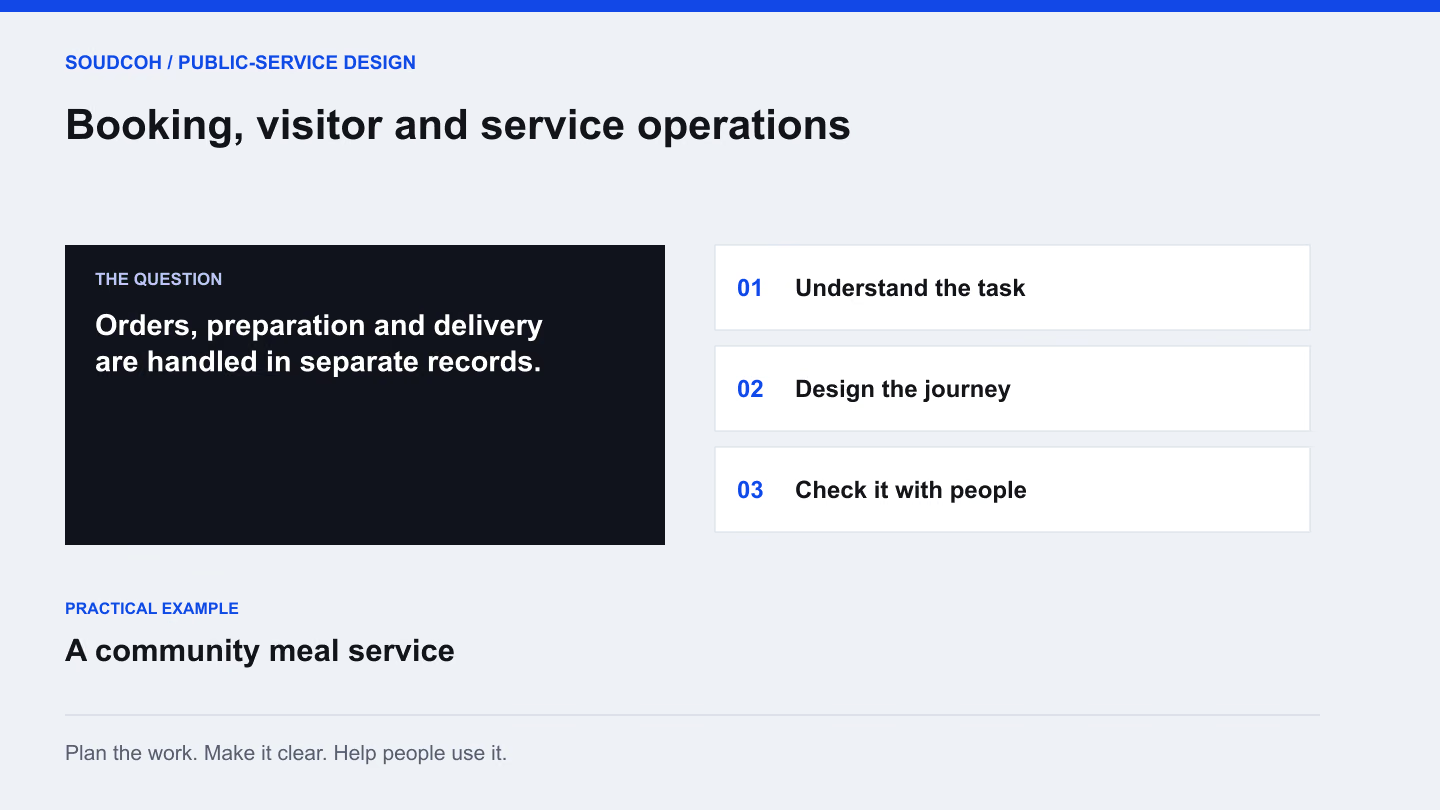
A booking, visit or delivery is a sequence of practical tasks. Someone requests the service, staff prepare for it and both sides need to handle changes. Designing those steps together gives an operational system a clear purpose and helps reveal where a simple screen hides a complicated process.
Look beyond the initial request
Follow the service through preparation, arrival or delivery, completion and any follow-up. A booking may require equipment and staff time. A visit may need host confirmation. A meal order may affect preparation quantities and a delivery run.
Use one ordinary example to expose those dependencies. Ask the people doing the work what changes during the day and which information they need before they can proceed. The result should explain how the service operates, not merely reproduce the fields from the current booking form.
Put service rules into plain language
Write down the rules that affect the experience. These may include notice periods, availability, required documents, delivery windows or who can approve a change. Confirm them with the responsible team before using them to design software behaviour.
Separate a firm rule from a local habit. A process may exist because an old system could not support a better option. Conversely, a rule that looks inconvenient may protect an important service obligation. Understanding the reason helps the team decide what should remain, change or receive specialist review.
Make changes visible to the right person
A booking record becomes useful when the next person can tell what changed and what they need to do.
- A customer changes the time → recheck capacity
- Confirm that the new time still fits staff, equipment and service rules. Show who must approve the change and make the final arrangement clear to the customer and delivery team.
- A visit cannot proceed → record the reason
- Give field staff a short way to report the problem and the information needed for follow-up. Route the matter to an owner rather than marking it completed to clear the list.
- A service is cancelled → update dependent work
- Check the effect on preparation lists, transport and notifications. Keep the cancellation visible in the record so another team does not continue working from yesterday’s plan.
A reliable operational view explains the current state and the next action without a chain of phone calls.
Design for the staff working in the field
The person at a desk may have time and a large screen. A driver or visiting staff member may need a short, clear task view on a phone. Show the information needed at that stage, such as the next stop, relevant instructions and how to record a problem.
Consider changes as well as completion. Staff may need to report an unavailable recipient, an incorrect address or a task that cannot proceed. The design should make that information useful to the person who must decide what happens next.
Keep professional decisions with specialists
Some operational settings involve food, nutrition, workplace safety or site access. The software can organise information and support an agreed process, but the organisation’s responsible specialists need to validate the rules and content.
For a community meal service, the design might connect ordering, production reports and delivery information. Nutrition advice, allergen decisions and service eligibility require the appropriate professional review. Make those responsibilities explicit in the project brief so a convenient interface is not mistaken for independent assurance about the underlying service.
Pilot a complete service journey
Choose a small operational scope and test it from the customer’s request through to completion. Include a change, a cancellation and a failed task. Check whether staff can explain the current state without reconstructing it from several messages.
The useful outputs are a service map, public and staff screen designs, practical operational reports and a training plan. Review the pilot with the team before expanding it. The findings should show whether the proposed process fits real work and which details need further attention.
Explore our Booking, visitor and service operations, related services and Replace scattered requests with a useful service portal.
Questions and answers
What should a booking pilot include?
Test one complete journey, including a change, cancellation and failed task. Involve the staff who prepare and deliver the service, then compare the records with what actually happened.
Can booking tools enforce every service rule?
They can support rules that the responsible team has agreed and validated. Professional decisions, such as nutrition, eligibility or site safety, still need the appropriate owner and review process.