
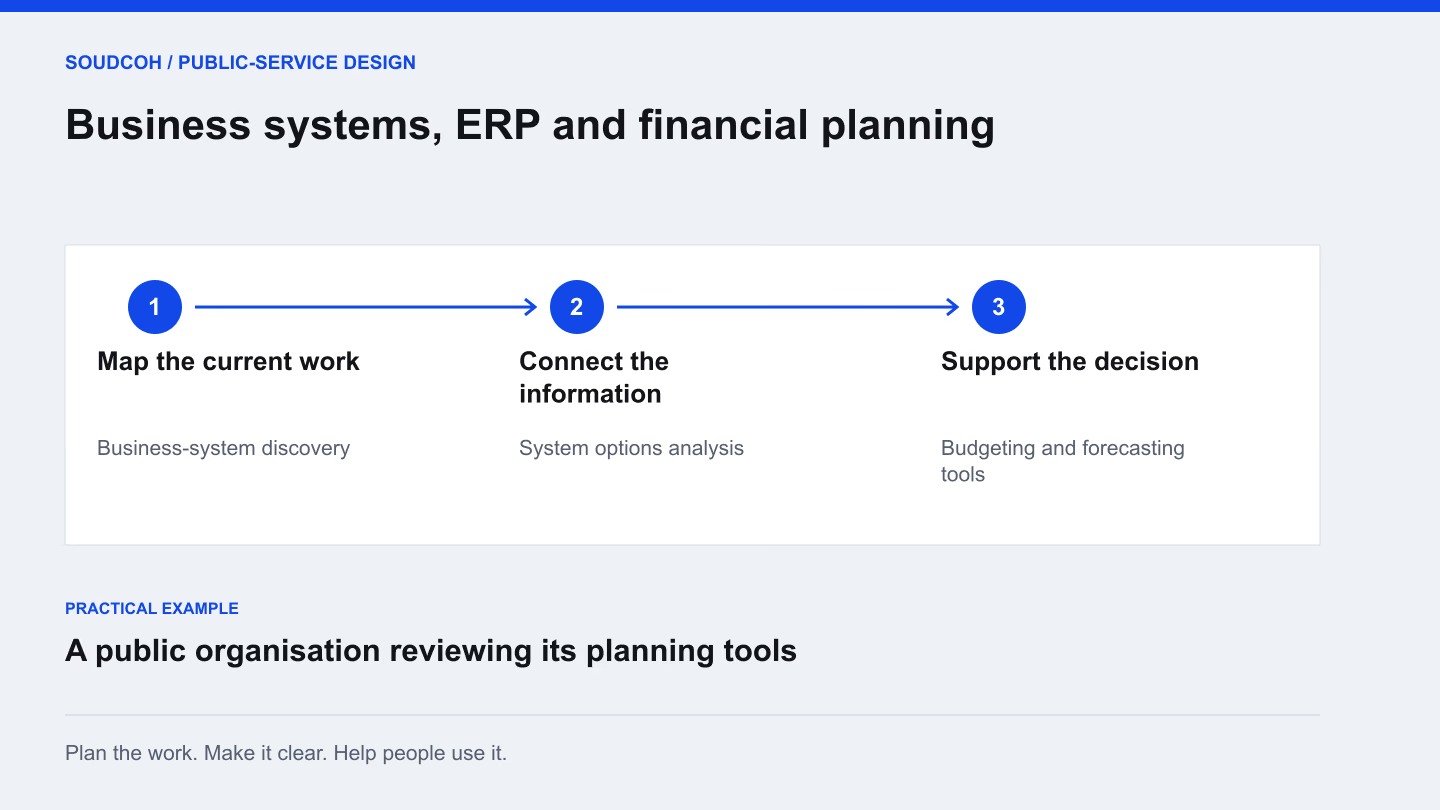
A system replacement is a decision about how people will work for years. Starting with a product demonstration can make the options look simpler than they are. Start instead with the decisions, records and everyday tasks the organisation needs the system to support.
Describe the important work
List the activities that matter most and who carries them out. For finance, that might include preparing budgets, comparing forecasts, reviewing workforce assumptions and tracking capital projects. Other teams may depend on the same information in different ways.
Choose a few representative scenarios and describe the required result. A scenario is more useful than a broad requirement such as “easy reporting”. For example, ask how a manager would compare an approved budget with a revised staffing assumption and explain the difference to the people responsible for a decision.
Examine the systems around the main product
A central business application rarely works alone. Teams may use spreadsheets and specialist tools to fill gaps. Record what each supporting tool does, who uses it and which information must move between systems.
Avoid assuming every additional tool should disappear. Some have a clear purpose and work well. Others duplicate records or create fragile handovers. The aim is to understand the whole operating picture before comparing improvement options, rather than treating replacement of the main product as an automatic solution to every surrounding problem.
A practical guide
Compare systems through the decisions staff make
Staff need to keep essential work running
Record the day-to-day requirements
Identify the functions and responsibilities that a new system must preserve.
Finance needs to compare future options
Work through budgeting scenarios
Make assumptions and changes clear enough for the qualified finance team to review.
An option appears suitable
Plan migration and adoption in stages
Include data, user acceptance and training before settling the implementation scope.
Give every option the same budgeting task
An example assessment asks each proposed system to explain a revised staffing assumption against an approved budget.
Provide a controlled input
Use the same agreed sample and definitions for each option. Record which assumptions are editable and which totals are fixed, so the demonstration is a fair comparison.
Ask for an explanation
Have the reviewer trace a changed total to the relevant assumption and approval. A polished chart is not enough if a finance user cannot explain the difference or check its source.
Test the handover
Ask another staff member to repeat the task and export the useful result. Include training, information migration and ongoing support in the comparison, not only the initial demonstration.
The strongest option is the one that fits the agreed work and constraints with an achievable transition.
Compare options using the same questions
An options assessment can include improving the current arrangement, replacing selected functions or undertaking a broader change. Test each option against the same practical scenarios, required capabilities and dependencies.
Include implementation effort, staff training, ongoing maintenance and the ability to retrieve useful information. A lower headline price does not settle the decision if essential work is excluded. Equally, a large feature list does not prove that the organisation needs every feature. Make the assumptions visible so decision-makers can understand what the comparison does and does not establish.
Plan migration around continuity of work
Identify which information needs to move, how it will be checked and which team can confirm it is fit for use. Work through the effect on reporting cycles and day-to-day services. A staged approach may allow the organisation to test an important function before changing the rest.
For budgeting tools, the finance team must validate accounting treatment, policy and any formal reporting obligations. Project staff can support requirements and testing, but professional approval belongs with the people authorised to make those decisions.
Deliver a decision and an achievable next step
The first useful outcome may be an agreed scope rather than a purchase or build. A requirements catalogue, options paper and tested scenario prototype can give the organisation a stronger basis for deciding what to do next.
If implementation proceeds, define the first usable stage and the evidence needed to accept it. Include the people who will maintain the system after launch. A clear roadmap explains how the organisation moves from today’s work to the proposed arrangement, including what will stay in place during the transition.
Explore our Business systems, ERP and financial planning, related services and Map your applications before planning a replacement.
Questions and answers
Do we need to replace our ERP to improve reporting?
Not always. The issue may be inconsistent definitions, incomplete records or a difficult handover between tools. Review the cause before deciding whether reporting changes, targeted integration or replacement is appropriate.
What should happen before a system migration?
Agree which information moves, who validates it and how normal work continues. Test reconciliation and recovery steps using a representative scope before committing the organisation to a broader cutover.