
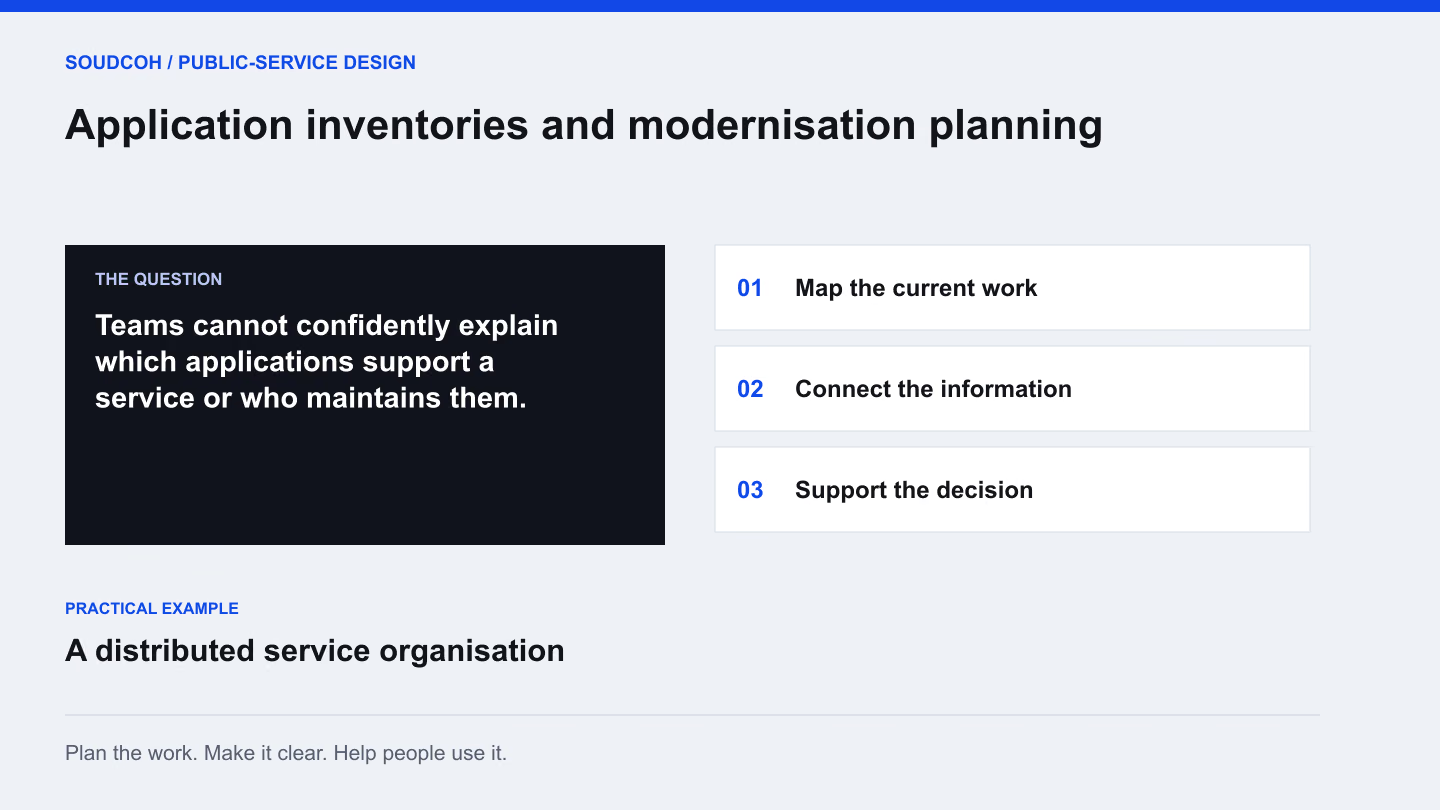
An application inventory is useful when it helps a team make a decision. A list of product names is only a starting point. The important questions are what each system supports, who is responsible for it, how it connects with other work and what needs attention next.
Begin with the service, not the software list
Choose an important service and ask the people running it which applications they use. Include specialist tools and the informal spreadsheets that carry essential work. Record what each system contributes, rather than relying only on a product category.
For a distributed organisation, the same product may be used differently by several teams. Conversely, different products may support nearly identical tasks. Looking at the service makes those relationships easier to understand and gives the inventory a purpose beyond collecting technical names.
Find the person who can verify the record
A register needs owners as well as entries. Identify who understands the application’s use, who maintains it and who can confirm important information. These may be different people.
Start with existing records, then ask the appropriate staff to review gaps and inconsistencies. Mark an unknown value clearly instead of guessing. A useful inventory can show where knowledge is missing. That is more valuable than an apparently complete spreadsheet filled with assumptions that no one is prepared to stand behind.
Turn the inventory into a decision
Different findings call for different next steps. A long register becomes useful when it helps a team prioritise work.
- Unknown owner → confirm responsibility
- Find the service and technical contacts who can verify use, access and maintenance. Resolve that ownership gap before treating uncertain information as a sound basis for replacement.
- Similar functions → compare real use
- Walk through the work each application supports. Two tools may share a category while serving different users, rules or specialist needs; duplication needs evidence before consolidation.
- Planned replacement → map affected handovers
- Identify reports, interfaces and manual work that rely on the current system. Give each dependency an owner and a check in the transition plan so the change does not leave a service stranded.
Prioritise an action and an owner for each finding, rather than assigning every application the same replacement recommendation.
Draw the connections that affect decisions
Show which systems exchange information and which services depend on them. Keep the first diagram understandable to the people making the decision. Detailed supporting information can sit behind it where necessary.
A proposed replacement may affect a report, another application or a manual step that is not obvious from the product list. Ask staff to test the map against a normal working day. The diagram should help someone explain the effect of a change before that change becomes an implementation problem.
Prioritise using an agreed basis
Possible concerns include ageing products, unclear ownership, duplicated functions and difficult handovers. Agree which factors matter to the organisation and how they will be assessed. Avoid treating every overlap as waste or every old application as an immediate replacement candidate.
Combine the findings into a practical sequence. Some issues may need better documentation or a small process change. Others may justify a detailed replacement assessment. The roadmap should explain why an item appears early or late and what further evidence is needed before committing to it.
Keep the inventory alive
Decide when records will be reviewed and what changes trigger an update. A new application, a different owner or a major service change should have a clear path back into the inventory. Train the responsible team using real examples.
The outputs can include application and infrastructure registers, dependency maps, a lifecycle review and a prioritised roadmap. Their value depends on continued use. Build the maintenance routine around the organisation’s normal decisions so the inventory remains a working reference rather than a document left behind after an initial review.
Explore our Application inventories and modernisation planning, related services and Choose business systems around the decisions people make.
Questions and answers
Should an inventory include spreadsheets?
Include spreadsheets and small tools when they carry important work or information. Their role and dependencies may matter more to a transition than their status as an informal application.
How do we keep the register current?
Assign record owners and connect updates to normal events, such as a new system, ownership change or major service change. Review important entries on a defined schedule instead of relying on a one-off survey.