
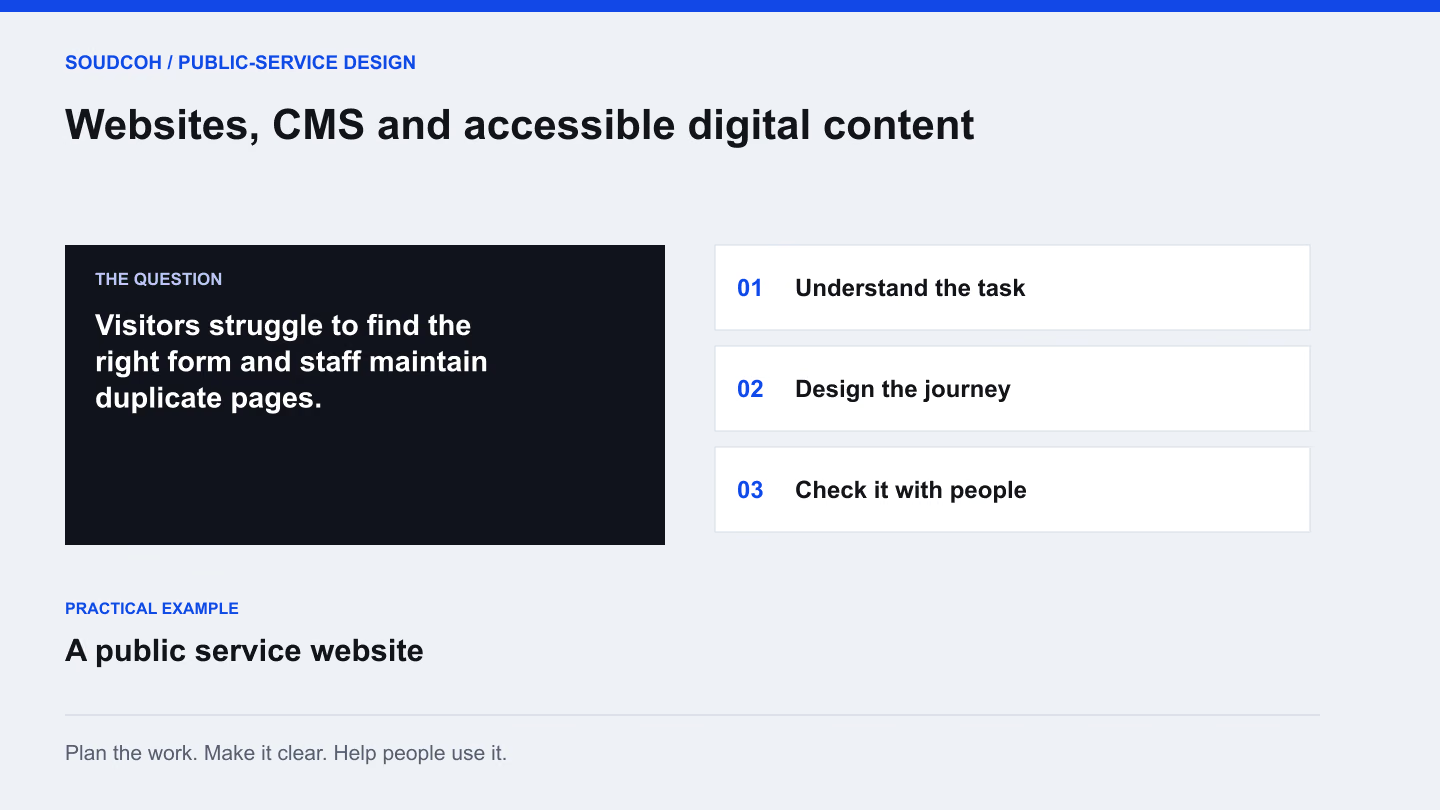
A public-service website is often the place someone visits when they need a specific answer. The useful design question is whether they can find the right information and complete the next step. Visual design, content, forms and ongoing editing all contribute to that experience.
Start with the tasks people bring
Ask the team which questions arrive by phone, email and at the counter. Review the pages and forms connected to those questions. A task might be finding an eligibility rule, reporting a problem or understanding what to bring to an appointment.
Organise the discovery around those tasks rather than the internal organisation chart. Staff divisions are familiar to employees but may mean little to a visitor. A clear task list gives the team a practical basis for deciding which pages need attention first and what a successful journey should look like.
Give content a clear home
Make an inventory of existing information before migrating it. Identify duplicates, outdated pages and material without an owner. Decide which version is authoritative and which team will maintain it. A new design will not resolve conflicting information on its own.
Use a small set of page patterns for common needs. A service page may need eligibility, required information, timing and contact details in a predictable order. Test that pattern with both a short and a complex service before applying it across the website.
Test a service page as a real task
Choose a common task such as reporting a damaged footpath. This practical check complements a full accessibility review.
Tick a check as you review it.
Keep a record of the task, device, finding, fix and retest so acceptance rests on evidence.
Design for different ways of using the site
People use websites with different devices, abilities and input methods. Important controls should be understandable and operable beyond a mouse. Text, layout and images need to support the meaning rather than hide it.
The W3C introduction to web accessibility explains why keyboard use, text alternatives and human evaluation matter. Bring those considerations into design and testing early. An automated check can find some problems, but it does not replace reviewing whether real people can understand and complete the intended task.
Treat the form as part of the service
Explain what someone needs before they begin. Use labels that describe the information required and provide help where a question may be unfamiliar. When an error occurs, make it clear what needs fixing without losing the person’s completed work.
Review the form with the staff who handle submissions. Every requested field should have a purpose. The W3C forms tutorial provides practical guidance on labels, instructions and feedback. A shorter form is helpful only if it still collects what is necessary for the service to proceed.
Plan for the next editor
Train the people who will maintain the site using realistic examples. Show how to update a service page, replace a document and check a form. Include a content owner and review process in the handover so the information remains current after launch.
The useful output is more than a set of finished screens. It is a website structure, clear content, tested tasks and repeatable editing practices. When a new service arrives, the team should know which pattern to use and how to check that it works.
Explore our Websites, CMS and accessible digital content, related services and Design digital consultation people can complete.
Questions and answers
Does passing an automated accessibility scan mean the website is accessible?
No. Automated checks find some issues; people must also review meaning and complete real tasks. Include keyboard use, relevant assistive technology and representative users in the agreed testing approach.
Can we improve accessibility without replacing the entire website?
Often, yes. A focused review can prioritise important forms, navigation, document alternatives and unclear service pages. The findings help distinguish changes the current platform supports from problems requiring a larger rebuild.